How did Viktor, AI Slack employee, transform our workflow?
TL;DR
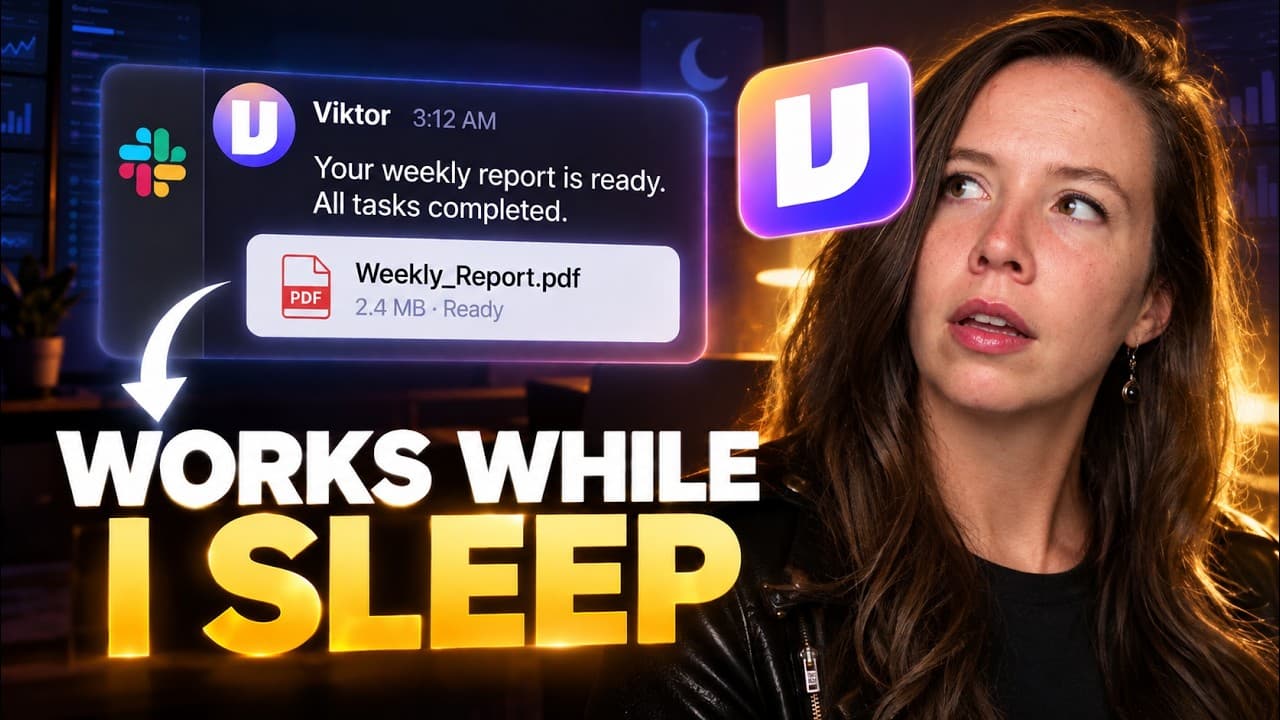
Viktor lives inside Slack and operates as an AI employee who writes and runs code, builds trackers, and creates procedures from team threads. He connects to our tools, answers questions, and delivers finished work without constant supervision. The result is measurable efficiency gains with minimal cost, since the initial use costs are effectively zero.
Transcript
I run first movers on Claude in about 30 minutes a day. I didn't think I needed an AI employee. Then Victor built our onboarding tracker from one Slack message. Questions first, then the build, then the first three flags, all in the thread. This is what we handed him, what came back, and what it cost. This video is sponsored by Victor. Everything y... Read More
Key Insights
- Victor lives inside Slack and can post finished work back into the channel where the job was assigned.
- He has his own cloud based computer and can write and run code, open a real browser, and access thousands of tools.
- The model selection is dynamic and Viktor upgrades to better models as they become available.
- Victor is hired by the company once and retains learning from all briefs so no re briefing is needed for new tasks.
- The first thing he did after install was read the workspace and DM two ideas without being asked.
- Two setup paths exist: from chat to connect drives and from an admin panel to manage integrations and skills.
- Victor can run ongoing tasks on a schedule with a pause mechanism to require human go commands for safety.
- The cost shown in the example is credits spent versus zero charged, demonstrating cost efficiency in practice.
Install to Summarize YouTube Videos and Get Transcripts
Explore YouTube Video Summarizer or Get YouTube Transcript Extractor
Questions & Answers
Q: How does Viktor integrate with existing tools and channels?
Viktor operates inside Slack and connects to thousands of tools through a cloud based environment. It posts results directly in the channel after completing a task, uses the team’s context to inform decisions, and can be invited into specific channels to perform work. This design keeps work centralized and visible to the team, reducing context switching and manual handoffs.
Q: What is unique about Viktor compared to typical chatbots?
Viktor is described as an AI employee rather than just a chatbot. He has a persistent identity across the workspace, maintains learned context from every briefing, writes and runs code, and stores outputs as reusable procedures. This makes him behave like a real team member who can own tasks, not just respond to queries.
Q: How many jobs did Viktor handle in the video and what were they?
The video demonstrates three jobs given to Viktor. The first is building an onboarding tracker from a channel brief, the second is triaging and routing sales calls by applying a scoring system, and the third is turning Monday channel numbers into a repeatable procedure and schedule. Each job scales in complexity.
Q: What are the cost implications of using Viktor as shown in the video?
The presenter states that the onboarding tracker and other outputs cost 1,223 credits in the thread, but the actual bill was zero charged. He estimates the credits would have a low value equivalent to a few dollars, highlighting strong cost efficiency and the potential for free or minimal cost automation for basic tasks.
Q: How does Viktor handle permissions and access to drives and data?
Viktor requires explicit permissions to connect drives and access data. The user can approve who in the team can use a connection, such as drive access, and access is controlled through an admin panel. This ensures data safety and that only authorized users can leverage connections.
Q: What is the workflow for creating a recurring report with Viktor?
The video shows Aubrey directing Viktor to turn a manually produced weekly report into a repeatable procedure. Viktor then runs the process on a schedule with a pause until given the go signal. The output is posted back to the channel as a living, editable procedure.
Q: What does the onboarding tracker built by Viktor include?
The tracker contains client data, payment status, kickoff dates, clone stage, owner assignments, and next actions. It flags items stuck more than three days and provides a ready to use daily check. The output is posted in the channel and is intended to reduce manual spreadsheet usage.
Q: What guidance does the video offer for evaluating Viktor in a real team?
The presenter recommends running a delegation audit, listing all recurring tasks, and noting why a human should still own each task. This helps generate a practical job description for Viktor and identifies tasks that can be automated to scale the team’s capacity.
Summary & Key Takeaways
-
Viktor integrates into the team workspace, staying inside Slack and leveraging existing context from briefs to deliver work without direct supervision.
-
He demonstrated three distinct jobs that automate onboarding, sales call triage, and channel reporting, showing how a single AI employee can scale across functions.
-
The video emphasizes cost efficiency, control, and practical workflow improvements by treating the AI as a delegated team member rather than a tool.
Read in Other Languages (beta)
Share This Summary 📚
Summarize YouTube Videos and Get Video Transcripts with 1-Click
Try YouTube Summary with ChatGPT & Claude or YouTube Transcript Generator
Explore More Summaries from Julia McCoy 📚






Summarize YouTube Videos and Get Video Transcripts with 1-Click
Try YouTube Summary with ChatGPT & Claude or YouTube Transcript Generator