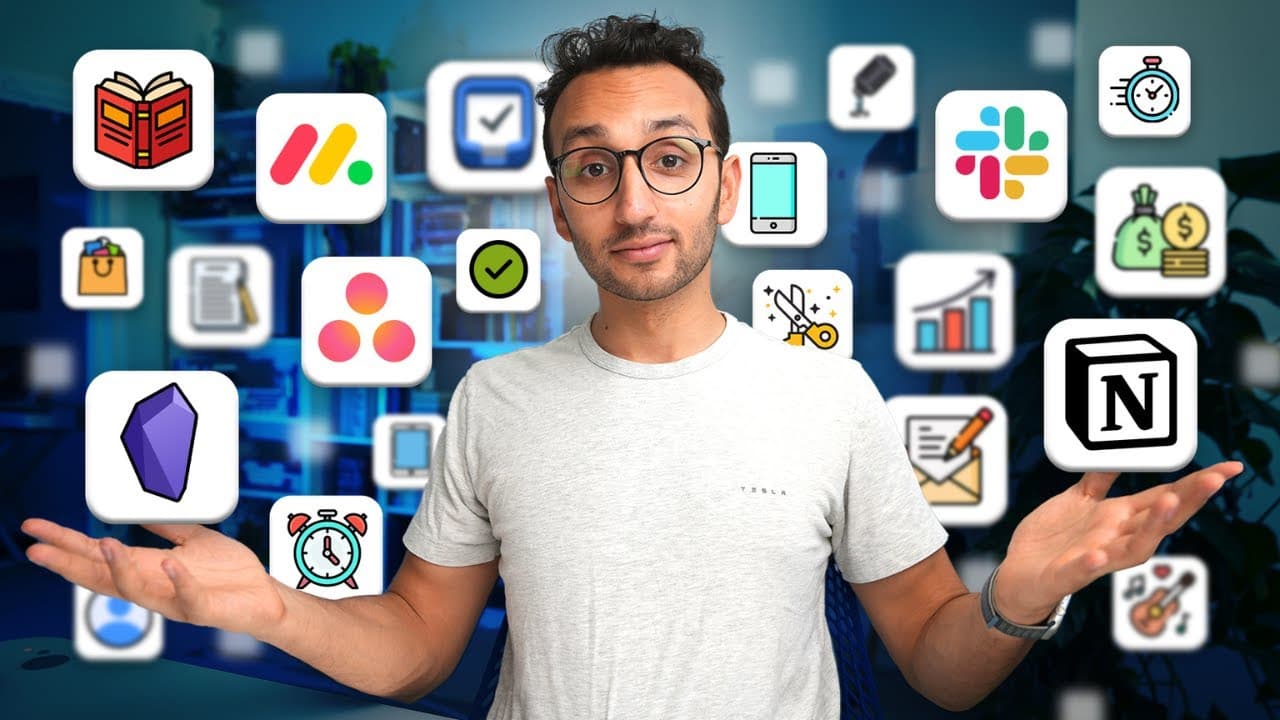
I Tried 137 Productivity Tools. These Are The Best.
TL;DR
In this video, the content creator shares their top productivity apps, tools, and tech that they use every day to enhance their productivity.
Transcript
so over the last 15 years I've tried an enormous number of productivity apps and tools and Tech but in this video I'm going to save you the time and money of having to test all of these yourself and I'm going to share what I think are the best apps and tools and Tech that I actually use every day to stay productive so the first thing I do when I ge... Read More
Key Insights
- 😀 The content creator emphasizes the importance of finding the right productivity apps, tools, and tech that work for individual needs and preferences.
- 💦 Changing work locations, such as working in coffee shops or parks, can make work feel more enjoyable and increase productivity.
- ⏰ Utilizing tools like therapy and morning Pages can help manage emotions and enhance overall well-being and productivity.
- 😀 Finding ways to reduce friction and simplify tasks, such as using keyboard shortcuts or voice recording apps, can save time and boost efficiency.
- 😀 A combination of physical and digital tools like pen and paper journals and productivity apps can optimize productivity and organization.
- 🚶 Incorporating movement, such as walking or using a treadmill, can provide a refreshing break and stimulate creativity.
- 😤 Team collaboration and communication can be facilitated with tools like Slack, Loom, and Google Workspace.
Install to Summarize YouTube Videos and Get Transcripts
Explore YouTube Video Summarizer or Get YouTube Transcript Extractor
Questions & Answers
Q: What is the purpose of morning Pages?
Morning Pages, a technique from the book "The Artist's Way," involves writing three pages of stream of consciousness by hand. It helps clear the mind, generate ideas, and boost productivity.
Q: How does the content creator manage their to-do list?
The content creator uses the app Things 3 to manage their to-do list. They have separate lists for tasks that need to be done today and tasks that can be done anytime, providing a simple and organized approach to task management.
Q: How does the content creator enhance their focus while working?
They utilize focused music videos from YouTube, such as ambient fantasy music, to create a productive atmosphere. They also use a mechanical keyboard and have a separate desk with a standing desk and treadmill setup to stay active while working.
Q: What app does the content creator use for their calendar and scheduling?
The content creator uses the app Fantastical as their calendar tool, allowing them to plan their day and manage their schedule efficiently.
Summary & Key Takeaways
-
The content creator begins their day by using a Wi-Fi-enabled smart scale that syncs with their health tracking app, allowing them to monitor their weight.
-
They then make a cup of coffee using a clever dripper and utilize a pen and paper journal to practice morning Pages, a stream of consciousness writing technique.
-
The content creator uses the app Things 3 as their to-do list, manages their schedule with a calendar, and relies on various productivity tools and bags when working away from home.
-
They also highlight the importance of changing work locations, utilizing focused music videos, managing emails with the Superhuman app, and incorporating therapy for enhanced productivity.
-
Their day includes activities such as writing, filming videos, checking emails and newsletters, using productivity apps like Notion and Rise, and utilizing tools like Google Drive and Loom for team collaboration.
Read in Other Languages (beta)
Share This Summary 📚
Summarize YouTube Videos and Get Video Transcripts with 1-Click
Try YouTube Summary with ChatGPT & Claude or YouTube Transcript Generator
Explore More Summaries from Ali Abdaal 📚

Summarize YouTube Videos and Get Video Transcripts with 1-Click
Try YouTube Summary with ChatGPT & Claude or YouTube Transcript Generator