How to Create a Marketing Video from a PDF Document
TL;DR
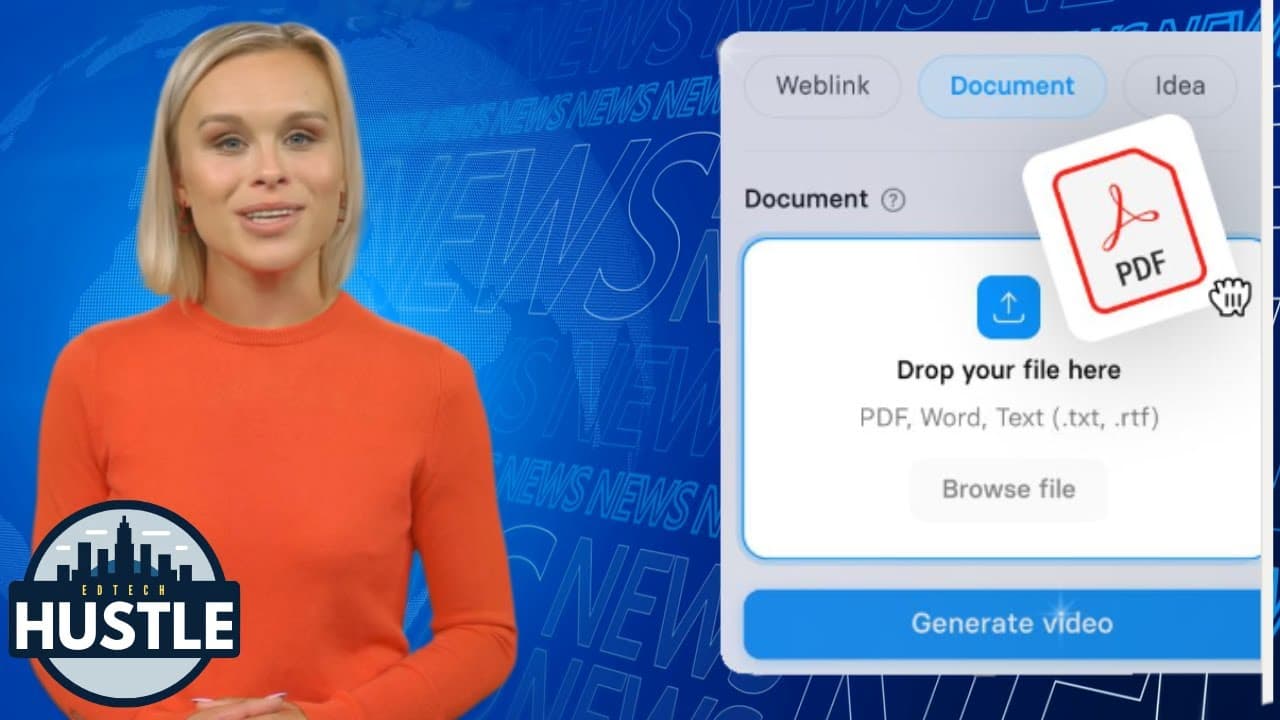
To create a marketing video from a PDF, use Synthesia's platform by uploading your document, selecting a template, and customizing the video with visual and audio options. You can adjust elements like length, avatar, background, and music before generating the final video, making it accessible even for beginners.
Transcript
so by the end of this video I'm going to show you how I can take a PDF document like this and turn it into a marketing video that looks like this let's go ahead and get started the first thing you're going to want to do is to go to Synthesia doio where you can set up an account to create your own AI videos now once you're signed into Synthesia you'... Read More
Key Insights
- 💨 Synthesia offers a convenient way to convert PDF documents into engaging marketing videos.
- 🧡 The platform provides a range of customization options, including background image selection, logo placement, and avatar customization.
- 👤 Users can adjust the length and scenes of the video to meet their specific needs.
- 🤑 Synthesia's AI technology allows for realistic mouth movements of the avatars in the final video.
- 👻 The platform offers various voiceover options, allowing users to choose the best fit for their video content.
- 👤 Users can experiment with different visual and audio customizations before generating the final video.
- 👤 Synthesia's user-friendly interface and straightforward process make it accessible for users without extensive video editing experience.
Install to Summarize YouTube Videos and Get Transcripts
Explore YouTube Video Summarizer or Get YouTube Transcript Extractor
Questions & Answers
Q: What is Synthesia?
Synthesia is an AI-powered platform that allows users to create marketing videos by transforming PDF documents into dynamic video content.
Q: How do you select a template in Synthesia?
After signing into Synthesia, click on the "New Video" option in the top right corner, and select the "AI video assistant" template. This will provide a range of pre-designed templates to choose from.
Q: Can you customize the visuals in the video?
Yes, Synthesia allows users to replace the background image with options from stock image websites. Users can also add their own logo and change the avatars' appearance to match the desired style.
Q: What audio customizations are available in Synthesia?
Users can select different voiceover options for the avatars, choosing from a variety of voices. Background music tracks can also be adjusted and selected from a library of available options.
Summary & Key Takeaways
-
The video demonstrates how to create a marketing video from a PDF document using Synthesia's AI video assistant.
-
The process involves selecting a template, uploading the PDF file, specifying the video length and objectives, and making visual and audio customizations.
-
Synthesia provides options for changing backgrounds, adding logos, selecting avatars, and adjusting voiceovers and background music.
Read in Other Languages (beta)
Share This Summary 📚
Summarize YouTube Videos and Get Video Transcripts with 1-Click
Try YouTube Summary with ChatGPT & Claude or YouTube Transcript Generator
Explore More Summaries from EdTech Hustle 📚

![Keynote: Remove The Background of Any Photo [Using Instant Alpha] thumbnail](/_next/image?url=https%3A%2F%2Fi.ytimg.com%2Fvi%2F0Ji-uTffzJE%2Fhqdefault.jpg&w=750&q=75)




Summarize YouTube Videos and Get Video Transcripts with 1-Click
Try YouTube Summary with ChatGPT & Claude or YouTube Transcript Generator