NVIDIA AI Developer Contest - Speech to Image TensorRT - GTC 2024
TL;DR
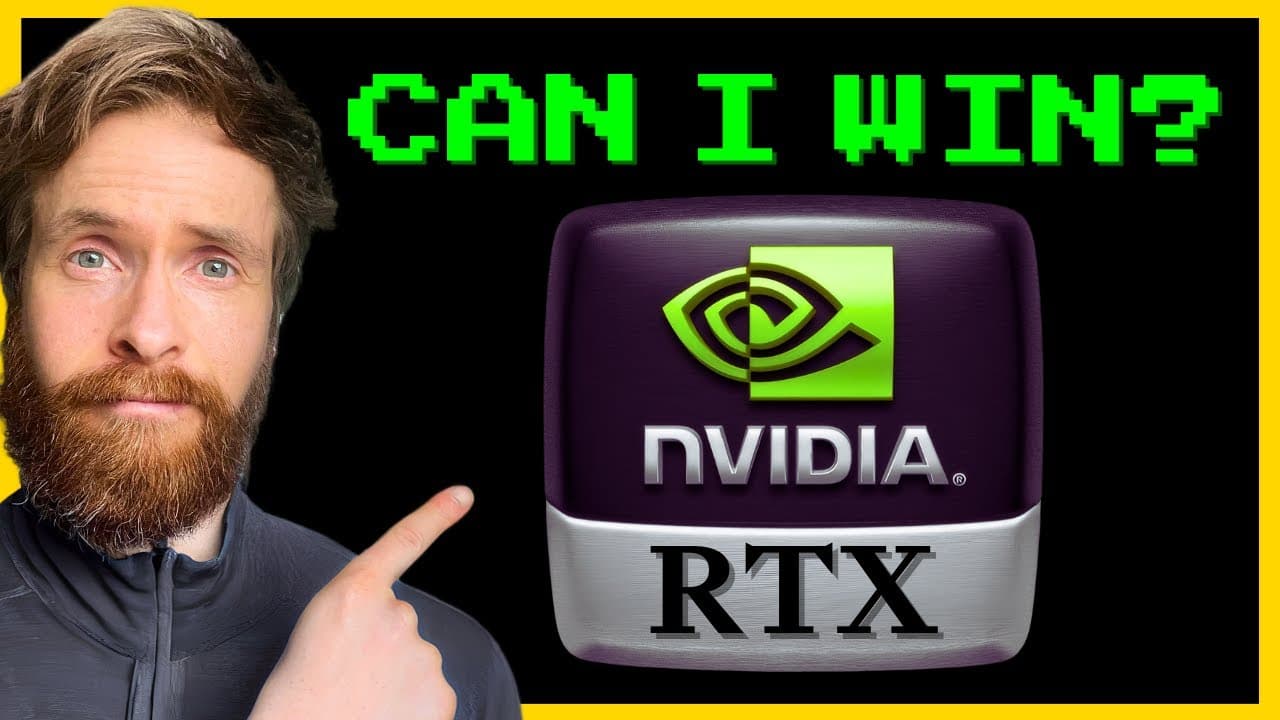
The speech-to-image app converts voice prompts into 1024 × 1024 images using Faster Whisper, SDXL Turbo, and NVIDIA TensorRT. Its sliding window lets the user extend the prompt with phrases such as “oil painting” and “headband” while retaining earlier details. The walkthrough also covers building the project, posting a demo on X, and submitting the contest entry, so read on for the complete workflow and prize details.
Transcript
in today's video we are going to take a look at my contribution to the Nvidia AI RTX developer contest I created a simple speech to image app with stable diffusion and tensor RT I'm going to show you how you also can enter this contest we also have some DLI credits from Nvidia that I will be giving away to the all about AI members Community next we... Read More
Key Insights
- 👏 The Nvidia AI RTX Developer Contest involves creating an app that uses stable diffusion and tensor RT for converting speech to images.
- 😫 The process for entering the contest includes setting up and building the project, sharing a demo on social media, and submitting the entry form.
- 🏆 The contest winners have a chance to win valuable prizes, including a high-end GPU and a conference pass.
Install to Summarize YouTube Videos and Get Transcripts
Explore YouTube Video Summarizer or Get YouTube Transcript Extractor
Questions & Answers
Q: How does the NVIDIA TensorRT speech-to-image app work?
Speech is transcribed by Faster Whisper, and the transcription becomes the prompt for Stable Diffusion powered by NVIDIA TensorRT. The generated image is then displayed in a Flask app.
Q: Which model does the speech-to-image project use?
The project uses SDXL Turbo, a Stable Diffusion model accelerated with NVIDIA TensorRT. The creator followed the instructions on Hugging Face and built a custom pipeline around them.
Q: How does the sliding window update an image from additional speech?
The app retains the full prompt while adding newly transcribed phrases to it. In the demonstration, “oil painting” and then “headband” were appended after the original prompt, allowing the image to evolve with each voice input.
Q: What image size and optimization setting are used in the demo?
The demonstration generates a 1024 × 1024 image. It is optimized for quality rather than speed.
Q: What prompt is used to demonstrate the app?
The first spoken prompt is “Pikachu holding a samurai sword.” The creator then adds “oil painting” and “headband” through subsequent voice inputs before saving the resulting image.
Q: How do you enter the NVIDIA AI RTX Developer Contest?
First, set up and build a project using TensorRT or TensorRT-LLM; this submission uses TensorRT. Then share a project demo on social media and submit the entry form with links to the project and social post.
Q: What contest submission details are shown in the walkthrough?
The creator uploads a video to X, adds text, tags NVIDIA AI Dev, and includes hashtags. The entry form links to the public GitHub project and the X post, and the stated submission deadline is February 23.
Q: What prizes and DLI credit uses are mentioned?
The contest page is shown offering three winners a listed “490 GPU,” a four-day in-person conference pass valued at $22,000, covered travel expenses, and courses. NVIDIA also sponsored five $90 DLI credits, which can be used for courses such as Getting Started with Accelerated Computing with CUDA or Generative AI with Diffusion Models; a $30 Prompt Engineering with Llama 2 course is also shown.
Summary & Key Takeaways
-
The YouTuber showcases their entry for the Nvidia AI RTX Developer Contest, which involves creating a speech to image app using stable diffusion and tensor RT.
-
They provide step-by-step instructions on how to set up and build the project using the Nvidia tensor RT.
-
The YouTuber demonstrates the app in action, generating an image based on a speech prompt and showcasing the submission process for the contest.
Read in Other Languages (beta)
Share This Summary 📚
Summarize YouTube Videos and Get Video Transcripts with 1-Click
Try YouTube Summary with ChatGPT & Claude or YouTube Transcript Generator
Explore More Summaries from All About AI 📚
Summarize YouTube Videos and Get Video Transcripts with 1-Click
Try YouTube Summary with ChatGPT & Claude or YouTube Transcript Generator