How to Create and Mint an NFT Collection on OpenSea
TL;DR
To create and mint an NFT collection on OpenSea, design unique images using a tool like Figma, then leverage random generation techniques to combine layers into NFTs. Use a web interface to simplify the upload and minting process, enabling even non-technical users to participate easily.
Transcript
how's it going everyone welcome back to another web dev junkie video so you might have noticed that the past two videos i published i've been kind of looking more into decentralized applications more specifically i've been learning about like the solidity how you can write smart contracts how you can get them deployed and stuff so if you haven't se... Read More
Key Insights
- 💗 The fascination with NFTs highlights a growing trend in digital ownership and blockchain applications among developers.
- 🎨 Creating generative art involves complex design processes, such as layering and randomization, to produce unique outputs.
- 👤 User experience remains crucial; simplifying NFT creation is essential for attracting non-technical users to the space.
- 👻 Utilizing platforms like Figma allows creators to visualize and design NFT assets effectively before coding the backend.
- 😣 A REST API can greatly enhance the usability of NFT platforms by handling tasks like image generation and metadata management seamlessly.
- 💨 The potential for automated minting processes could revolutionize the way individuals manage and sell digital assets.
- 🤗 Open-source resources expedite learning and development for new projects, making it easier to implement established techniques.
Install to Summarize YouTube Videos and Get Transcripts
Explore YouTube Video Summarizer or Get YouTube Transcript Extractor
Questions & Answers
Q: What inspired the creator to start learning about NFTs?
The creator was intrigued by the hype surrounding NFTs and decentralized applications, prompting them to dive into the concepts behind smart contracts and the creation of digital assets, ultimately deciding to create their own collection to expand their knowledge in this area.
Q: How did the creator design the NFT imagery?
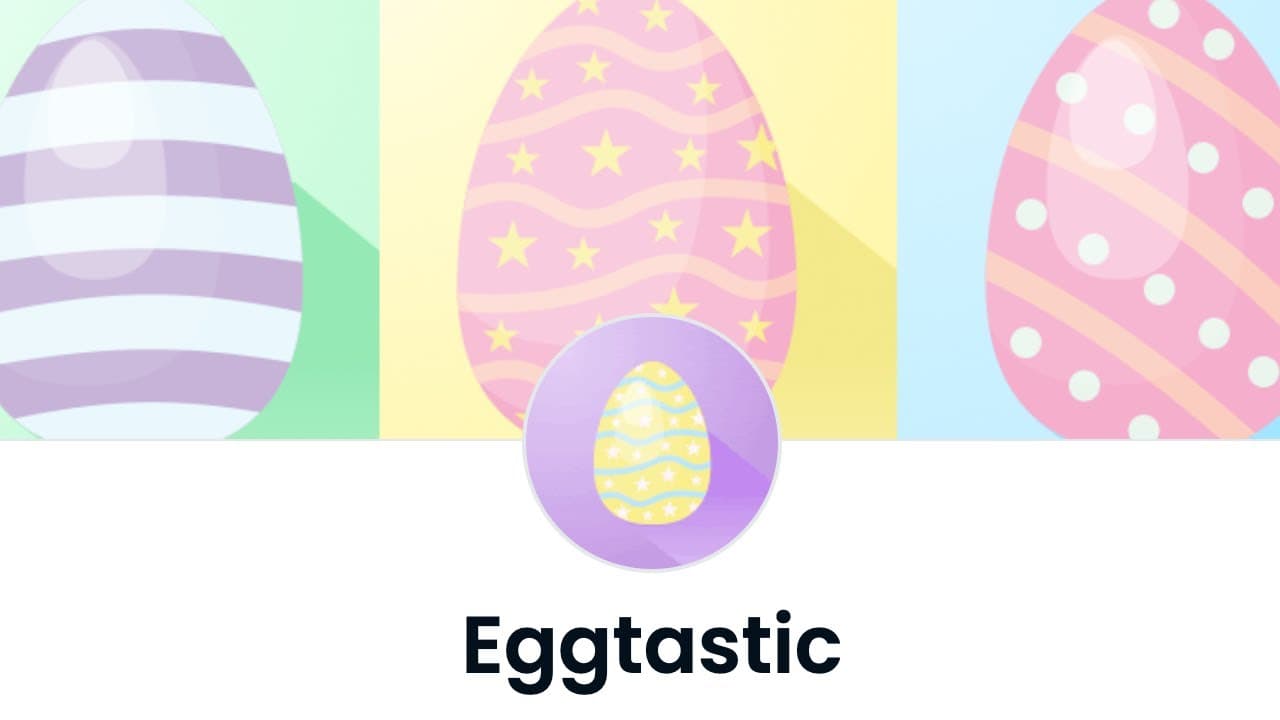
They used Figma to create a range of layers for egg designs, including multiple colors and gloss effects. By combining these layers randomly, they generated various unique images, reflecting the idea behind generative art commonly seen in NFT collections.
Q: What is the purpose of using a zip file for uploading NFT layers?
By utilizing a zip file, the creator ensures that users can easily package their image layers, configuration, and metadata into a single file. This streamlines the upload process to the backend, which will then handle the generation of random NFT images based on the provided data structure.
Q: What technology stack is the creator using for their project?
The creator is using JavaScript, Express for the backend, and Bootstrap for the frontend UI. They have referenced open-source code from Hash Lips’ project for art generation, aiming to develop a more accessible platform for NFT enthusiasts.
Q: What are the creator’s plans for the project’s future?
The creator plans to host the application on an Ubuntu server, continually improve its functionality, and eventually deploy the user interface to allow users to mint their NFTs directly after uploading their files. They hope to make it publicly available for anyone interested.
Q: How will the minting process work for users?
Although the creator emphasizes that some manual steps remain, the vision includes an automated system where users can upload their files and, post-preview, select NFTs to mint. They envision handling payments with Ethereum or Polygon to streamline the process.
Q: What challenges does the creator anticipate while developing this project?
They acknowledge complexity in getting the API to handle various image configurations, file uploads, and successful integration with IPFS for metadata storage. They aim to create a seamless experience for users with varying technical abilities, which poses its own set of challenges.
Summary & Key Takeaways
-
The creator is focusing on decentralized applications, specifically learning about Solidity to develop and deploy smart contracts and NFTs.
-
They designed a collection of unique egg images using Figma and implemented random generation to combine different layers for unique visuals.
-
Aiming to simplify NFT creation, the creator is building a user-friendly web interface to facilitate uploads and minting processes for users without technical knowledge.
Read in Other Languages (beta)
Share This Summary 📚
Summarize YouTube Videos and Get Video Transcripts with 1-Click
Try YouTube Summary with ChatGPT & Claude or YouTube Transcript Generator
Explore More Summaries from Web Dev Cody 📚





Summarize YouTube Videos and Get Video Transcripts with 1-Click
Try YouTube Summary with ChatGPT & Claude or YouTube Transcript Generator