How to Create Subtitles for Short Videos in Canva
TL;DR
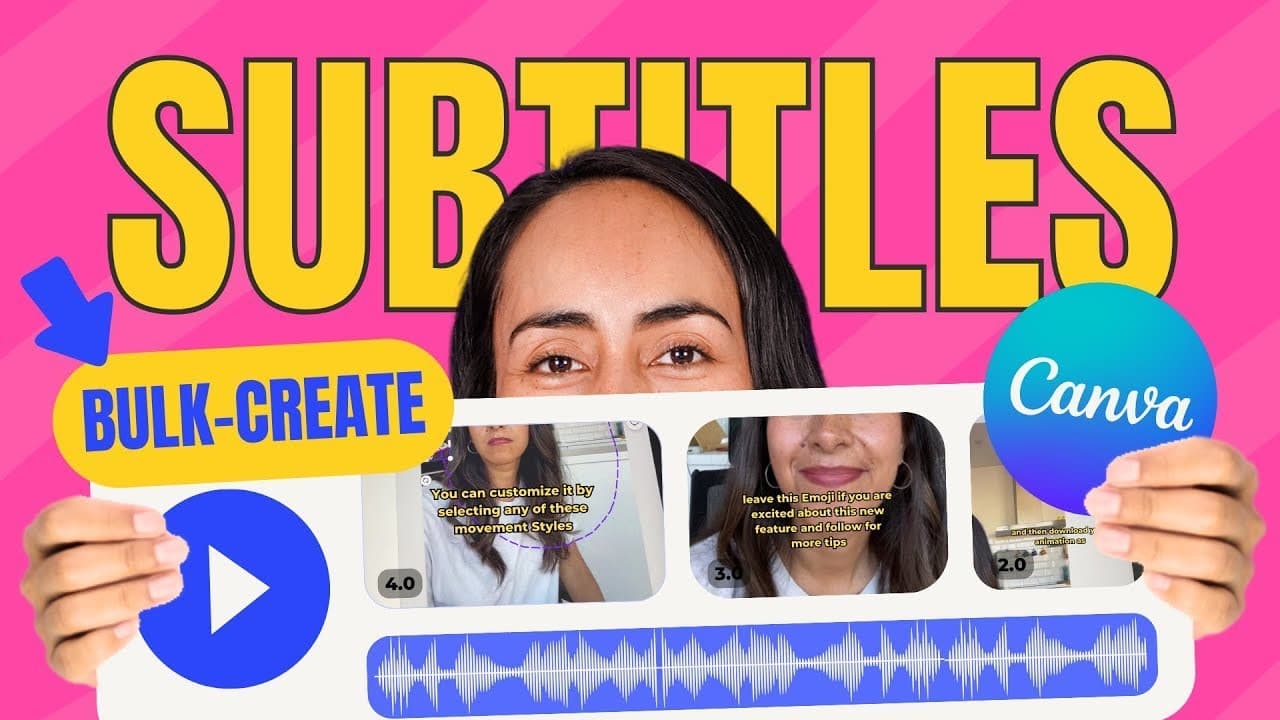
To create subtitles for short videos in Canva, break your script into short sentences and use the 'By Create' feature to generate captions automatically. Upload your videos, drag and drop them onto the corresponding pages, and customize caption styles for visibility. This approach saves time and enhances video accessibility on platforms like Instagram and TikTok.
Transcript
we'll know that having subtitles or captions like the ones that you see on this video is a good practice for short video formats that will end up on Instagram Tick Tock and YouTube shorts well as you can see from the title of this video I found a way to build create subtitles in canva this will also save you the editing time because it includes a d... Read More
Key Insights
- 🍰 Adding subtitles or captions to short videos is a valuable practice for platforms like Instagram, TikTok, and YouTube shorts.
- ⌛ Canva's "By Create" feature simplifies the process of creating subtitles, saving time and effort for video creators.
- 🫥 Customizing the style and position of captions ensures they are visible and not obstructed by other on-screen elements.
- 💦 Canva's ability to upload and drag-and-drop videos, as well as add music tracks, enhances the editing experience.
- 🎮 Connecting your YouTube channel to Canva can help avoid music copyright claims when uploading your videos.
- 💡 Canva's community offers opportunities for sharing creative ideas and learning from others.
- 🥶 Canva Pro offers a 45-day free trial, providing access to advanced video editing features.
Install to Summarize YouTube Videos and Get Transcripts
Explore YouTube Video Summarizer or Get YouTube Transcript Extractor
Questions & Answers
Q: How can Canva's subtitle feature benefit short video creators?
Canva's subtitle feature is a valuable tool for short video creators as it allows them to easily add captions to their videos, improving accessibility and engagement. It also saves time by providing a drag-and-drop editing process.
Q: What is the process for creating subtitles in Canva?
To create subtitles in Canva, start by breaking down your script into short sentences. Copy the script into Canva's text box and customize its style. Upload your videos, drag and drop them onto the appropriate pages, and add the corresponding subtitles. Finally, mute the video clips, add a music track, preview, and download the final video.
Q: How can the position of the captions be adjusted to ensure they are not hidden by watermarks or other elements?
To ensure that the captions are not hidden by watermarks or other elements, position the captions in an area of the screen that is not obstructed. Consider the placement of buttons, account names, or other elements that may appear on the screen, and position the captions accordingly.
Q: Can the captions and text in Canva be customized further?
Yes, Canva provides various customization options for captions and text. You can adjust the font, size, color, outline thickness, and other properties of the text box. Additionally, you can double click on the captions to adjust the lines or change the text itself.
Summary & Key Takeaways
-
Canva offers a feature called "By Create" that allows you to create subtitles for short videos in a drag-and-drop editing process.
-
Start by breaking down your script into short sentences and copy it into Canva's text box. Customize the text box's style and position it appropriately on the screen.
-
Upload your videos to Canva and drag and drop them onto the appropriate pages, adding the corresponding subtitles to each video.
-
Mute the video clips and add a music track, then preview and download your final video.
Read in Other Languages (beta)
Share This Summary 📚
Summarize YouTube Videos and Get Video Transcripts with 1-Click
Try YouTube Summary with ChatGPT & Claude or YouTube Transcript Generator
Explore More Summaries from Design with Canva 📚






Summarize YouTube Videos and Get Video Transcripts with 1-Click
Try YouTube Summary with ChatGPT & Claude or YouTube Transcript Generator