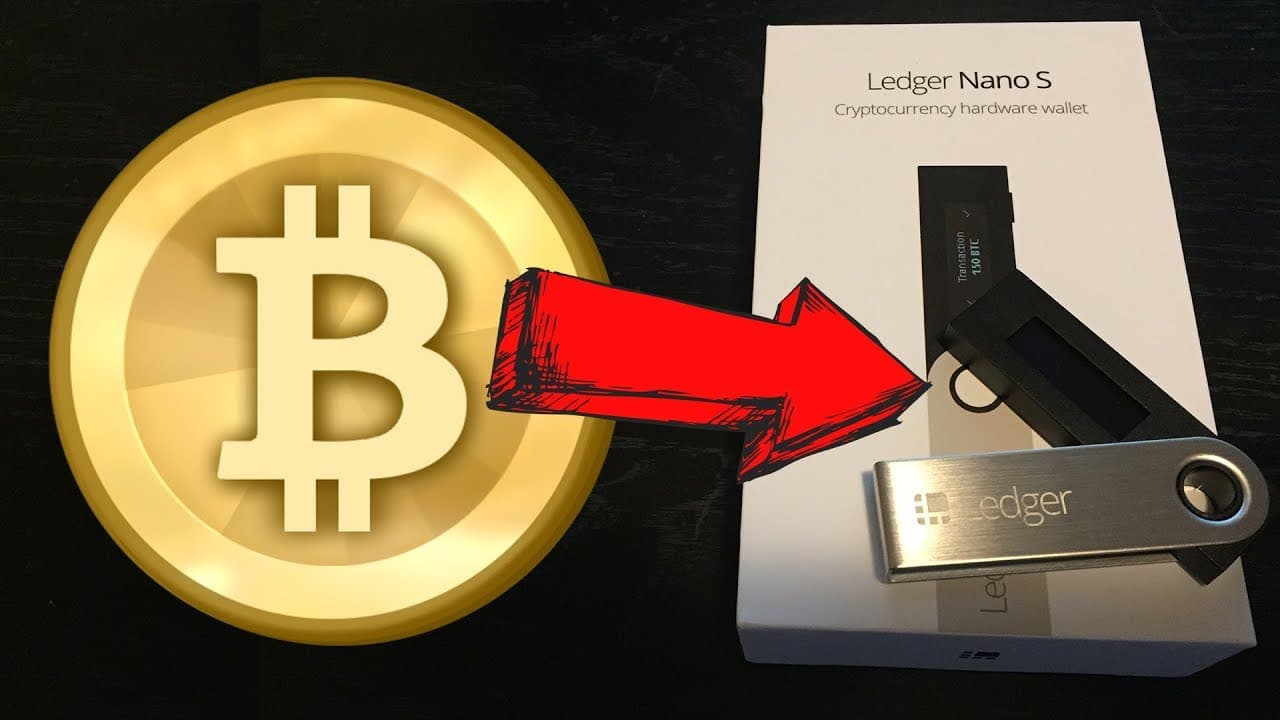
HOW TO STORE BITCOIN ON A LEDGER NANO S (Hardware Wallet)
TL;DR
Protect your cryptocurrency investments by setting up the Ledger Nano S, a tamper-proof hardware wallet that keeps your coins offline.
Transcript
what's going on you guys so today we're going to be unboxing the Leger nano s and showing you how to set it up for the first time if you have a sizable amount of money invested in any cryptocurrencies I would highly recommend looking at a hardware wallet like the ledger nano s in order to protect yourself and keep your coins offline you also want t... Read More
Key Insights
- 🎅 The Ledger Nano S is a recommended hardware wallet for protecting your cryptocurrency investments.
- ❓ The device's tamper-proof nature ensures the integrity of the Ledger Nano S.
- 😀 The setup process involves configuring the device, recording a recovery phrase, and installing the corresponding Ledger apps.
Install to Summarize YouTube Videos and Get Transcripts
Explore YouTube Video Summarizer or Get YouTube Transcript Extractor
Questions & Answers
Q: Why is it important to use a hardware wallet like the Ledger Nano S for cryptocurrency storage?
Hardware wallets like the Ledger Nano S provide an added layer of security by storing your coins offline, protecting them from cyberattacks and theft.
Q: How can I verify the integrity of the Ledger Nano S device?
The Ledger Nano S uses cryptographic mechanisms and a secure element chip to ensure the device's integrity each time it is powered on, preventing tampering or physical replacement attempts.
Q: How do I set up the Ledger Nano S for different cryptocurrencies?
After configuring the device as a new device with a PIN code, you can install the corresponding Ledger apps for different cryptocurrencies and select the desired chains (e.g., Ethereum or Bitcoin) during the setup process.
Q: What precautions should I take with the 24-word recovery phrase?
It is crucial to keep the 24-word recovery phrase offline, not saving it on a computer or sharing it with anyone. Keep it in a safe place as it serves as a backup of your accounts and configurations.
Summary & Key Takeaways
-
The Ledger Nano S is a recommended hardware wallet for protecting your cryptocurrency investments by keeping them securely offline.
-
When unboxing the Ledger Nano S, ensure that it comes in a cellophane sealed package to avoid tampering.
-
Set up the Ledger Nano S by following the instructions on start.ledgerwallet.com, recording a 24-word recovery phrase, and configuring the device as a new device with a PIN code.
Read in Other Languages (beta)
Share This Summary 📚
Summarize YouTube Videos and Get Video Transcripts with 1-Click
Try YouTube Summary with ChatGPT & Claude or YouTube Transcript Generator
Explore More Summaries from Ryan Scribner 📚






Summarize YouTube Videos and Get Video Transcripts with 1-Click
Try YouTube Summary with ChatGPT & Claude or YouTube Transcript Generator