How to Build a Minimal Promotional Site with Hono
TL;DR
To build a minimal promotional webpage with Hono and Tailwind CSS, start by creating a single-page layout that utilizes standard HTML tags and avoids unnecessary complexity. Ensure to manage your CSS files properly and troubleshoot any deployment issues on platforms like Railway for optimal performance and low memory usage.
Transcript
so I have this like promotional onepage site um that I built for my starter kit and honestly like for some reason I made some changes and now like an image isn't showing up I tried to redeploy it's failing on Railway and for what I need just like one page like literally just one page I feel like using nextjs is a little bit Overkill technically I c... Read More
Key Insights
- 🫒 Live coding can effectively demonstrate real-time problem-solving and development processes.
- 👻 Hono provides a lightweight framework alternative for simple applications, allowing for an easier coding environment without extensive overhead.
- 📼 Tailwind CSS integration requires careful handling of static assets and path definitions to maintain styling integrity.
- ⚖️ Memory management is critical for cost-effective deployments, particularly when scaling applications on platforms like Railway.
- 🕸️ Simplifying HTML structure can enhance project manageability and improve load times, promoting better performance in web applications.
- 💗 The session emphasizes the importance of troubleshooting deployment errors methodically to learn and grow as a developer.
- 💯 Creating minimalist sites can facilitate faster development cycles and clearer focus on core functionality.
Install to Summarize YouTube Videos and Get Transcripts
Explore YouTube Video Summarizer or Get YouTube Transcript Extractor
Questions & Answers
Q: Why did the creator decide to use Hono instead of Next.js for the promotional page?
The creator found using Hono more suitable for their needs due to its simplicity and ability to support JSX without the overhead associated with Next.js. They preferred a lightweight approach to developing a single promotional page, which Hono allowed without requiring complex setup or extensive resources.
Q: What issue was encountered during the deployment on Railway?
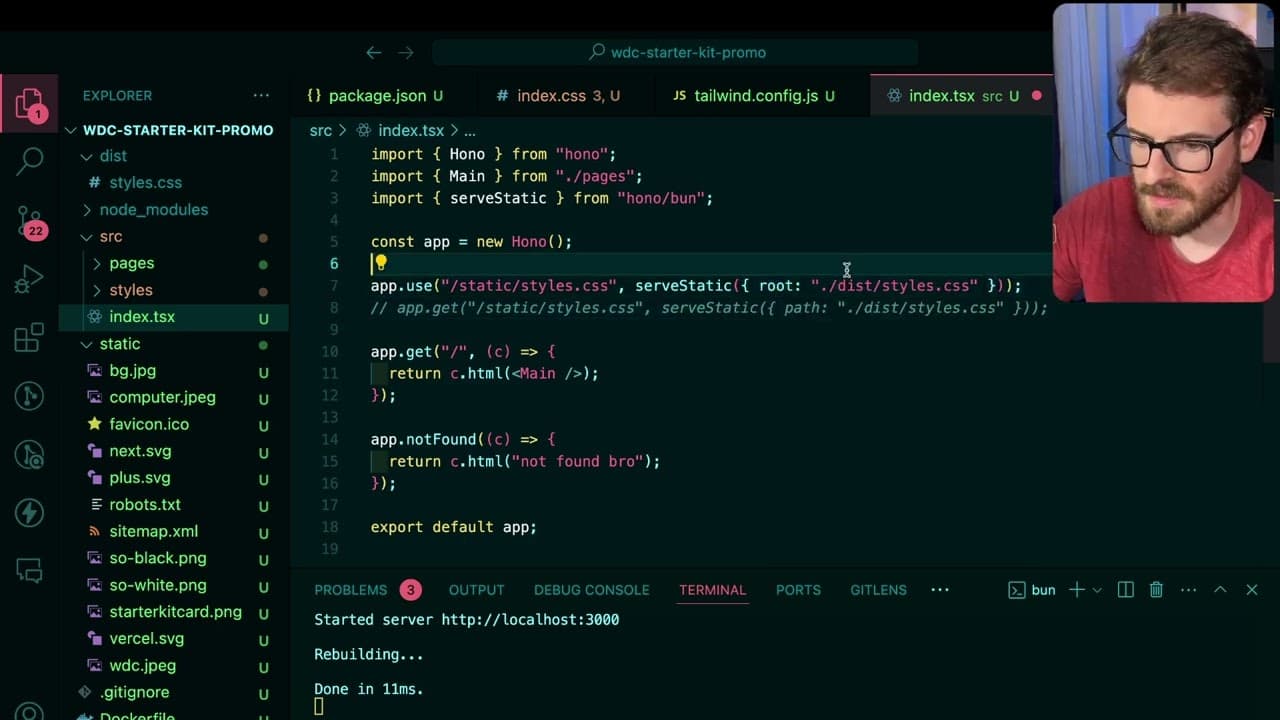
The creator faced an issue where the image was not displaying correctly, which prompted them to troubleshoot and check their export settings. They identified that properly exporting the app and linking to the correct CSS and static files was crucial for resolving the deployment failures.
Q: How did the creator address static file issues in their project?
To resolve static file issues, the creator suggested modifying the directory path for CSS and image assets in their project. They ultimately decided to serve static files correctly by ensuring the correct path was defined and that Tailwind CSS was linked properly to achieve the desired styling outcomes.
Q: What optimizations did the creator mention regarding memory usage of their deployment?
The creator highlighted that their app built with Hono only required around 50 megabytes to run, compared to Next.js applications which consumed significantly more, potentially exceeding 400 megabytes. They noted that disabling image optimizations in Next.js could help mitigate memory issues during deployment.
Summary & Key Takeaways
-
The content features a live coding session where the creator attempts to fix an image issue on a promotional one-page site built with Hono and Tailwind CSS.
-
The creator discusses alternatives to using Next.js and explores the straightforward integration of JSX with Hono while highlighting the changes needed for successful deployment on Railway.
-
Throughout the session, the creator shares insights about structuring HTML, managing CSS files, and optimizing the app's memory usage for better performance when deployed.
Read in Other Languages (beta)
Share This Summary 📚
Summarize YouTube Videos and Get Video Transcripts with 1-Click
Try YouTube Summary with ChatGPT & Claude or YouTube Transcript Generator
Explore More Summaries from Web Dev Cody 📚





Summarize YouTube Videos and Get Video Transcripts with 1-Click
Try YouTube Summary with ChatGPT & Claude or YouTube Transcript Generator