How to Build a Real-Time Chat Application with Vue 3
TL;DR
To create a real-time chat application using Vue 3 and the Agora API, start by setting up your Vue project and installing necessary dependencies such as the Agora RTM SDK and UUID. Implement user login, message sending, and receiving features, and ensure a responsive UI for an optimal user experience, including message identification and input validation.
Transcript
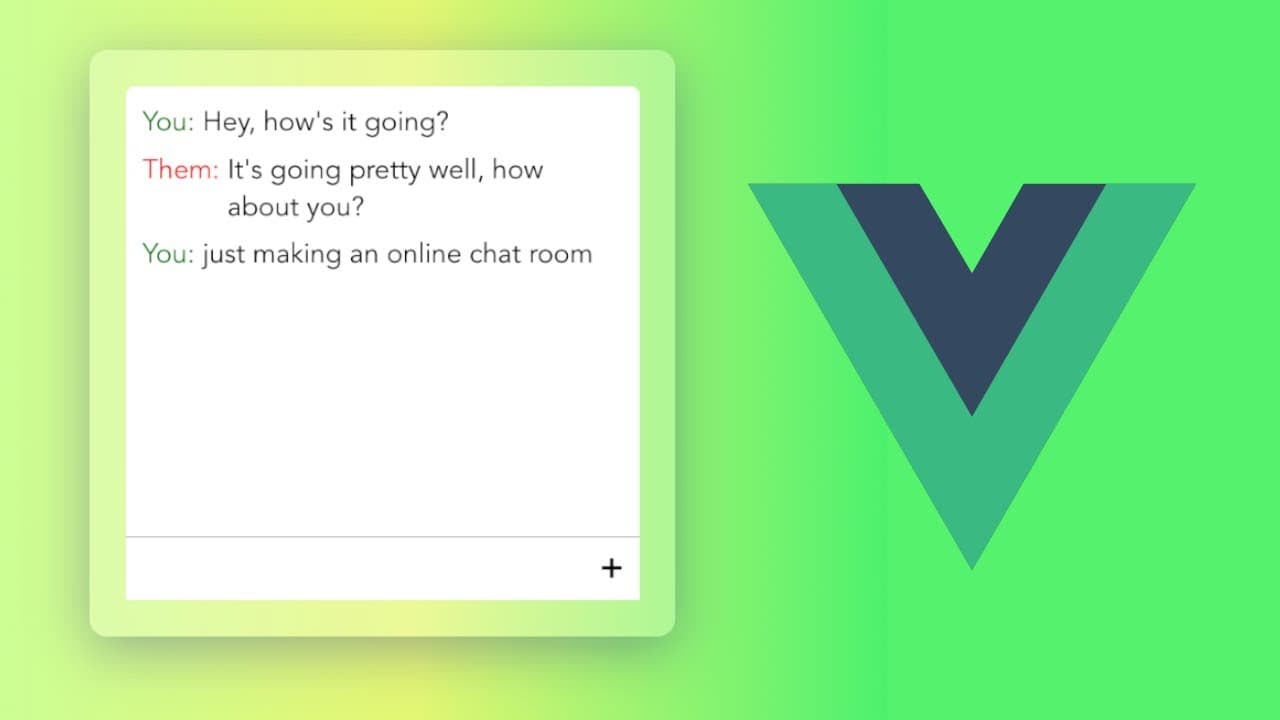
hey everyone how's it going i want to give a kind of a walk-through of how you can build a real-time chat room using vue and also the agora api so this is what we're going to build out we have two panels here and if i go on the left panel and type in a message like what is up this message will be sent to a server and then broadcast it to anyone els... Read More
Key Insights
- ⌛ Vue.js, combined with the Agora API, facilitates creating responsive and interactive real-time applications.
- 🈸 Properly structuring the application with Vue's Composition API is essential for managing states and events.
- 👤 Utilizing external libraries like UUID can streamline tasks such as generating unique user identifiers.
- 🍵 Real-time communication requires efficient event handling for both sending and receiving messages seamlessly.
- 👤 Ensuring a positive user experience through design choices significantly enhances application usability.
- 😀 Implementing checks for user input can prevent common issues like sending empty messages, aiding in the app's integrity.
- 👊 The final implementation should consider design aesthetics, such as colors and layouts, to create an inviting chat environment.
Install to Summarize YouTube Videos and Get Transcripts
Explore YouTube Video Summarizer or Get YouTube Transcript Extractor
Questions & Answers
Q: What technologies are used to build the real-time chat application?
The real-time chat application is built using Vue.js for front-end development and the Agora API for real-time messaging capabilities. The Agora RTM SDK helps manage real-time interactions, while Vue.js enhances the user interface with its reactive components.
Q: How do you set up the Agora API for this project?
To set up the Agora API, you need to create an account on agora.io, establish a new project in testing mode, and copy the provided App ID for use in the application code. This ID is essential for establishing connections to the Agora services and channels.
Q: What is the purpose of the UUID package in this project?
The UUID package is used to generate unique identifiers for users in the chat application. Each user receives a distinct UUID, which serves as an identifier for both sending and receiving messages, ensuring there is no overlap or confusion between users' messages.
Q: How does the application handle sending and receiving messages?
The application listens for form submissions to handle message sending. When a user types a message and submits it, the message is sent through the Agora RTM channel. For receiving messages, the app listens for channel events, updating the message list accordingly when new messages are received from other users.
Q: How is the UI of the chat application improved for better user experience?
The UI is enhanced through styles that offer a rounded panel layout with a scrollable message area. Messages are styled with labels identifying the sender, and the input field is designed for a consistent user experience. Additional functionalities like auto-scrolling help users focus on the most recent messages.
Q: What functionality is added to prevent sending blank messages?
To prevent users from submitting blank messages, the application implements a check before sending the message. If the input text is empty when the user attempts to send a message, the function returns early, effectively blocking the submission of empty content.
Q: What challenges might a developer face when implementing this chat application?
Developers might encounter challenges such as ensuring real-time message synchronization, managing component states effectively, and handling potential errors in API calls. Proper error handling and testing are crucial to ensure a smooth user experience while developing the application.
Summary & Key Takeaways
-
The content presents a step-by-step guide on building a real-time chat room application using Vue with the Agora API, focusing on essential setup procedures.
-
It highlights the installation of required dependencies, including Agora RTM SDK and UUID, and the basic structure of the Vue application.
-
Additionally, it covers the implementation of sending and receiving messages, user identification, and the final UI styling for functional and aesthetic improvements.
Read in Other Languages (beta)
Share This Summary 📚
Summarize YouTube Videos and Get Video Transcripts with 1-Click
Try YouTube Summary with ChatGPT & Claude or YouTube Transcript Generator
Explore More Summaries from Web Dev Cody 📚





Summarize YouTube Videos and Get Video Transcripts with 1-Click
Try YouTube Summary with ChatGPT & Claude or YouTube Transcript Generator