How to Create Synthetic Videos Using Synthesia
TL;DR
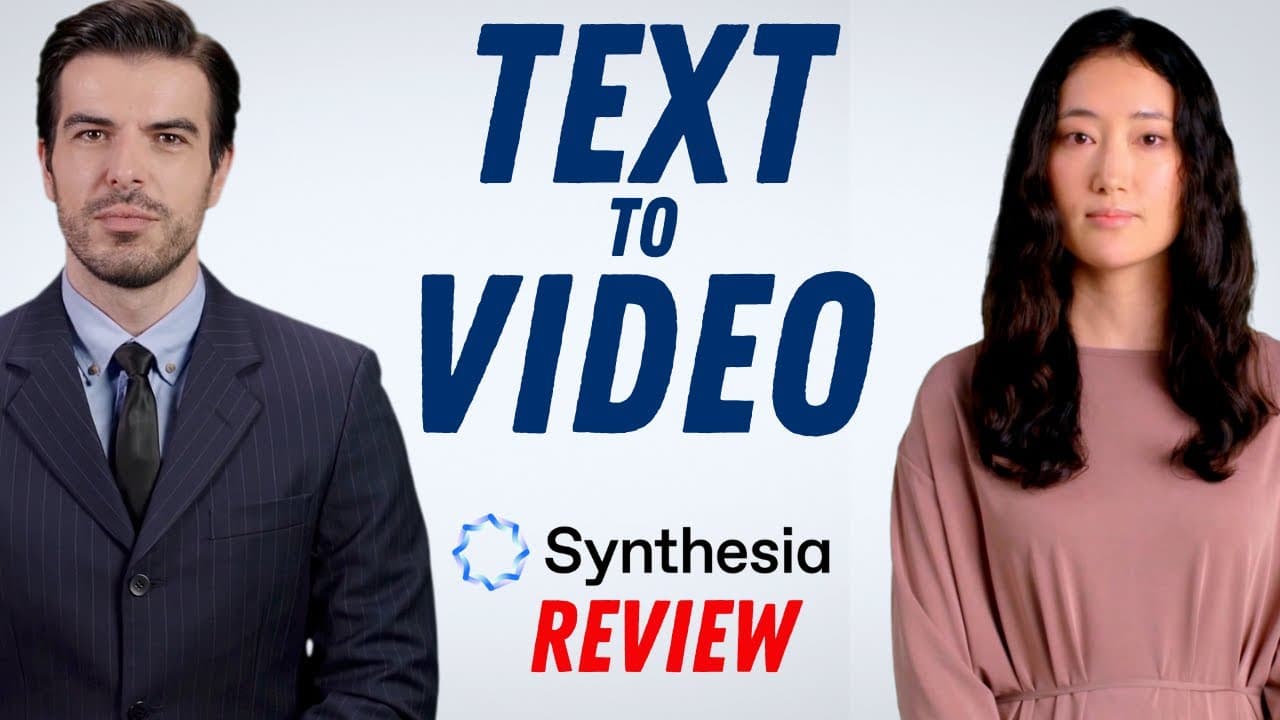
To create synthetic videos with Synthesia, simply sign up on synthesia.io, select an AI avatar, input your text, and customize your video with backgrounds and music. The platform offers a free trial, and the paid individual plan costs around $30 per month. It's an efficient solution for producing professional videos on a budget.
Transcript
hi everyone welcome to Synthesia if you can copy and paste text and use PowerPoint then you can create your own video just like this complete with synthetic actors I'll show you how in one moment but before I do consider subscribing to my YouTube channel where each week I'll be uploading new videos on a variety of different topics so thanks for con... Read More
Key Insights
- 🎮 Synthesia is an AI video Avatar platform that allows users to create professional videos with synthetic actors by copying and pasting text.
- 🧑🏭 The platform offers a variety of customizable options, including choosing actors, backgrounds, text, shapes, images, and icons.
- 📼 Synthesia provides a library of free assets and music that can be added to videos.
- 🥶 Users can try Synthesia for free before purchasing the paid program.
- 🌱 The cost of the individual plan for Synthesia is around $30 per month.
- 🧑🏭 Some video avatars may appear more natural than others, so users may need to experiment with different actors.
- 🤑 Synthesia saves time and money for those looking to create videos with professional spokespersons on a limited budget.
Install to Summarize YouTube Videos and Get Transcripts
Explore YouTube Video Summarizer or Get YouTube Transcript Extractor
Questions & Answers
Q: What is Synthesia and how does it work?
Synthesia is an AI video Avatar platform that uses artificial intelligence to create professional videos. Users can create videos by copying and pasting text, customizing actors, backgrounds, text, and music.
Q: How much does Synthesia cost?
The individual plan for Synthesia is around $30 per month. However, users can also try it out for free before making a purchase.
Q: Can users customize the actors and voices in their videos?
Yes, Synthesia provides options for choosing from a variety of different actors and voices. Users can also customize the size, background, text, shapes, images, and icons in their videos.
Q: Is the generated video animated?
No, the video Avatar in the generated video is not animated. However, users can preview the video before exporting it to ensure it meets their requirements.
Summary & Key Takeaways
-
Synthesia is a London-based company that uses artificial intelligence to create synthetic videos with customizable actors and voices by copying and pasting text.
-
Users can sign up for Synthesia's paid program, which offers a variety of templates and customization options, or try it out for free.
-
The platform provides options for choosing actors, backgrounds, text, and music, allowing users to create professional-looking videos with ease.
Read in Other Languages (beta)
Share This Summary 📚
Summarize YouTube Videos and Get Video Transcripts with 1-Click
Try YouTube Summary with ChatGPT & Claude or YouTube Transcript Generator
Explore More Summaries from EdTech Hustle 📚






Summarize YouTube Videos and Get Video Transcripts with 1-Click
Try YouTube Summary with ChatGPT & Claude or YouTube Transcript Generator