What Is Raspberry Pi Pixel OS? Raspberry Pixel Review
TL;DR
Raspberry Pi Pixel OS improves the Jesse system with a cleaner interface, smoother YouTube playback, remote access, and greater stability. It adds Chromium with uBlock and h264ify, a configurable VNC server, VNC Viewer, the Sense HAT Emulator, refreshed icons, new wallpapers, and a splash-style boot screen. Read on to see what changed and how each addition works.
Transcript
hey guys what's going on it's Don here from Nova Spirit Tech and today I want to talk about the latest image from Raspberry Pi which is called pixel short for pi improved x windows environment lightweight so let's get started so guys I'm not going to show you how to install this into SD card I'm going to leave a link above for previous videos that ... Read More
Key Insights
- 💻 The new boot screen in Pixel OS eliminates cryptic text for an aesthetically pleasing splash screen that enhances user comfort.
- 👤 Users now have access to the Sense HAT Emulator, expanding the functionality of the Raspberry Pi for educational and development purposes.
- 👤 The inclusion of the VNC server supports remote connectivity, fostering easier management for users who need to control their Raspberry Pi from a different location.
- 😚 Pixel OS emphasizes aesthetic updates, including revamped icons that make navigation simpler and visually appealing.
- 😀 A focus on improved video playback through enhanced browser capabilities addresses prior performance limitations faced by users.
- 👶 The new default wallpaper features the Raspberry Pi logo, adding a brand identity while providing users with visually engaging selections.
- 🥺 The overall system stability has reportedly improved, leading to a more reliable and user-friendly Raspberry Pi experience.
Install to Summarize YouTube Videos and Get Transcripts
Explore YouTube Video Summarizer or Get YouTube Transcript Extractor
Questions & Answers
Q: What is Raspberry Pi Pixel OS?
Pixel is the latest Raspberry Pi image reviewed by Nova Spirit Tech and is short for Pi Improved X Windows Environment Lightweight. It updates the Jesse system with visual changes, new applications, remote-access tools, smoother video playback, and improved stability.
Q: How can the Jesse system be updated to Pixel?
The presenter says the Raspberry Pi website provides steps near the bottom of the page for updating the current Jesse system to Pixel. He also provides a direct link to download the current Pixel image, but does not demonstrate installing it on an SD card.
Q: What changed on the Raspberry Pi Pixel boot screen?
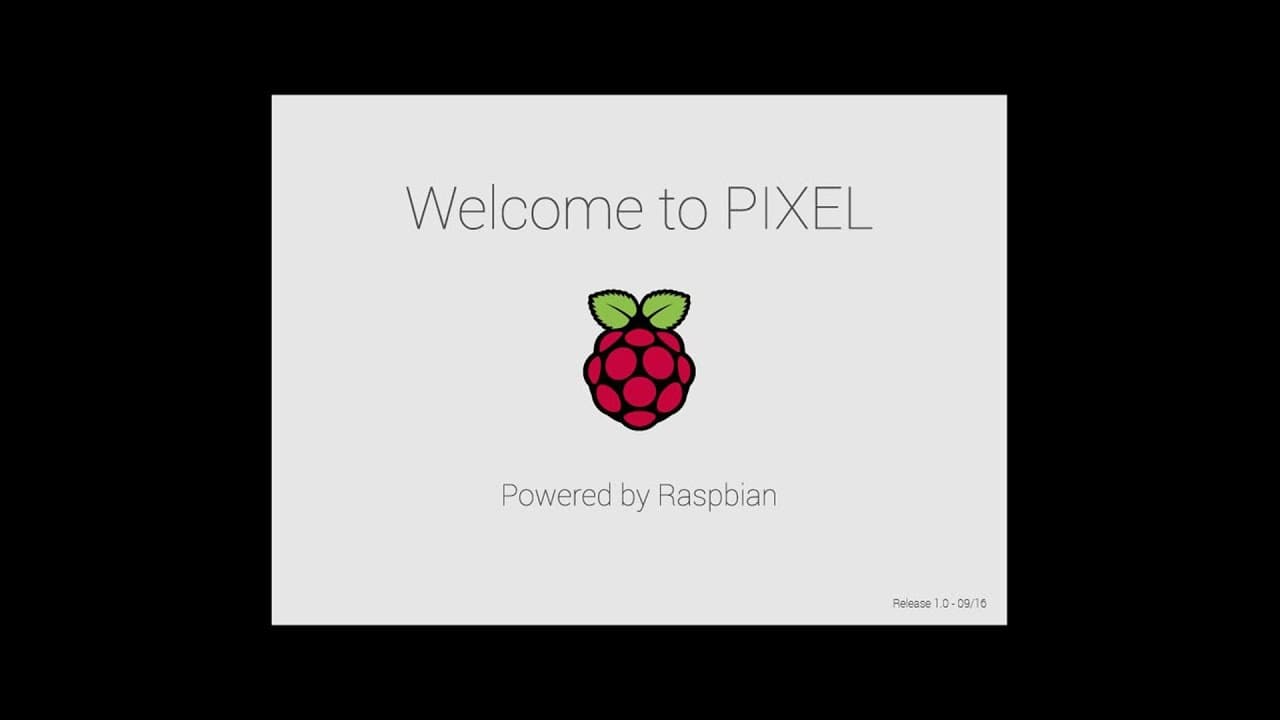
Pixel replaces the cryptic text normally shown during Raspberry Pi startup with a more attractive splash screen. It also lets users enable login prompts, although the reviewed system is configured to log in automatically.
Q: What browser and plugins are included with Raspberry Pi Pixel?
Pixel replaces the old browser with Chromium. It includes uBlock and h264ify, with h264ify forcing YouTube to play video in a format the Raspberry Pi hardware can use.
Q: Does Raspberry Pi Pixel improve YouTube video playback?
The review shows YouTube playback running more smoothly in Chromium, including in full-screen mode. The improvement is attributed to h264ify selecting a video format the Raspberry Pi hardware can use.
Q: How is the VNC server enabled and configured in Raspberry Pi Pixel?
The VNC server can be enabled from Raspberry Pi Configuration through a tab. After confirmation, an icon appears beside the clock, where options such as passwords, users, and encryption can be configured.
Q: What can the included VNC Viewer software do?
VNC Viewer lets the Raspberry Pi connect to a computer that has a VNC server installed. The presenter demonstrates connecting from the Pi to a Windows 10 machine on the same network and reports that it functions properly.
Q: What interface and application changes does Raspberry Pi Pixel include?
Pixel adds wallpapers featuring the Raspberry Pi logo, several preinstalled wallpaper choices, and the Sense HAT Emulator. It also refreshes the icons and some text, with the presenter describing the system as more stable than before.
Summary & Key Takeaways
-
Definition: Pixel stands for Pi Improved X Windows Environment Lightweight and is the latest Raspberry Pi image reviewed by Nova Spirit Tech.
-
Step 1: Visit the linked Raspberry Pi website and scroll to the bottom for instructions to update the current Jesse system to Pixel.
-
Step 2: Use the provided direct link when downloading the current Pixel image instead of updating Jesse.
-
Compare: Pixel replaces cryptic startup text with a cleaner splash screen and can display login prompts instead of logging in automatically.
-
Tool: Chromium replaces the old browser and includes the uBlock and h264ify plugins.
-
Tool: h264ify forces YouTube to use a video format supported by the Raspberry Pi hardware, producing smoother playback even in full screen.
-
Step 3: Enable the VNC server through a tab in Raspberry Pi Configuration, then use its icon beside the clock to configure access.
-
Tool: VNC server options include passwords, users, and encryption settings.
-
Tool: VNC Viewer connects the Raspberry Pi to computers running VNC server, including the demonstrated Windows 10 machine on the network.
-
Tool: Sense HAT Emulator is a new application included with Pixel for experimenting with an emulated Sense HAT.
-
Compare: Pixel adds Raspberry Pi logo wallpapers, refreshed icons, updated text, and greater stability than the previous system.
Read in Other Languages (beta)
Share This Summary 📚
Summarize YouTube Videos and Get Video Transcripts with 1-Click
Try YouTube Summary with ChatGPT & Claude or YouTube Transcript Generator
Explore More Summaries from Novaspirit Tech 📚






Summarize YouTube Videos and Get Video Transcripts with 1-Click
Try YouTube Summary with ChatGPT & Claude or YouTube Transcript Generator