My Favourite MacBook Apps of All Time
TL;DR
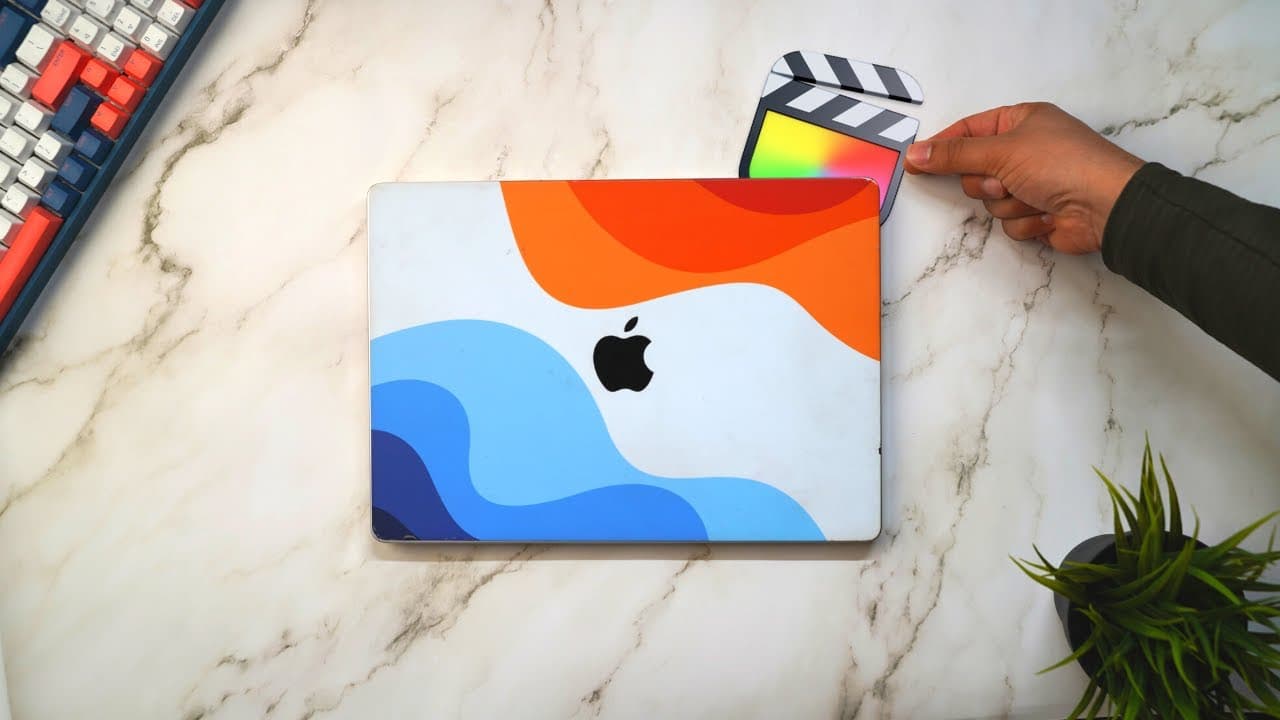
In this video, the speaker shares 32 of their favorite Mac apps for staying organized, productive, and creative in their personal and professional life.
Transcript
in this video I'm going to give you a tour of my favorite Mac apps this year these are 32 apps that I use fairly regularly for work and for my personal life to stay organized and productive so hopefully you'll find something here that you can try out as well hey friends and welcome back to tech club the ongoing Series where I review Tech and apps a... Read More
Key Insights
- 🔍 Alfred is a productivity app that replaces Mac Spotlight and allows for quick app launching, file/folder opening, and Google searches, saving time and improving efficiency.
- 🖥️ Moom is a window management tool that enables users to quickly snap and resize windows, facilitating multitasking and split screen views for improved productivity. ⏰ Amphetamine is a helpful tool that keeps a Mac awake as long as needed, providing customizable session durations and preventing system sleep during tasks like rendering files in Final Cut.
- 📸 CleanShot is a versatile screenshot and screen recording app with features like area selection, window capture, and scrolling captures, making it ideal for capturing and editing screenshots.
- ️ Rise is an automatic time tracker that categorizes app and website usage, allowing users to gain insights into their time management and productivity, helping to optimize work patterns.
- 📝 Things is a comprehensive to-do list app available across Apple devices, offering project organization, task management, and integration with calendars, enabling efficient task prioritization and planning.
- 🗓️ Fantastical is a calendar app with natural language processing, making it easy to add events and appointments, improving productivity and streamlining calendar management.
- 📧 Superhuman is an email client that offers a faster and more intuitive way to navigate and manage emails, enhancing efficiency and productivity in email communication.
Install to Summarize YouTube Videos and Get Transcripts
Explore YouTube Video Summarizer or Get YouTube Transcript Extractor
Questions & Answers
Q: What are some features of Alfred that make it a favorite app for the speaker?
Alfred is a replacement for Mac Spotlight and offers quick access to apps, internet searches, and even file and folder opening. It allows the speaker to save time by avoiding the use of the mouse and clicking through various menus.
Q: How does Rise track the speaker's time and assist in productivity?
Rise is an automatic time tracker that monitors the apps and websites the speaker uses on their Mac. It provides insights into how they spend their time, categorizes activities, and even offers a Pomodoro Timer feature to stay focused during work sessions.
Q: Which apps does the speaker use for journaling and why?
Day One is the speaker's preferred app for journaling. They love its cross-platform compatibility, allowing them to access their journal from various devices. Moreover, it offers an "On This Day" feature, allowing the speaker to reflect on past entries and memories.
Q: How does Text.com help the speaker manage their messages effectively?
Text.com combines various messaging platforms, such as WhatsApp, iMessage, and Twitter DMs, into one interface. It offers features like archiving messages and keyboard shortcuts, making it easier for the speaker to maintain an organized inbox and achieve inbox zero.
Q: Why does the speaker use Scrivener for writing?
Scrivener is a specialized app designed for writing books. It allows the speaker to track overall word count and set daily word count goals. With its project-focused approach and various features, Scrivener simplifies the writing process and keeps the speaker organized during book projects.
Q: How does Obsidian help the speaker with research and writing?
Obsidian serves as the speaker's personal note-taking and knowledge management app. It allows them to take notes, capture screenshots, and organize information from research papers and other sources. Obsidian's integration with Zotero also facilitates exporting highlights into their note-taking system.
Q: How does Streamlabs Desktop assist with streaming?
Streamlabs Desktop is the app the speaker uses for streaming. It offers various features and tools to enhance the streaming experience, allowing for screen recording, live sessions with viewers, and high-quality recordings for edited videos. It provides a seamless workflow for managing live content.
Answer: Jetbrains Academy is a platform for learning to code and computer science. It focuses on project-based learning and provides a personalized study plan divided into difficulty levels. Developers can pick from over 120 projects and receive instant code feedback.
Summary & Key Takeaways
-
The speaker shares five productivity apps they use regularly, including Alfred for quick app access and internet searches, Moom for window management, Amphetamine for keeping their Mac awake, CleanShot for capturing screenshots and screen recordings, and Rise for automatic time tracking.
-
They also discuss five apps for organizing their life, such as Things for managing to-do lists and projects, Fantastical for calendar management, Superhuman for efficient email management, Dashlane for password management, and Sigma OS as a browser alternative with tab categorization.
-
The speaker mentions three apps they use for personal purposes, including day one for journaling, Text.com for messaging across different platforms, and Spotify for music.
-
They then introduce six apps for research and writing, including Obsidian and Zotero for note-taking and reference management, Kindle for reading and research, Google Chrome for browsing, Final Cut for video editing, and Surfshark VPN for secure connections.
-
Next, they share seven apps for creative work, such as ScreenFlow for screen recording, Adobe Creative Cloud for Photoshop, Lightroom Classic, and Lightroom, Streamlabs Desktop for streaming, Figma for design work, and click up for project management.
-
Lastly, the video concludes with seven apps the speaker uses to run their business, including Notion for team management and knowledge base, ClickUp for project management and task tracking, 1Password for password management, Slack for communication, Zoom for meetings, Loom for screen recording, and Miro for brainstorming.
Read in Other Languages (beta)
Share This Summary 📚
Summarize YouTube Videos and Get Video Transcripts with 1-Click
Try YouTube Summary with ChatGPT & Claude or YouTube Transcript Generator
Explore More Summaries from Ali Abdaal 📚

Summarize YouTube Videos and Get Video Transcripts with 1-Click
Try YouTube Summary with ChatGPT & Claude or YouTube Transcript Generator