How to Create a Pong Game in Python with Pygame
TL;DR
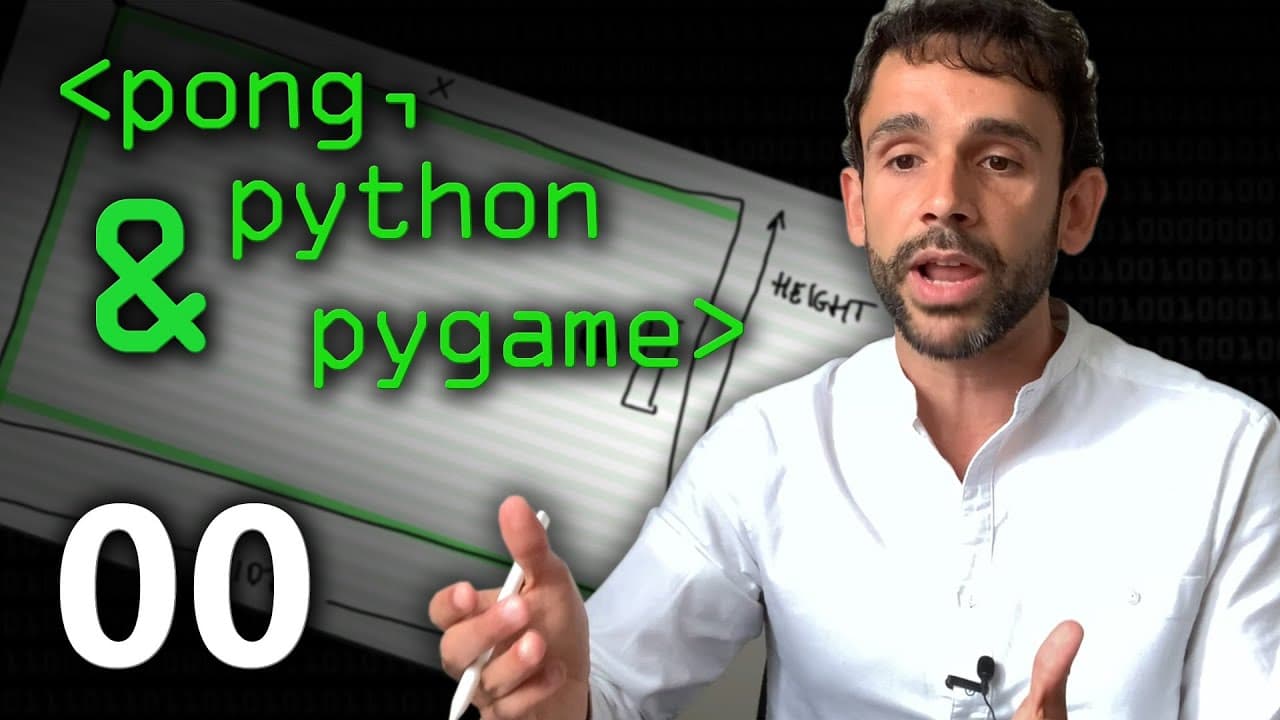
Create a Pong-inspired game using Python and the Pygame library, focusing on object-oriented programming principles. The tutorial covers essential steps, such as defining game objects, rendering them on screen, and handling user controls for an engaging gaming experience.
Transcript
actually I feel like playing games today do you like gaming Sean yeah I do you know many computer scientists like me got into computers in the first place because we do like games and and we think like okay I'm gonna go to university I'm gonna learn how to program and in no time I will be able to do a very very cool game with visual graphics and st... Read More
Key Insights
- 👻 Object-oriented programming is a fundamental concept in game development, allowing for the creation of reusable and organized code.
- 👾 The Pygame library provides useful functions for game design, such as drawing graphics and handling user input.
- 👾 The game design process involves thinking about the positions and sizes of game elements on the screen.
- 👾 The tutorial emphasizes the importance of testing and adjusting variables to fine-tune the game's mechanics and appearance.
Install to Summarize YouTube Videos and Get Transcripts
Explore YouTube Video Summarizer or Get YouTube Transcript Extractor
Questions & Answers
Q: What library is used to create the game in Python?
The Pygame library is used to create the game. It provides functions for drawing graphics, handling user input, and playing sounds.
Q: How is object-oriented programming used in the game design?
Object-oriented programming is used to create the ball and paddle objects. These objects have attributes, such as their positions and sizes, and functions, such as updating their positions and checking for collisions with other objects.
Q: Can the game be played on any operating system?
The game can be played on any operating system, but there may be some compatibility issues with Pygame on macOS. The tutorial suggests using Linux for a more stable experience.
Q: What is the difference between the ball and paddle objects?
The ball object moves automatically and can collide with the walls, bouncing back when it does. The paddle object is controlled by the player, usually using a mouse or keyboard, and its position is updated accordingly.
Summary & Key Takeaways
-
The content is about creating a game using Python and the Pygame library.
-
The game is a modified version of Pong, where the player tries to catch a bouncing ball.
-
The game design implements object-oriented programming, with the ball and paddle objects having attributes and functions.
-
The tutorial walks through the steps of creating the game, including drawing the game elements on the screen and updating their positions.
Read in Other Languages (beta)
Share This Summary 📚
Summarize YouTube Videos and Get Video Transcripts with 1-Click
Try YouTube Summary with ChatGPT & Claude or YouTube Transcript Generator
Explore More Summaries from Computerphile 📚



Summarize YouTube Videos and Get Video Transcripts with 1-Click
Try YouTube Summary with ChatGPT & Claude or YouTube Transcript Generator