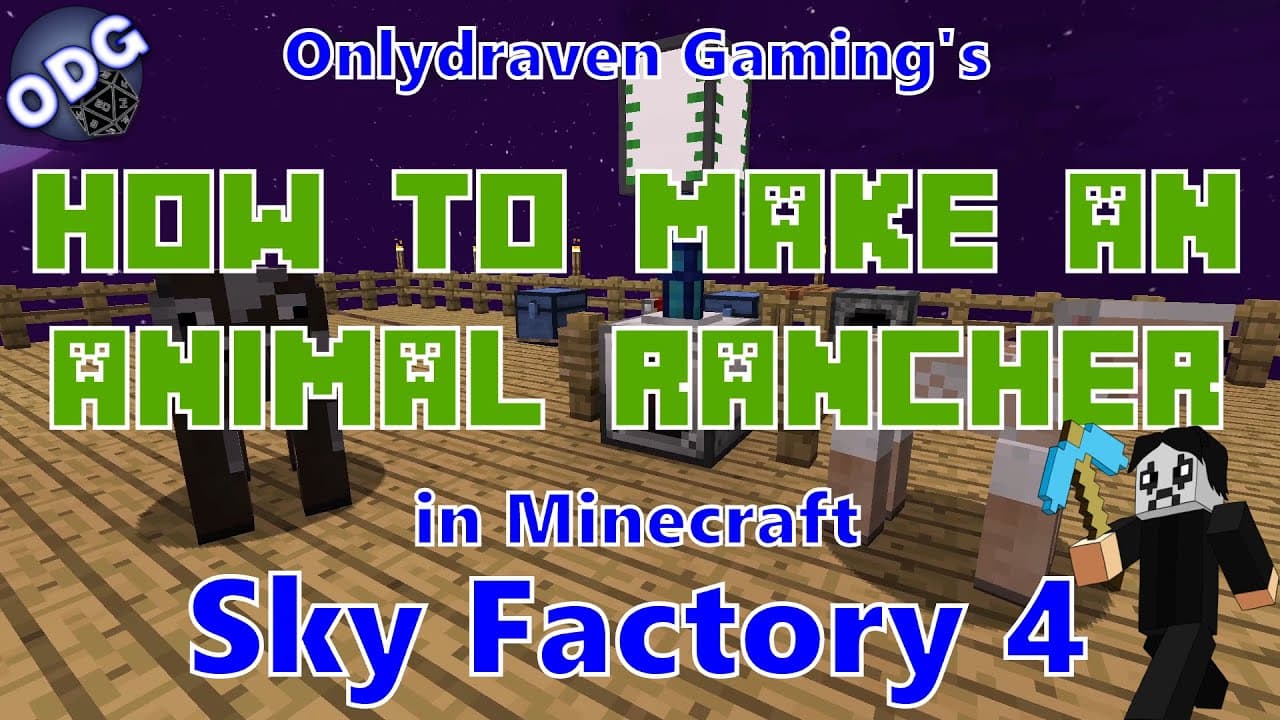
How to Use an Animal Rancher in Minecraft Sky Factory 4
TL;DR
To use an Animal Rancher in Minecraft Sky Factory 4, build it using three plastic, two shears, a bucket, two golden gears, and one machine case. Once powered, it automatically milks cows and shears sheep within its range. Enhance its capabilities with range add-ons to increase the area it operates in, streamlining your farming operations.
Transcript
foreign only Draven here again and today we're doing another tutorial in Minecraft Sky Factory 4. uh today I'm going to be showing you how to make and use the animal Rancher which is a block that will automatically milk cows or sheer sheep for you a great little block for both of those processes that are very easy to put together and can be very ve... Read More
Key Insights
- 👤 The Animal Rancher is user-friendly and requires minimal setup, making it ideal for beginners in Minecraft Sky Factory 4.
- ✊ Powering the Animal Rancher is essential; various sources can be utilized to ensure it operates continuously.
- 🇦🇪 Storage management is important for maintaining the efficiency of the Animal Rancher; connecting to storage units is recommended.
- 🔶 Range add-ons greatly enhance the capability of the Animal Rancher, allowing for broader resource collection with multiple animals.
- 💌 Automation of shearing and milking saves time and effort, letting players focus on other aspects of gameplay.
- 🌥️ The Animal Rancher can be seamlessly integrated into a larger automated farming system for sustained resource generation.
- 💬 Engaging with the creator's community (via comments or streaming) can provide additional tips or suggestions for Minecraft gameplay.
Install to Summarize YouTube Videos and Get Transcripts
Explore YouTube Video Summarizer or Get YouTube Transcript Extractor
Questions & Answers
Q: What materials do I need to craft the Animal Rancher?
To craft the Animal Rancher, you will need three pieces of plastic, two shears, a bucket, two golden gears, and one machine case. These ingredients are necessary to construct this block, allowing it to milk cows and shear sheep efficiently within the game.
Q: How do I power the Animal Rancher?
The Animal Rancher requires RF (Redstone Flux) power to operate. You can use a creative energy battery or connect it to various power sources like reactors, generators, or solar panels. It is crucial to ensure that the block is properly connected to maintain its functionality.
Q: Can I increase the range of the Animal Rancher?
Yes, the range of the Animal Rancher can be expanded using Industrial Foregoing range add-ons. These add-ons can increase the work area from one block up to a maximum of twelve blocks, allowing the rancher to gather resources from more animals efficiently.
Q: What happens if I don’t have storage space for milk or wool?
If there is no storage space for the milk from cows or wool from sheep, the Animal Rancher will stop processing. To avoid this, it is essential to connect item extraction cables to chests or tanks to store the resources produced, ensuring continuous operation.
Q: Can I use the Animal Rancher for other animal products besides milk and wool?
The Animal Rancher is specifically designed for milking cows and shearing sheep. However, it does not support other animal products like eggs or meat, making it a specialized tool for these two tasks within Minecraft Sky Factory 4.
Q: Is there a way to collect the milk or wool automatically?
Yes, you can set up item extraction cables leading to a chest or large storage unit to automatically collect the wool and milk produced by the Animal Rancher. This setup allows for a fully automated farming system, enhancing your resource management in the game.
Summary & Key Takeaways
-
The Animal Rancher in Minecraft Sky Factory 4 automates the processes of milking cows and shearing sheep, requiring minimal setup.
-
Players can enhance the Animal Rancher's range using add-ons, enabling it to work with multiple animals within a larger area for efficient resource gathering.
-
This tutorial emphasizes the importance of connecting the Animal Rancher to a power source and offers options for storage of milk and wool produced.
Read in Other Languages (beta)
Share This Summary 📚
Summarize YouTube Videos and Get Video Transcripts with 1-Click
Try YouTube Summary with ChatGPT & Claude or YouTube Transcript Generator
Explore More Summaries from Onlydraven Gaming 📚




Summarize YouTube Videos and Get Video Transcripts with 1-Click
Try YouTube Summary with ChatGPT & Claude or YouTube Transcript Generator