How to Install Raspberry Pi OS as a VM on ESXi-Arm
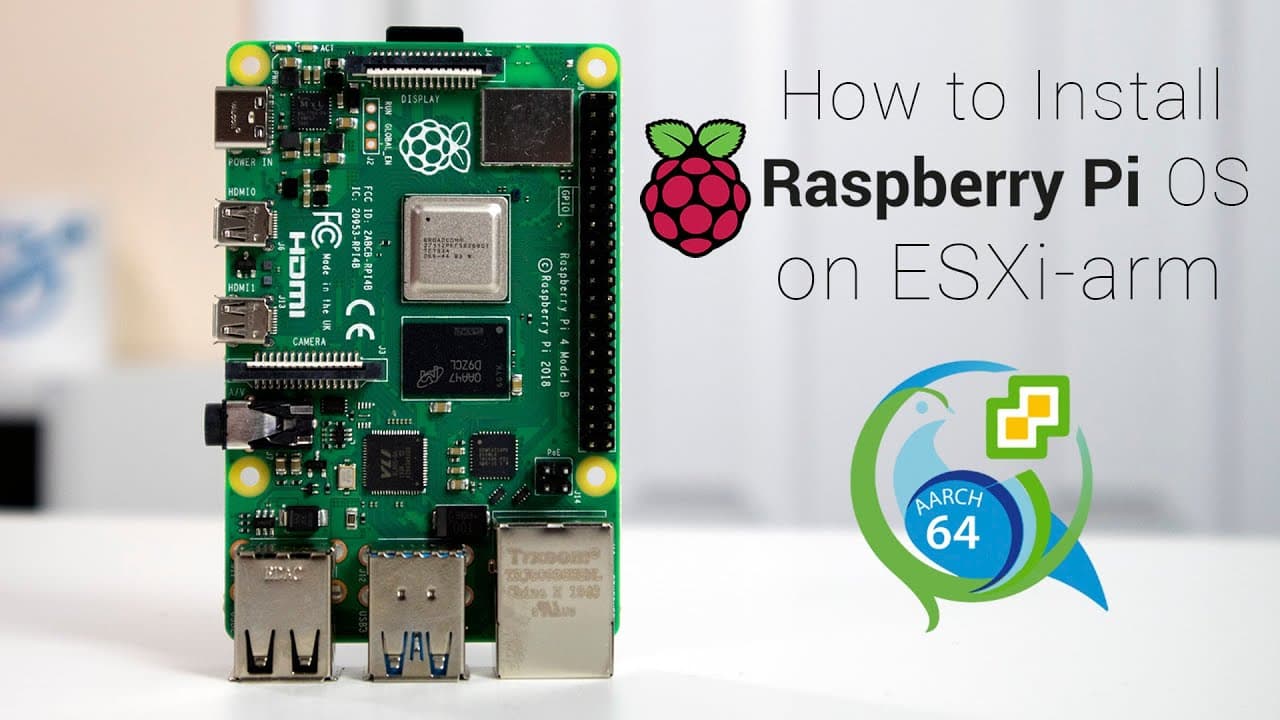
TL;DR
To install Raspberry Pi OS on ESXi-Arm, convert the raw disk image to VMDK format using QEMU and then install the grub bootloader. After uploading the image to your ESXi environment, create a new virtual machine and ensure to expand the hard drive for better performance. Thin provisioning is recommended to optimize storage usage.
Transcript
hey guys what is going on it's don here from nova spirit tech and welcome back to the channel and today i'm going to show you guys how to install raspberry pi os on exi on arm for the raspberry pi so let's get started now before we begin i want to give a huge shout out to virtualghetto.com as well as what inside's twitter account these are the two ... Read More
Key Insights
- 😚 The installation process for Raspberry Pi OS on ESXi includes converting raw images to a compatible VMDK format using QEMU tools.
- 🥾 Setting up the grub boot loader is essential for enabling the virtual machine to boot properly.
- 🤔 The tutorial emphasizes the benefits of thin provisioning, allowing for efficient storage use by eliminating unnecessary space allocation.
- 🐚 Managing SSH settings is highlighted as an important step for accessing the ESXi shell for advanced configurations.
- 👤 The tutorial advises users to prepare their virtual environment in advance, ensuring all necessary tools and images are downloaded beforehand.
- 👾 The process of checking for sufficient space and updating repositories is crucial for running commands successfully during the installation.
- 🏣 Optimizing the performance of Raspberry Pi OS can be achieved by expanding available storage space post-installation.
Install to Summarize YouTube Videos and Get Transcripts
Explore YouTube Video Summarizer or Get YouTube Transcript Extractor
Questions & Answers
Q: What is the importance of the boot loader in this installation process?
The boot loader, specifically grub, is crucial for the virtual machine to boot the Raspberry Pi OS. Without a properly installed boot loader, the system cannot start successfully, as it needs access to a program that can load the operating system. In this video, the process of installing grub onto the boot partition is thoroughly explained to ensure that the Raspberry Pi OS operates correctly within ESXi.
Q: What are the main tools needed for this installation?
The primary tools required for installing Raspberry Pi OS on ESXi include the Raspberry Pi Buster ARM64 image and a Debian net install ISO. The video also emphasizes the need for QEMU tools to convert the disk images. These tools help facilitate the setup and ensure compatibility with the ESXi environment, allowing the operating system to be correctly initiated.
Q: How does thick provisioning differ from thin provisioning?
Thick provisioning allocates the entire disk space upfront regardless of how much data is stored, making the disk image size static. In contrast, thin provisioning only uses as much disk space as the actual data requires, which can conserve storage and increase efficiency. This tutorial suggests opting for thin provisioning to minimize storage use, especially useful when working with limited resources.
Q: What steps are outlined for expanding the hard drive after installation?
After installing the Raspberry Pi OS, the tutorial describes a sequence of actions to expand the hard drive size. This includes shutting down the virtual machine, adjusting the disk size in ESXi settings, and then using the Raspberry Pi configuration tool to expand the file system to utilize the newly allocated space. These steps ensure the operating system benefits from the additional capacity.
Summary & Key Takeaways
-
The video tutorial covers the process of installing Raspberry Pi OS on ESXi, focusing on converting raw disk images into VMDK formats.
-
Key steps involve preparing the operating system image and installing the necessary boot loader (grub) for successful booting on the virtual machine.
-
Additional steps on managing disk provisioning and expanding hard drive space are also included for improved performance.
Read in Other Languages (beta)
Share This Summary 📚
Summarize YouTube Videos and Get Video Transcripts with 1-Click
Try YouTube Summary with ChatGPT & Claude or YouTube Transcript Generator
Explore More Summaries from Novaspirit Tech 📚






Summarize YouTube Videos and Get Video Transcripts with 1-Click
Try YouTube Summary with ChatGPT & Claude or YouTube Transcript Generator