How to Create a WEBSITE in Canva? All your QUESTIONS ANSWERED 🤓
TL;DR
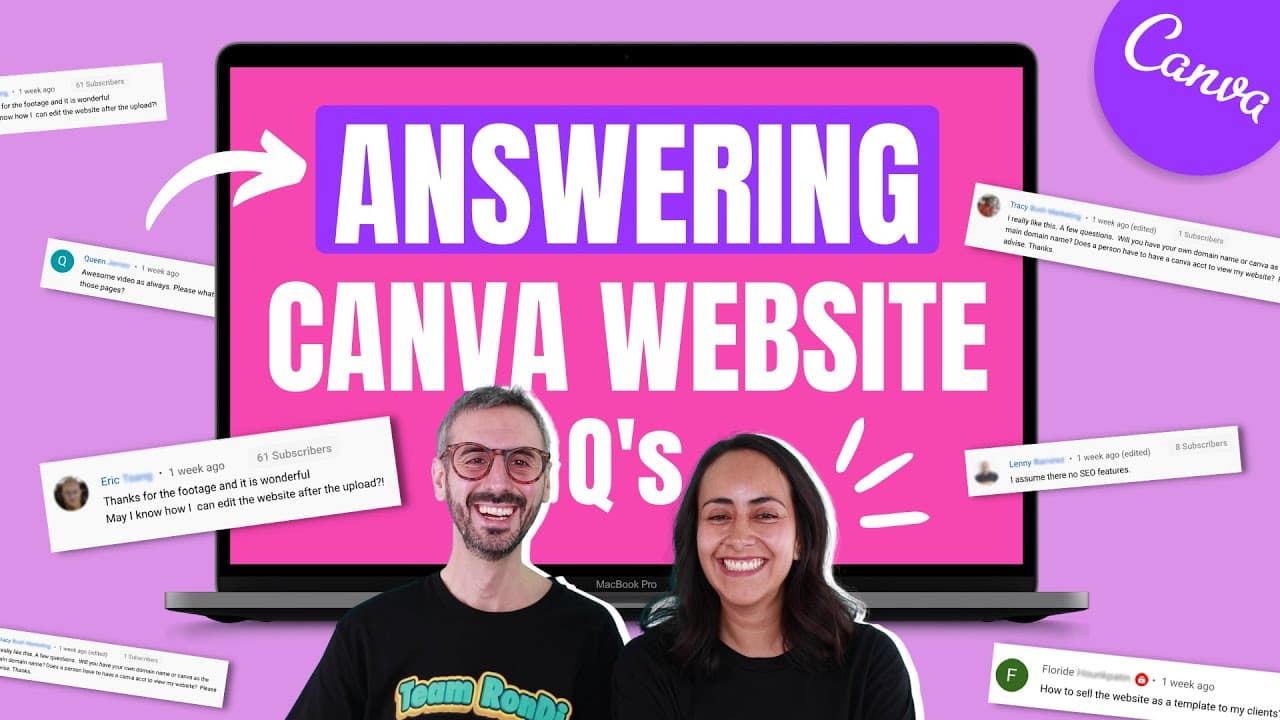
Get answers to your frequently asked questions about creating, modifying, and selling websites on Canva.
Transcript
all right so you had a lot of questions following our website how to make website with canva video so today we team up team randy is here at the rescue to answer all of your questions so let's go what's going on everyone my name is ronnie my name is diana we are team randy and on this channel we teach you how to use canva to become a better designe... Read More
Key Insights
- 😒 Canva websites do not have native e-commerce features, but you can use workarounds like external links or PayPal for selling products or services.
- 👻 Canva websites are hosted on Canva's platform and cannot be transferred to external domains or platforms.
- 💄 Modifying Canva websites is easy by reopening the source document, making changes, and refreshing the website.
- 👨🔬 Canva websites are not currently optimized for SEO and are not searchable on search engines like Google.
- 👻 Canva allows for multi-page websites with navigation menus, and you can add links within the website to improve user experience.
- 💁 Optimization tips include compressing and resizing images, carefully positioning text boxes, and embedding external links correctly.
- 🥶 Canva Pro may be required for certain premium elements, but most features can be accessed with a free account.
Install to Summarize YouTube Videos and Get Transcripts
Explore YouTube Video Summarizer or Get YouTube Transcript Extractor
Questions & Answers
Q: Can I sell products on a Canva website and add a payment gateway?
Canva does not natively support e-commerce, but you can showcase products and add links to external platforms or use PayPal for payments.
Q: Can I use Canva to create an e-commerce website with Stripe integration?
While Canva does not directly integrate with Stripe, you can generate links or landing pages from Stripe to direct users to make payments.
Q: Can I sell Canva websites as templates to clients?
Yes, you can share the canva source file with clients to use the website template you created for them.
Q: Can I add a thank you page that is not visible in the main menu or scrollable?
To create a hidden thank you page, you can create a separate Canva document specifically for the page and link to it externally.
Q: Can I compress and resize large images in Canva to improve website loading speed?
Yes, you can compress and resize images in Canva before uploading them to ensure faster website loading.
Q: Can I embed links like Instagram in Canva websites?
Yes, you can embed external links, including Instagram posts, by pasting the link into the Canva embed feature.
Q: Do I need Canva Pro to create and preview mobile-optimized websites?
Canva Pro is not necessary for creating or previewing mobile-optimized websites, but you may encounter a prompt if you use premium elements.
Summary & Key Takeaways
-
Team Randy answers questions about various topics related to Canva websites, including e-commerce, hosting, modifying websites, SEO, user experience, and more.
-
E-commerce: Canva does not have built-in e-commerce features, but you can use workarounds like linking to external platforms or using PayPal for service-based businesses.
-
Hosting: Canva websites are hosted on Canva's platform, and you cannot transfer them or host them on your own domain or platform.
-
Modifying Websites: You can easily edit your Canva website by reopening the Canva document, making changes, and refreshing the website to see the updates.
-
SEO: Canva websites are not currently optimized for search engines, so they are not searchable on Google.
-
User Experience: Canva allows you to create multi-page websites with navigation menus, and you can add links within the website to navigate between pages.
Read in Other Languages (beta)
Share This Summary 📚
Summarize YouTube Videos and Get Video Transcripts with 1-Click
Try YouTube Summary with ChatGPT & Claude or YouTube Transcript Generator
Explore More Summaries from Design with Canva 📚






Summarize YouTube Videos and Get Video Transcripts with 1-Click
Try YouTube Summary with ChatGPT & Claude or YouTube Transcript Generator