How to Add Authentication to React Routes with Redux
TL;DR
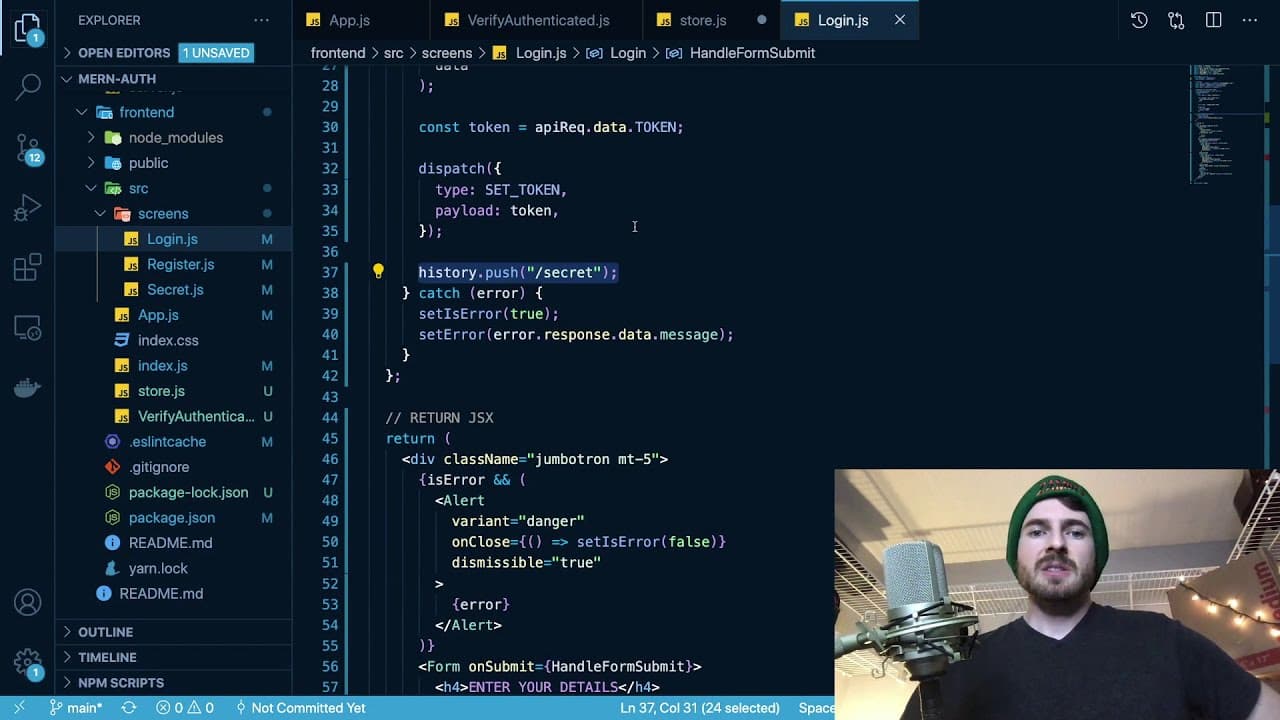
To implement authentication in React routes, use Redux to manage the authentication state. Create a higher-order component that checks if a user is logged in by verifying a token in the Redux store, and redirect unauthorized users to the login page. This ensures that protected routes are accessible only to authenticated users.
Transcript
what is up everyone welcome back to another web dev junkie video my name is cody seibert in this video i'm going to be showing you a application that a subscriber sent me so he sent me his github repo link and he asked if i could explain how to add authentication on react routes so if you are familiar with react router you know you typically have r... Read More
Key Insights
- 😀 Authentication in a React app can be efficiently managed using Redux to store user tokens.
- 👤 Protecting routes can involve wrapping components with a validation component to check user authentication status.
- 👤 The
useDispatchanduseHistoryhooks from React Redux and React Router are essential for managing state changes and navigating users. - 👤 Proper handling of authentication states improves user experience by ensuring users are directed to appropriate pages based on their logged-in status.
- 👤 Redirecting users to the login page when they attempt to access unauthorized routes enhances security measures in web applications.
- 🤯 The implementation of route authentication should be designed with user experience in mind—smooth transitions after login are beneficial.
- 👤 Securing routes is a fundamental part of building scalable applications that require user authentication for certain functionalities.
Install to Summarize YouTube Videos and Get Transcripts
Explore YouTube Video Summarizer or Get YouTube Transcript Extractor
Questions & Answers
Q: How does Redux help in managing authentication for routes?
Redux provides a centralized state management solution that allows you to store and access the authentication token across your application. By dispatching actions to update the token in the Redux store after login, you can easily verify whether a user is authenticated. This verification can then be used in your route guarding logic, ensuring that routes are accessible only to logged-in users.
Q: What is the role of the verifyAuthenticated component?
The verifyAuthenticated component is responsible for checking the authentication state before rendering any protected routes. It retrieves the token from the Redux store and determines whether to show the desired component or redirect the user to the login page. This process enhances security by preventing unauthenticated access to sensitive areas of the application.
Q: What should happen when a user successfully logs in?
Upon successful login, the application should dispatch an action to store the received token in the Redux state, indicating that the user is authenticated. Additionally, the application should redirect the user to a protected route, such as the secret page. This seamless transition improves user experience by allowing access to functionality while being securely authenticated.
Q: Can you explain how the Redirect component from React Router works in this context?
The Redirect component from React Router is used to navigate users to a different route based on certain conditions. In this authentication scenario, if a user attempts to access a protected route without being authenticated, the Redirect component can automatically direct them back to the login page. This functionality is crucial for maintaining secure access to restricted areas of the application.
Summary & Key Takeaways
-
The video explains how to secure a secret route in a React application, ensuring that only authenticated users can access it.
-
It emphasizes using Redux to manage authentication state and validate if a user is logged in before allowing access to certain routes.
-
The presenter illustrates the process of redirecting users to a login page if they attempt to access a protected route without being authenticated.
Read in Other Languages (beta)
Share This Summary 📚
Summarize YouTube Videos and Get Video Transcripts with 1-Click
Try YouTube Summary with ChatGPT & Claude or YouTube Transcript Generator
Explore More Summaries from Web Dev Cody 📚





Summarize YouTube Videos and Get Video Transcripts with 1-Click
Try YouTube Summary with ChatGPT & Claude or YouTube Transcript Generator