How to Clone Yourself in a Video Using Canva Pro
TL;DR
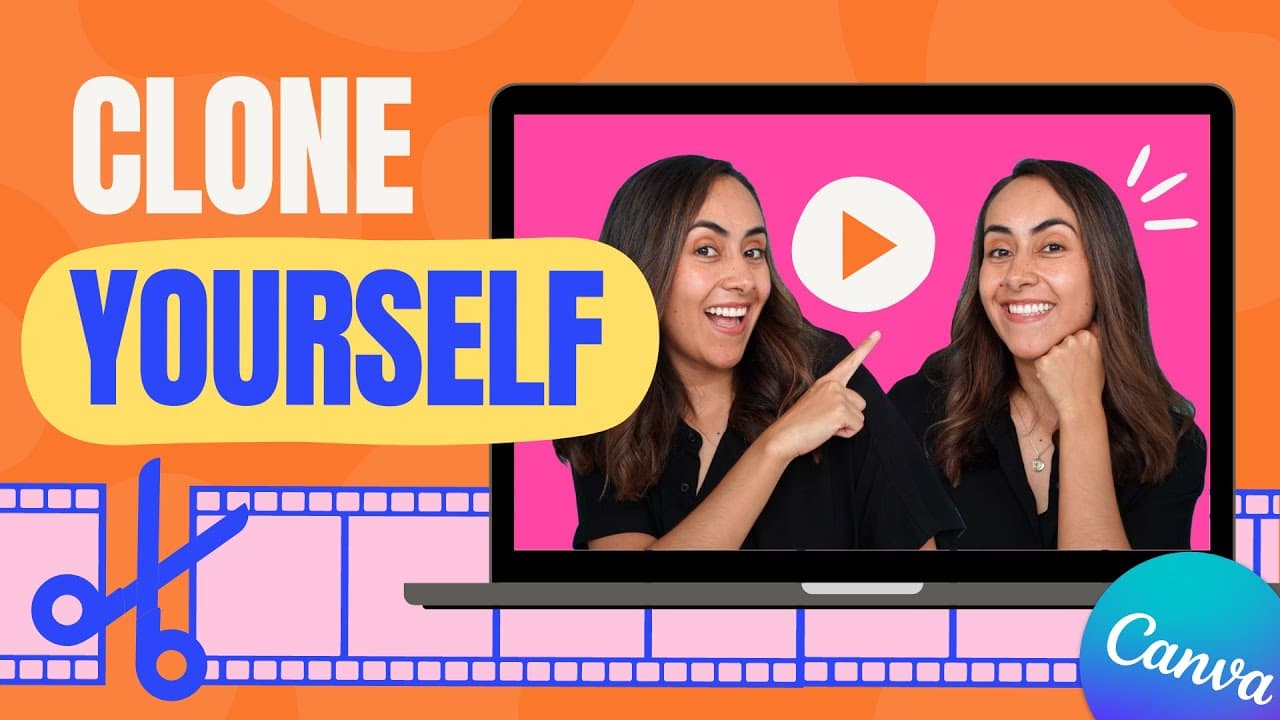
To clone yourself in a video with Canva Pro, film multiple segments of yourself in different positions without overlapping, then use Canva's editing features to layer the clips. Key tips include using a tripod for stability, matching video lengths, and applying the background remover for a polished look.
Transcript
in this tutorial I'm going to show you how to clone yourself in a video using canva Pro so if you guys are interested in this tutorial let's go to my computer here I am in canva.com and we're going to create a video document because we are going to create a video today in here we have a videos section so I'm going to create a horizontal video for t... Read More
Key Insights
- 👻 Canva Pro allows users to clone themselves in videos by overlaying multiple clips.
- 🖐️ Filming techniques, such as using a tripod and strategic positioning, play a crucial role in achieving a seamless cloning effect.
- 🌀 Canva Pro's video background remover feature helps remove the background from clone clips for a professional finish.
- 💦 Renaming files and working with different video formats can make the editing process more organized and efficient.
- 🎮 Attention to detail and proper cropping are essential to avoid discrepancies in the final video.
- ✋ Using a plain background and high-contrast clothing can improve the accuracy of the video background remover tool.
- 🎮 Canva Pro's video editing capabilities enhance creativity and offer opportunities for creating unique and trendy animations.
Install to Summarize YouTube Videos and Get Transcripts
Explore YouTube Video Summarizer or Get YouTube Transcript Extractor
Questions & Answers
Q: What is Canva Pro?
Canva Pro is a subscription-based version of Canva that offers advanced features like video editing tools, background removal, and more.
Q: Can I use any type of video format in Canva Pro?
Yes, Canva Pro supports various video formats, allowing you to upload your own videos for editing.
Q: Do I need special equipment to clone myself in a video?
While a tripod is recommended for stable footage, you can use any camera that can record videos for this cloning technique.
Q: Is the video background remover feature available only in Canva Pro?
Yes, the video background remover feature is exclusive to Canva Pro users.
Summary & Key Takeaways
-
The tutorial demonstrates how to use Canva Pro to create a video where you clone yourself.
-
The process involves filming multiple videos of yourself in different positions and then using Canva Pro's editing tools to overlay the clips.
-
Tips for filming the videos include using a tripod, positioning yourself strategically, avoiding overlapping with the main video, matching the length of clone videos with the main video, and appearing from out of frame for added effect.
Read in Other Languages (beta)
Share This Summary 📚
Summarize YouTube Videos and Get Video Transcripts with 1-Click
Try YouTube Summary with ChatGPT & Claude or YouTube Transcript Generator
Explore More Summaries from Design with Canva 📚






Summarize YouTube Videos and Get Video Transcripts with 1-Click
Try YouTube Summary with ChatGPT & Claude or YouTube Transcript Generator