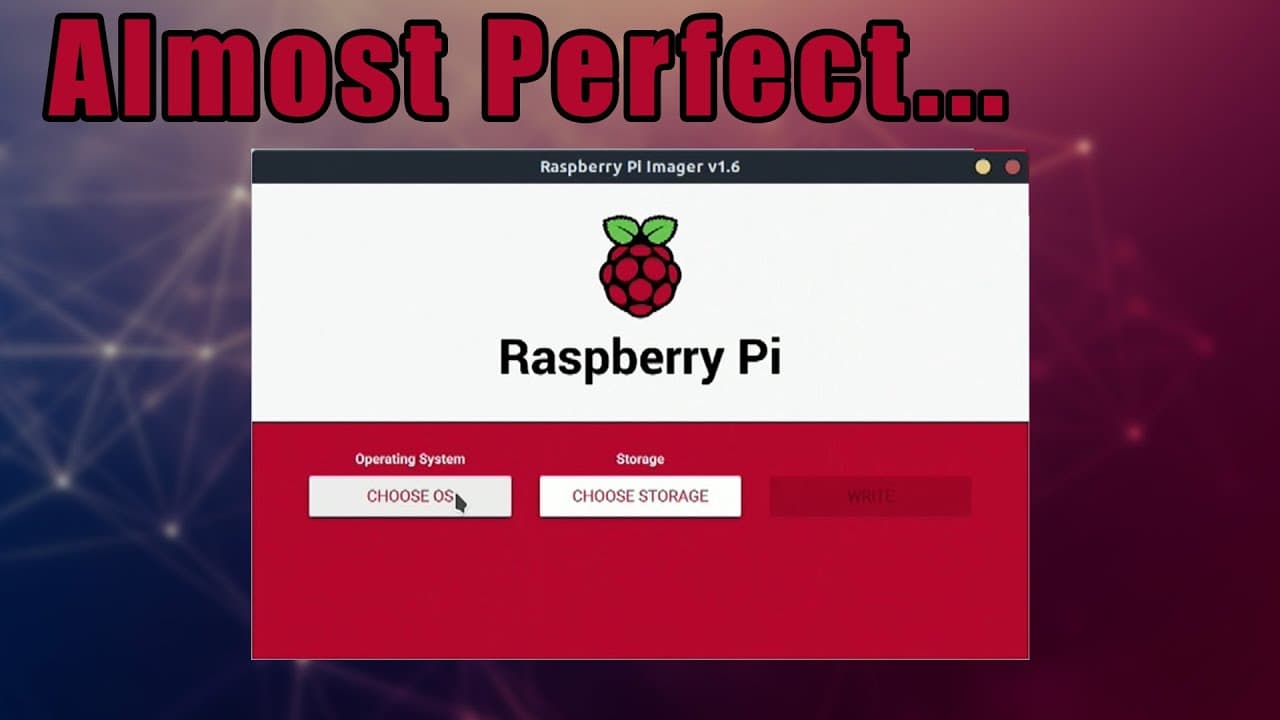
Raspberry Pi Imager 1.6 2021 - First Look
TL;DR
Raspberry Pi Imager 1.6 adds advanced settings for easier configuration.
Transcript
hey guys it's don here from hey guys don here from nova spare tech and welcome back to the channel and today we are going to be checking out the latest version of raspberry pi imager so let's get started so it's been about a year since they last updated this program from version 1.5 and now to 1.6 and one of the things that was missing or one of th... Read More
Key Insights
- 👤 The update from version 1.5 to 1.6 adds significant functionality to Raspberry Pi Imager, enhancing user experience.
- 👤 Users can now customize their devices before booting, reducing the need for post-setup configuration.
- 😫 Enabling SSH and configuring Wi-Fi directly from the imager are especially beneficial for users setting up headless devices.
- 💯 Despite the improvements, some core features remain absent, reflecting user feedback for further enhancements.
- ⌛ Managing device settings before installation can save time and streamline project setup for enthusiasts.
- 👏 The option to ping Raspberry Pi's server for installation statistics raises privacy considerations among users.
- ♓ The introduction of advanced settings signifies a move towards greater usability and configurability in Raspberry Pi software.
Install to Summarize YouTube Videos and Get Transcripts
Explore YouTube Video Summarizer or Get YouTube Transcript Extractor
Questions & Answers
Q: What are the key new features of Raspberry Pi Imager 1.6?
The main new features include advanced settings options like enabling SSH, configuring Wi-Fi before installation, setting the device hostname, and modifying user passwords, making initial device setup significantly more user-friendly and efficient.
Q: How can users access the advanced settings in the new version?
Users can access the advanced settings in Raspberry Pi Imager 1.6 by pressing the key combination Control + Shift + X. This brings up the advanced options menu, where various configurations can be adjusted before OS installation.
Q: What options do the advanced settings allow users to configure?
Advanced settings allow users to disable overscan, configure Wi-Fi and locale settings, change hostnames, modify user passwords, and enable SSH from within the imager. These features simplify the setup process, particularly for headless installations.
Q: What additional features did users wish were included in the update?
Users expressed a desire for features like the ability to modify the command line.txt file and lock down an IP address directly within the imager, as well as the capability to overclock the Raspberry Pi without needing to eject the SD card.
Summary & Key Takeaways
-
Raspberry Pi Imager has been updated from version 1.5 to 1.6, introducing advanced settings for users to easily configure their devices.
-
The new version allows changes such as enabling SSH, configuring Wi-Fi, setting the hostname, and modifying user passwords directly within the imager.
-
While the update improves usability, some users express a desire for additional features, such as modifying command line settings and IP address locking.
Read in Other Languages (beta)
Share This Summary 📚
Summarize YouTube Videos and Get Video Transcripts with 1-Click
Try YouTube Summary with ChatGPT & Claude or YouTube Transcript Generator
Explore More Summaries from Novaspirit Tech 📚






Summarize YouTube Videos and Get Video Transcripts with 1-Click
Try YouTube Summary with ChatGPT & Claude or YouTube Transcript Generator