How to Build Web Apps with React and Tailwind
TL;DR
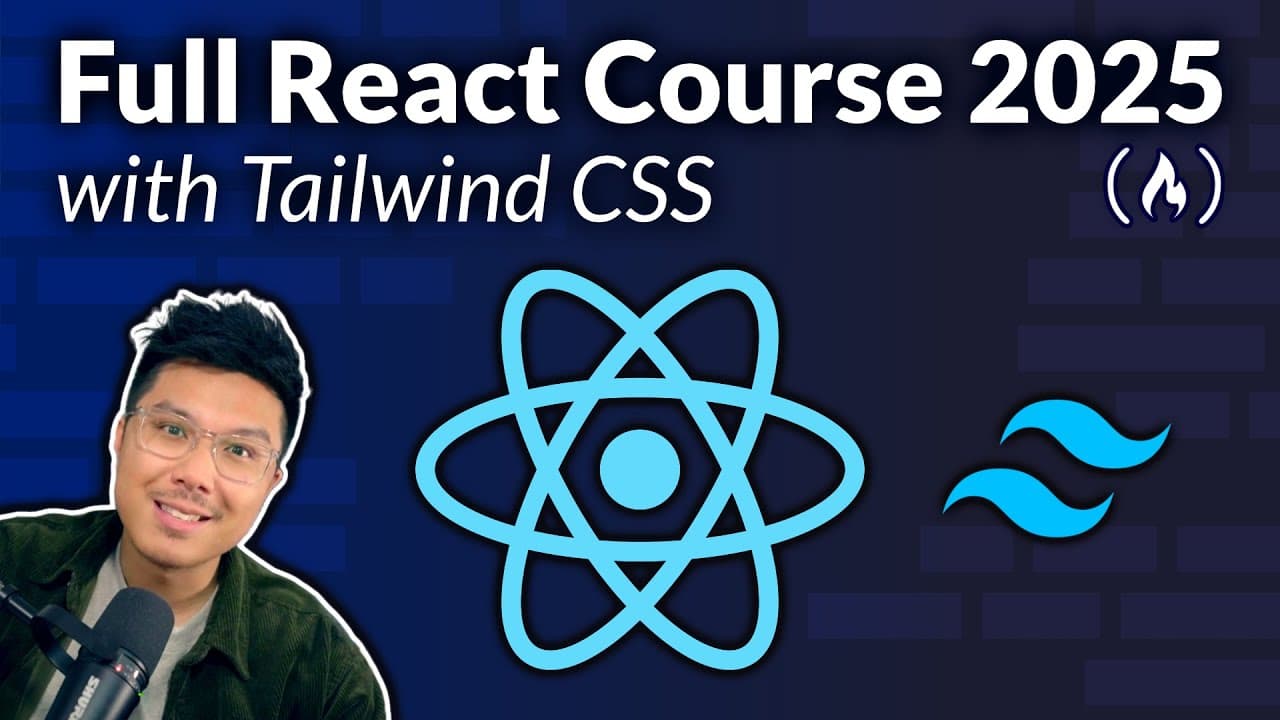
Learn modern frontend web development using React and Tailwind CSS with Alvin Zablin's beginner course. This course covers essential concepts such as component-based development, styling with Tailwind, handling events, and managing state. By building real projects, you'll gain the confidence to create interactive web apps from scratch. No prior frontend experience is required, just basic JavaScript knowledge.
Transcript
Learn modern front-end web development with this beginners course on React and Tailwind CSS created by Alvin Zablin. This course guides you step by step through building real projects while learning the essentials of component-based development and utility for styling. You'll start by creating your first React app, then learn about rendering compon... Read More
Key Insights
- React is a JavaScript framework for building user interfaces using components.
- Tailwind CSS is a popular framework for styling frontend applications with utility-first classes.
- Props in React allow components to communicate and pass data between each other.
- Flexbox in Tailwind helps create responsive and modern layouts by controlling alignment and spacing.
- Dynamic class names in Tailwind should be constructed without breaking up class names.
- Interactive components in React can be built using event handling and state management.
- Padding and margin are crucial for creating clean and elegant UI designs.
- Using semantic HTML elements like buttons enhances accessibility and usability.
Install to Summarize YouTube Videos and Get Transcripts
Explore YouTube Video Summarizer or Get YouTube Transcript Extractor
Questions & Answers
Q: How to start learning React and Tailwind CSS?
Begin by understanding the basics of React and Tailwind CSS. Familiarize yourself with component-based development, props, and state management in React. Simultaneously, practice using Tailwind's utility-first classes to style components. This course offers step-by-step guidance and hands-on exercises to build foundational skills.
Q: What are the benefits of using React for web development?
React is a widely used JavaScript framework known for its component-based architecture, which promotes organized and maintainable code. It allows developers to build reusable components, manage state efficiently, and create dynamic user interfaces. React's popularity ensures a strong community and extensive resources for learning and troubleshooting.
Q: Why choose Tailwind CSS over other styling frameworks?
Tailwind CSS offers a utility-first approach, providing pre-defined classes for styling elements directly in HTML. This method enhances productivity by reducing the need for custom CSS and allowing rapid prototyping. Tailwind's popularity is growing due to its flexibility, ease of use, and the ability to create responsive designs with minimal effort.
Q: How does Flexbox improve web layout design?
Flexbox is a CSS layout model that enables responsive and flexible designs by controlling alignment, spacing, and distribution of elements within a container. It simplifies complex layouts by allowing developers to arrange items in rows or columns and adjust their size and position based on the available space, making it ideal for modern web design.
Q: What are props in React, and how are they used?
Props, short for properties, are a mechanism in React for passing data from parent components to child components. They enable component communication and allow developers to create dynamic and reusable components. Props are read-only, meaning they cannot be modified by the child component, ensuring a unidirectional data flow.
Q: How can event handling enhance React components?
Event handling in React allows components to respond to user interactions, such as clicks, form submissions, and keyboard inputs. By managing events, developers can create interactive and dynamic components that improve user experience. React's synthetic event system ensures consistent behavior across different browsers, simplifying event management.
Q: What is the role of state management in React?
State management in React is crucial for handling dynamic data and enabling components to react to changes. The state is an object that stores component-specific data, which can be updated using the setState function. Proper state management ensures that components re-render efficiently, reflecting the latest data and maintaining application performance.
Q: How does Tailwind CSS handle dynamic class names?
Tailwind CSS recommends avoiding dynamic construction of class names by concatenating strings. Instead, use complete class names within conditional logic to ensure reliable styling. This approach prevents flaky behavior and ensures that Tailwind's utility classes are applied consistently, maintaining the integrity of the design across different states and conditions.
Summary & Key Takeaways
-
Learn to build modern web applications from scratch using React and Tailwind CSS. This beginner course covers essential topics like rendering components, passing props, and managing state. You'll also learn to style applications using Tailwind's utility-first approach, focusing on creating responsive and elegant UIs.
-
React's component-based architecture allows for organized and maintainable code. By mastering Tailwind's styling techniques, you can apply dynamic styles and responsive layouts effortlessly. The course includes practical exercises on flexbox, padding, and margin, ensuring you can create visually appealing web apps.
-
Event handling and state management are key to building interactive components. This course provides hands-on experience with these concepts, enabling you to develop features like click events, conditional rendering, and image carousels. By the end, you'll be equipped to build sophisticated web applications.
-
(Content reviewed on 2026-08-27.)
Read in Other Languages (beta)
Share This Summary 📚
Summarize YouTube Videos and Get Video Transcripts with 1-Click
Try YouTube Summary with ChatGPT & Claude or YouTube Transcript Generator
Explore More Summaries from freeCodeCamp.org 📚



![The Most Important Skills Going Forward with CTO + Homebrew Maintainer Mike McQuaid [Podcast #204] thumbnail](/_next/image?url=https%3A%2F%2Fi.ytimg.com%2Fvi%2F58Tn2xB8kIE%2Fhqdefault.jpg&w=750&q=75)

Summarize YouTube Videos and Get Video Transcripts with 1-Click
Try YouTube Summary with ChatGPT & Claude or YouTube Transcript Generator