How Can You Create Images with AI in Photoshop?
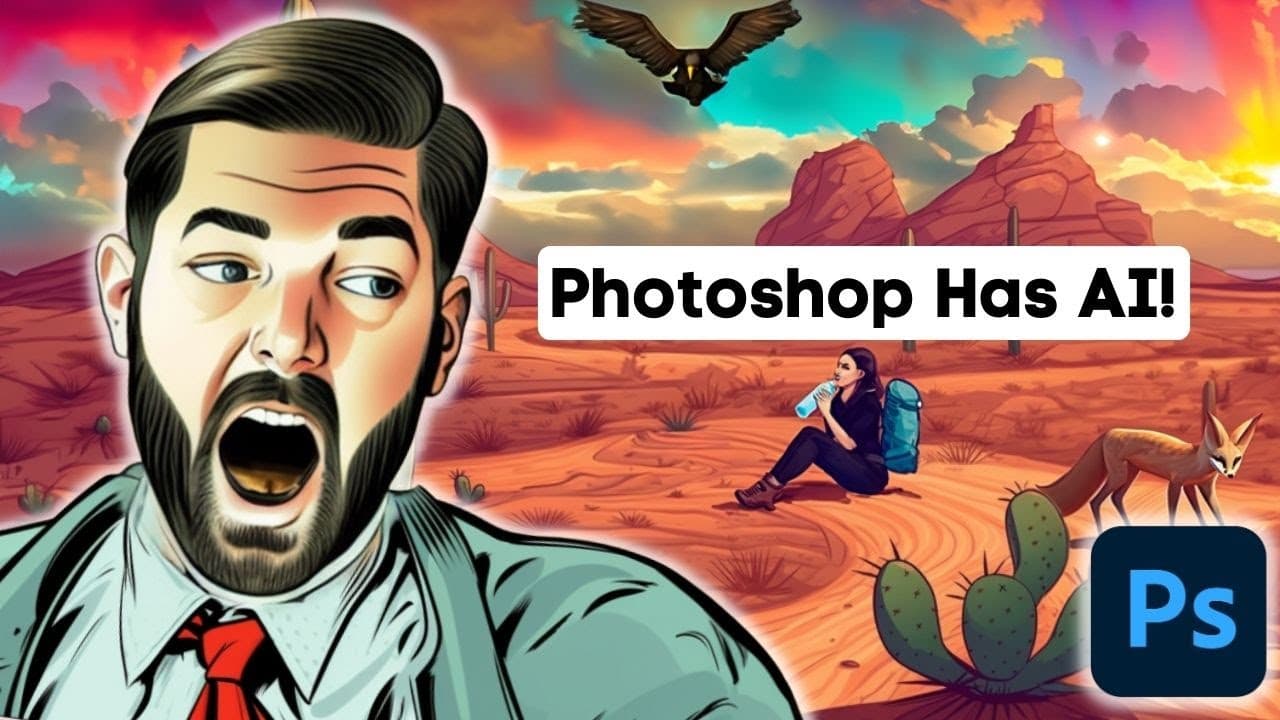
TL;DR
Adobe's new generative fill feature in Photoshop allows users to create images by generating content based on existing visuals directly within the software. Users can select an area, input their prompts, and customize results through multiple layers, enhancing their design experience. For those without Photoshop, alternatives like Leonardo.ai offer similar capabilities.
Transcript
so recently Adobe just added the ability to generate AI images directly from within Photoshop and it's pretty amazing in this video I'm going to walk you through how to set it up what it can do and also a cool alternative that you can use for free if you don't have a Photoshop account but before we get into it I want to show you some examples of wh... Read More
Key Insights
- 👻 Adobe's new generative fill tool in Photoshop allows users to effortlessly create composite images.
- ⚾ The tool generates additional content based on the context of the original image, making it easy to expand, modify, or add elements.
- 👤 The generative fill tool creates separate layers for each addition, providing users with flexibility and control over their final image.
- 👤 Users without Photoshop can explore alternative AI tools like Leonardo.ai, which offers similar generative capabilities.
- 👤 The generative fill tool opens up new creative possibilities for users, making Photoshop more accessible and user-friendly.
- 💯 While the generative fill tool is a powerful feature, it may require some trial and error to find the perfect combination of prompts and generations for the desired image.
- 👶 This new feature demonstrates the increasing influence of AI in graphic design and image editing software.
Install to Summarize YouTube Videos and Get Transcripts
Explore YouTube Video Summarizer or Get YouTube Transcript Extractor
Questions & Answers
Q: What is the new feature in Photoshop that Adobe has introduced?
Adobe has added a generative fill tool to Photoshop, which allows users to automatically generate images based on the context of an existing image.
Q: How does the generative fill tool work?
Users can select an area in their image, click on generative fill, and the tool will generate additional content based on the surroundings. The generation produces multiple options, and users can choose the one that best matches their desired output.
Q: Can users modify or remove specific elements added by the generative fill tool?
Yes, the generative fill tool creates separate layers for each addition, making it easy for users to hide or remove specific elements they don't want in their final image.
Q: Is the generative fill tool exclusive to AI-generated images?
No, the generative fill tool can be used with any image. It uses AI algorithms to generate content based on the original context, whether it's a real photograph or an AI-generated image.
Summary & Key Takeaways
-
Adobe has introduced a new AI image generator in Photoshop, enabling users to easily create composite images.
-
Users can input an image, select an area, and use the generative fill tool to automatically generate content based on the existing context.
-
The generative fill tool creates separate layers for each addition, allowing users to remove or modify specific elements as needed.
Read in Other Languages (beta)
Share This Summary 📚
Summarize YouTube Videos and Get Video Transcripts with 1-Click
Try YouTube Summary with ChatGPT & Claude or YouTube Transcript Generator
Explore More Summaries from Matt Wolfe 📚






Summarize YouTube Videos and Get Video Transcripts with 1-Click
Try YouTube Summary with ChatGPT & Claude or YouTube Transcript Generator