How to Use NotebookLM with Google Anti-Gravity
TL;DR
Combining Google's Anti-Gravity with NotebookLM transforms research into a powerful AI system. This integration allows for creating custom apps, websites, and dashboards without high API costs. Users can unlock capabilities unknown to most, enhancing productivity and reducing errors. The video outlines a five-level framework for leveraging these tools effectively.
Transcript
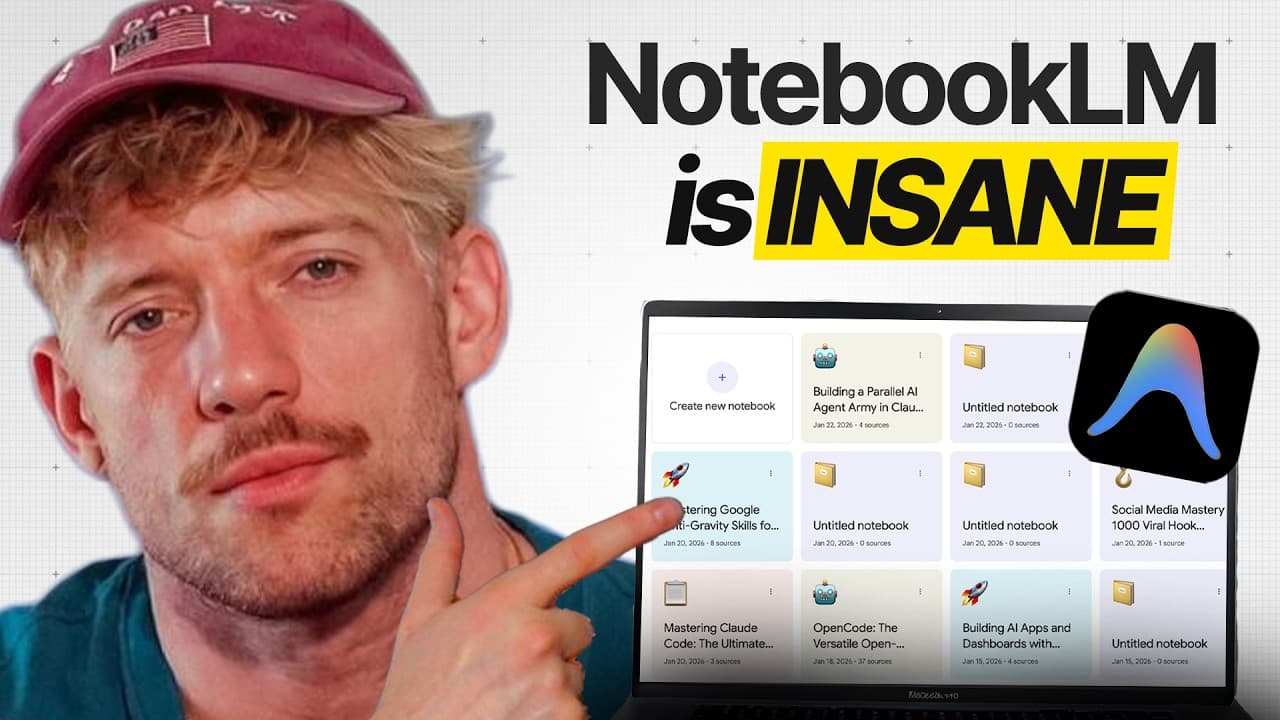
Notebook LM just became available within Google's anti-gravity and it changes everything. Most people use these tools just as a chatbot. But by combining anti-gravity with Notebook LM, you can turn any research into a complete AI system that works for you 24/7 without the expensive API costs and create custom apps, websites, and dashboards. And by ... Read More
Key Insights
- NotebookLM and Anti-Gravity integration enables the creation of AI systems from research.
- Users can build custom apps, websites, and dashboards without expensive API costs.
- The combination allows for programmatic deep research at scale, enhancing performance.
- NotebookLM acts as a knowledge base, holding massive context from various resources.
- Anti-Gravity functions as a builder, connecting and creating software and systems.
- The integration saves money by reducing token usage and improving performance.
- Users can create unlimited notebooks programmatically within Anti-Gravity.
- The video provides a five-level framework to unlock advanced capabilities of the tools.
Install to Summarize YouTube Videos and Get Transcripts
Explore YouTube Video Summarizer or Get YouTube Transcript Extractor
Questions & Answers
Q: How to integrate NotebookLM with Google's Anti-Gravity?
To integrate NotebookLM with Google's Anti-Gravity, users need to use the Model Context Protocol (MCP) to connect the two systems. This involves setting up the MCP server, configuring it to link both tools, and leveraging them to create custom apps and systems without high API costs. The integration allows for programmatic deep research and enhanced performance.
Q: What are the benefits of combining NotebookLM with Anti-Gravity?
Combining NotebookLM with Anti-Gravity allows users to transform research into powerful AI systems, create custom apps, websites, and dashboards, and reduce API costs. The integration provides a vast knowledge base, deep research capabilities, and enhanced performance, saving time and money. It enables users to unlock capabilities unknown to most, improving productivity and efficiency.
Q: What is the role of NotebookLM in the integration with Anti-Gravity?
NotebookLM acts as a knowledge base in the integration with Anti-Gravity, holding massive context from various resources such as documents, videos, and research. It enables users to ingest and organize information, ask questions, and generate resources like audio overviews, slide decks, and reports. NotebookLM enhances the system's ability to perform deep research and provide comprehensive insights.
Q: How does Anti-Gravity enhance the capabilities of NotebookLM?
Anti-Gravity enhances NotebookLM's capabilities by acting as a builder, connecting and creating software and systems. It allows for the programmatic creation of unlimited notebooks, integration with various projects, and the development of custom apps and dashboards. Anti-Gravity reduces token usage, improves performance, and provides a command center for managing AI systems effectively.
Q: What is the five-level framework mentioned in the video?
The five-level framework outlined in the video provides a structured approach to leveraging NotebookLM and Anti-Gravity. It includes installing and connecting the tools, creating notebooks programmatically, using skills to automate processes, building interactive applications, and generating resources like presentations and audio overviews. This framework helps users unlock advanced capabilities and build high-performance AI systems.
Q: How can users save money by using NotebookLM with Anti-Gravity?
Users can save money by using NotebookLM with Anti-Gravity as the integration reduces token usage, which is a cost associated with AI systems reading large files. By combining the tools, users can perform deep research and create custom solutions without incurring high API costs. This efficiency leads to cost savings and improved performance, making the system more economical.
Q: What types of projects can be created using NotebookLM and Anti-Gravity?
Using NotebookLM and Anti-Gravity, users can create a wide range of projects, including custom apps, websites, dashboards, and AI systems tailored to specific needs. The integration allows for programmatic research, resource generation, and interactive application development. Users can build solutions for various domains, such as business, education, and personal productivity, leveraging the tools' advanced capabilities.
Q: What is the Model Context Protocol (MCP) in the context of this integration?
The Model Context Protocol (MCP) is a mechanism used to connect NotebookLM with Anti-Gravity, enabling seamless integration of the two systems. MCP allows for the exchange of information between the tools, facilitating the creation of custom apps and systems. It acts like a universal remote control, connecting different applications and enhancing the overall capabilities of the integrated system.
Summary & Key Takeaways
-
The integration of NotebookLM with Google's Anti-Gravity allows users to transform research into AI systems that run continuously without high API costs. By combining these tools, users can create custom apps, websites, and dashboards, unlocking capabilities unknown to most, thus saving time and reducing errors.
-
NotebookLM serves as a vast knowledge base, holding context from multiple resources, while Anti-Gravity acts as a builder, connecting and creating software. This combination enhances performance by reducing token usage, saving money, and enabling programmatic deep research at scale.
-
The video outlines a five-level framework for effectively using NotebookLM and Anti-Gravity, providing users with a high-performance system to build and ship their own AI software confidently. This integration is positioned as a game-changer for productivity and efficiency.
Read in Other Languages (beta)
Share This Summary 📚
Summarize YouTube Videos and Get Video Transcripts with 1-Click
Try YouTube Summary with ChatGPT & Claude or YouTube Transcript Generator
Explore More Summaries from Jack Roberts 📚



Summarize YouTube Videos and Get Video Transcripts with 1-Click
Try YouTube Summary with ChatGPT & Claude or YouTube Transcript Generator