How to create animated graphics with Opus 5.5?
TL;DR
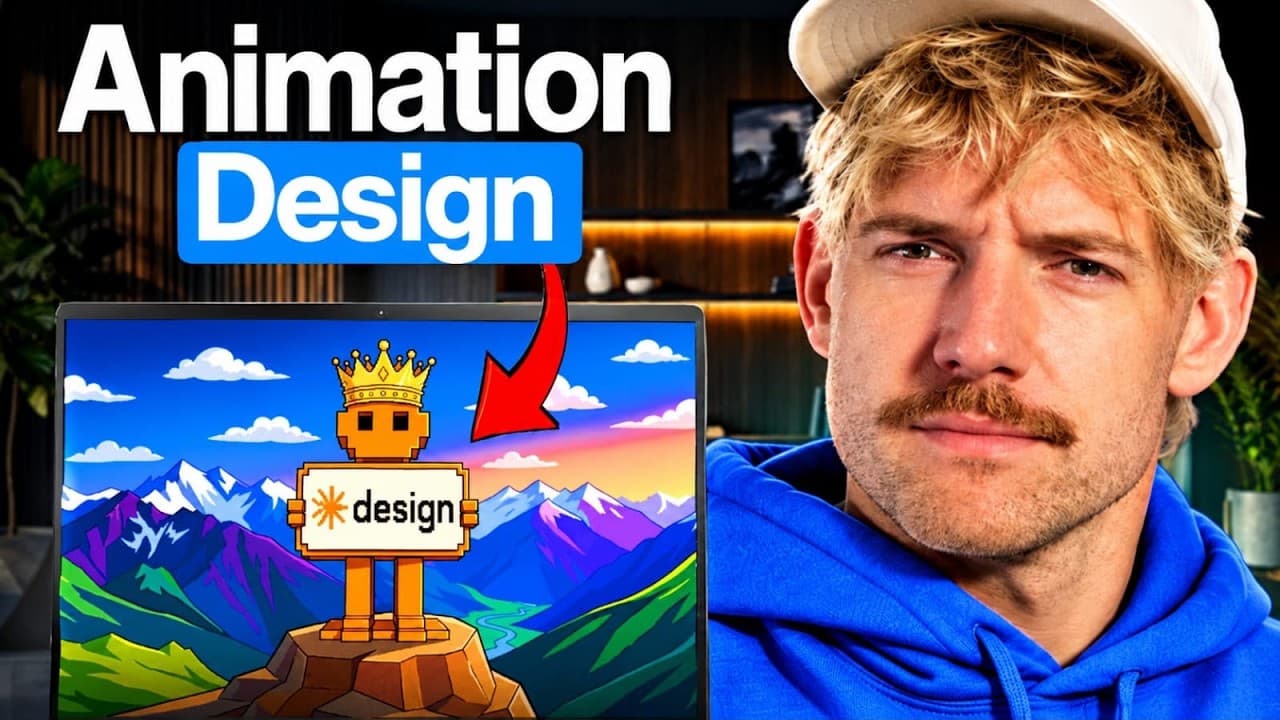
Opus 5.5 can generate animated graphics and website elements from prompts, delivering faster designs at lower cost than prior tools. It uses a rise prompting system and Firecrawl to extract brand identity, enabling one shot production of slides, hero sections, footers, and product demos with looping animations.
Transcript
Core Design can now build beautiful graphics, motions, and designs that were not possible before with the brand new Opus 5.5. And in this video, I'm going to show you across seven incredible use cases that are going to save you time, give you brand new capabilities. And after spending hours in this and hundreds of dollars worth of credits, I'm goin... Read More
Key Insights
- Opus 5.5 is 40% cheaper and 30% faster than Fable 5.1, while delivering comparable quality.
- Seven design levels showcase progressively complex motion graphics capabilities.
- Firecrawl can extract a brand identity, colors, and fonts from a website to inform assets.
- Website graphics can come alive with animated hero and footer sections using Opus 5.5.
- The rise prompting system helps craft prompts to maximize design quality and minimize wasted credits.
- Aentic operating system features store prompts and styles to auto enhance designs.
- Product demos with sound can be generated as one shot, including jingles, using the tool.
- The workflow integrates prompts, branding extraction, and motion libraries to speed up production.
Install to Summarize YouTube Videos and Get Transcripts
Explore YouTube Video Summarizer or Get YouTube Transcript Extractor
Questions & Answers
Q: How can Opus 5.5 create animated slides in a single pass
Opus 5.5 can generate an animated slide that runs on a loop by taking a simple prompt and applying the rise system prompts, then producing a complete looping graphic without needing to redo the work. This one shot capability is designed to save time and credits while delivering a polished motion graphic suitable for presentations or social media.
Q: What is Firecrawl and how does it contribute to design
Firecrawl is used to pull real branding information from a website by entering a URL, then selecting branding elements like colors and fonts for extraction. This data is fed into Opus 5.5 to create assets that match the existing brand identity, ensuring consistency across animations, websites, and product demos while saving manual research time.
Q: What does level two demonstrate about websites that come alive
Level two shows how to design animated website elements such as a top hero and a dynamic footer. By feeding branding data through Firecrawl and composing prompts that reference the extracted identity, Opus 5.5 can generate interactive, living web graphics rather than static visuals, enhancing user engagement.
Q: How does the rise system help in prompting
The rise system provides a structured approach to prompting, listing effective prompts for various levels and use cases. This helps users avoid common mistakes and wasteful prompts, guiding the AI to produce precise, high-quality outputs that align with brand style and project goals, while conserving credits.
Q: Can Opus 5.5 handle product demos with audio
Yes, Opus 5.5 can create product demos that include audio elements such as jingles. This capability allows a complete, one-shot demonstration of a product or service, combining motion graphics with sound to produce an engaging, self-contained piece suitable for marketing or onboarding materials.
Q: What is the role of the motion library and auto enhancement
The motion library provides predefined styles and sequences that can be browsed and applied to projects, enabling faster iteration. Auto enhancement features can apply chosen styles and references to improve visuals, ensuring consistency with brand guidelines and allowing creators to scale their design system across many assets.
Q: How does branding integration affect workflow
Branding integration via Firecrawl ensures that colors, fonts, and logos are consistent across all outputs. By automating branding extraction and applying it to animations and web graphics, workflows become more efficient, producing cohesive designs with less manual tweaking and faster delivery to clients or audiences.
Q: What is the practical takeaway from Level 3 and reels optimization
Level 3 focuses on preparing content for reels, shorts, and captions, emphasizing how to structure motion and captions to maximize impact on short-form platforms. The practical takeaway is to design adaptable visuals that fit vertical formats, synchronize captions with motion, and maintain brand consistency across rapid, scroll-focused consumption.
Summary & Key Takeaways
-
Opus 5.5 enables seven levels of motion design, from animated slides to branded animations, all produced in one pass.
-
The video demonstrates Firecrawl extracting brand identity from a URL to inform design palettes and assets.
-
The presenter emphasizes a prompting system and motion library to streamline design workflows and save credits.
Read in Other Languages (beta)
Share This Summary 📚
Summarize YouTube Videos and Get Video Transcripts with 1-Click
Try YouTube Summary with ChatGPT & Claude or YouTube Transcript Generator
Explore More Summaries from Jack Roberts 📚

Summarize YouTube Videos and Get Video Transcripts with 1-Click
Try YouTube Summary with ChatGPT & Claude or YouTube Transcript Generator