How to Master HTML & CSS: Free Full Course
TL;DR
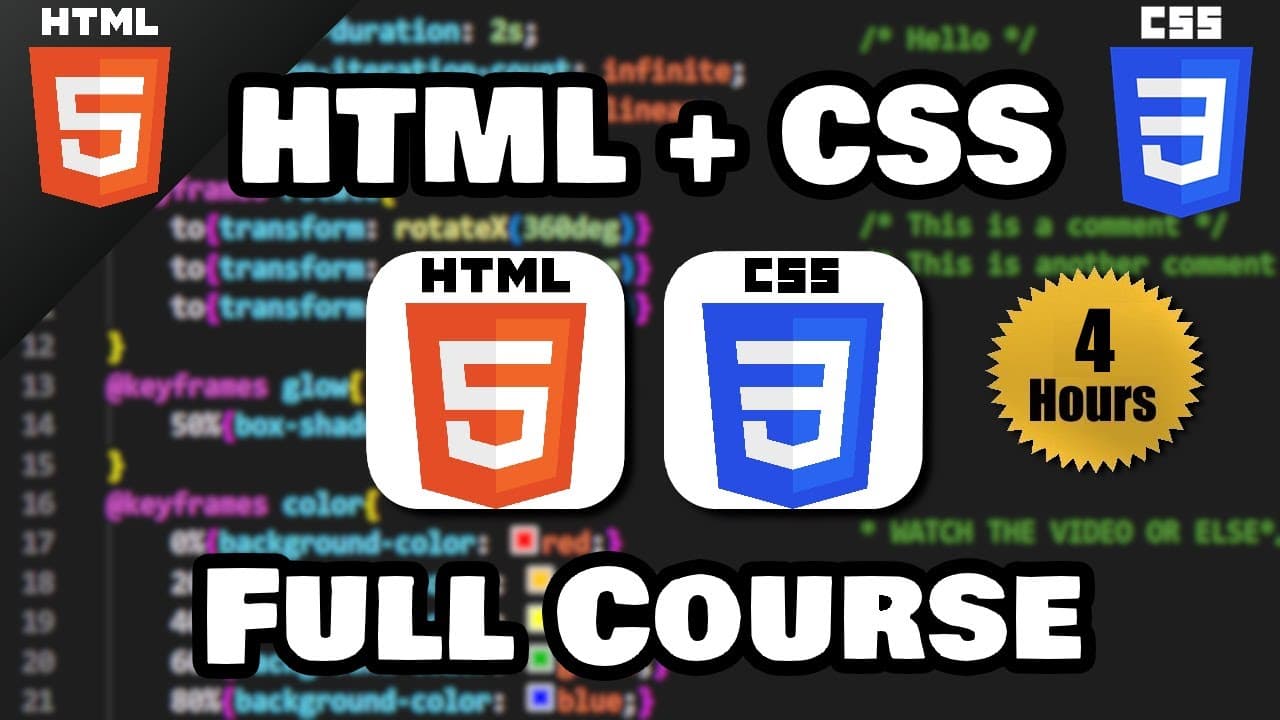
Learn to create and style web pages using HTML and CSS. This course covers everything from basic HTML tags to advanced CSS techniques like Flexbox and animations. By the end, you'll be able to build a complete website with professional design elements.
Transcript
hey how's it going everybody in this series I'm going to show you everything you need to know to get started working with HTML then a little bit later on we'll cover CSS so why don't you go ahead and sit back relax and enjoy the show hey if you enjoy my videos please be sure to subscribe because subscribing is free just like how this video is free ... Read More
Key Insights
- HTML is the foundation of web pages, providing structure through tags like headers, paragraphs, and links.
- CSS enhances web pages by adding styles such as colors, fonts, and layouts, making them visually appealing.
- VSCode is a recommended text editor for writing and managing HTML and CSS code effectively.
- Live Server extension in VSCode allows for real-time updates, enhancing the development workflow.
- CSS Flexbox and Grid are powerful tools for creating responsive and flexible web layouts.
- Google Fonts can be integrated into web projects to enhance typography with a wide range of font styles.
- CSS animations and transformations add dynamic effects to web elements, improving user interaction.
- Understanding the box model, including margins, padding, and borders, is crucial for precise layout control.
Install to Summarize YouTube Videos and Get Transcripts
Explore YouTube Video Summarizer or Get YouTube Transcript Extractor
Questions & Answers
Q: How to start learning HTML and CSS?
Begin by understanding the basic structure of HTML documents, which includes learning about tags, attributes, and elements. Then, move on to CSS to learn how to style these elements. Use tools like VSCode for coding and the Live Server extension for real-time updates. Practice by building small projects and gradually increase complexity as you become more comfortable.
Q: What are the key differences between HTML and CSS?
HTML (Hypertext Markup Language) is used to create the structure of web pages by defining elements like headings, paragraphs, and links. CSS (Cascading Style Sheets) is used to style these elements, controlling aspects like color, font, layout, and responsiveness. While HTML provides the skeleton, CSS adds the visual and interactive aspects.
Q: Why is it important to learn both HTML and CSS?
Learning both HTML and CSS is crucial for web development because they work together to create and style web pages. HTML provides the essential structure, while CSS enhances the appearance and layout. Mastery of both enables you to build functional and aesthetically pleasing websites, a fundamental skill for any web developer.
Q: How does the CSS box model work?
The CSS box model is a fundamental concept that defines the layout and spacing of elements. It consists of margins, borders, padding, and the content itself. Understanding the box model is crucial for controlling the spacing and alignment of elements on a web page, allowing for precise layout design.
Q: What is the purpose of using Flexbox in CSS?
Flexbox is a CSS layout model that provides a more efficient way to design complex layouts compared to traditional methods. It allows for responsive design by enabling elements to adjust their size and position automatically based on the container's dimensions. Flexbox simplifies alignment, distribution, and spacing, making it ideal for modern web design.
Q: How can Google Fonts be integrated into a website?
Google Fonts can be integrated by selecting desired fonts from the Google Fonts website and copying the provided link into the HTML document's head section. This allows the web page to load fonts from Google's servers. Alternatively, fonts can be downloaded and hosted locally to reduce dependency on external resources.
Q: What are CSS animations and how are they used?
CSS animations allow elements to transition between styles smoothly over a specified duration. They are used to enhance user experience by adding dynamic effects like fading, sliding, or transforming elements. Animations are defined using keyframes and can be applied to any CSS property, making them a powerful tool for interactive web design.
Q: What tools are recommended for HTML and CSS development?
VSCode is highly recommended for HTML and CSS development due to its robust features, including syntax highlighting, extensions, and integrated terminal. The Live Server extension is particularly useful for real-time updates during development. Additionally, browser developer tools are essential for debugging and testing web pages.
Summary & Key Takeaways
-
This course provides a comprehensive introduction to HTML, covering essential tags and their functions. You'll learn how to structure web pages effectively using headers, paragraphs, and lists.
-
The CSS section focuses on styling techniques, from basic color and font changes to advanced layout strategies using Flexbox and Grid. You'll gain the skills to create visually appealing and responsive web designs.
-
Practical exercises throughout the course reinforce learning, allowing you to apply concepts by building components like navigation bars, forms, and image galleries. By the end, you'll be equipped to design and develop complete websites.
Read in Other Languages (beta)
Share This Summary 📚
Summarize YouTube Videos and Get Video Transcripts with 1-Click
Try YouTube Summary with ChatGPT & Claude or YouTube Transcript Generator
Explore More Summaries from Bro Code 📚
Summarize YouTube Videos and Get Video Transcripts with 1-Click
Try YouTube Summary with ChatGPT & Claude or YouTube Transcript Generator