How to Install Arch Linux on Raspberry Pi with Proxmox
TL;DR
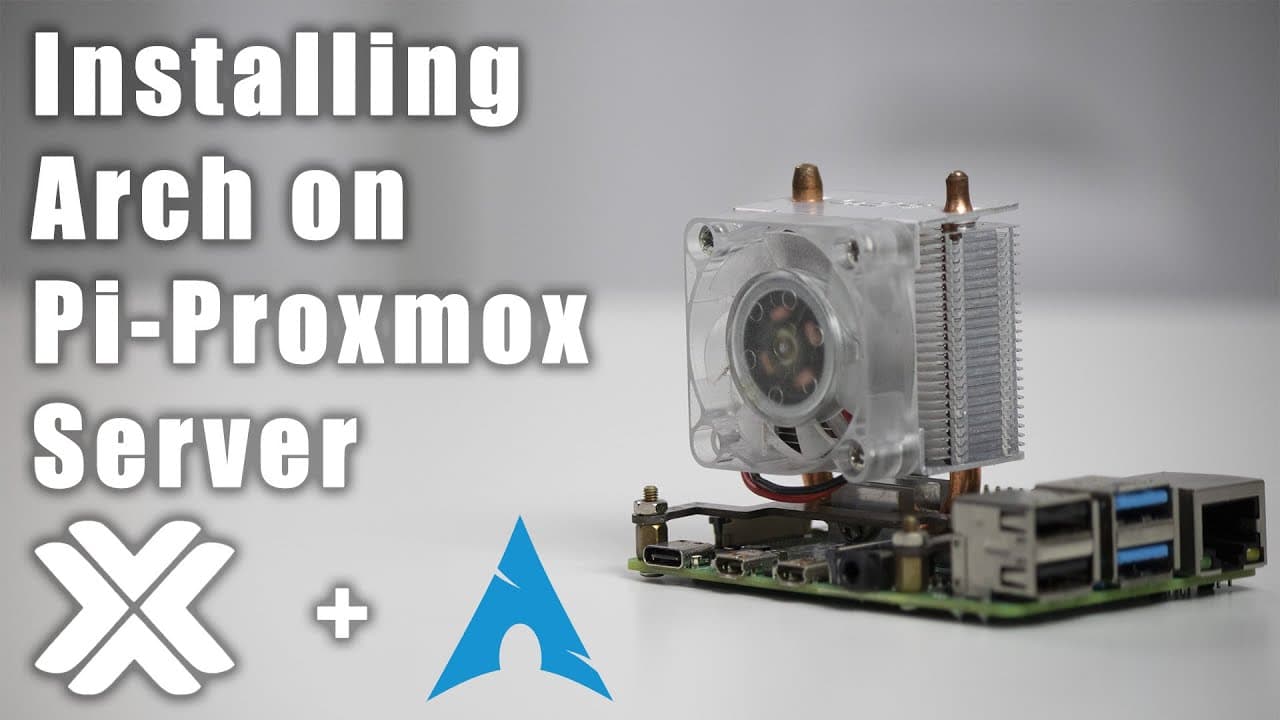
To install Arch Linux on a Raspberry Pi using Proxmox, download the latest ARM ISO, create a new virtual machine, and configure the disk partitions as EFI. Follow the step-by-step commands to format drives, set up the GRUB bootloader, and install the system, ensuring proper resource allocation for optimal performance.
Transcript
hey guys what's going on it's don here from nova spare tech and welcome back to the channel and today we're going to be installing arch linux into our raspberry pi proxmox so let's get started now in my last video where i installed proxmox in case you guys missed it i'll leave a link right on the top left over here and somebody did mention in the c... Read More
Key Insights
- ♓ Arch Linux can be effectively installed on a Raspberry Pi using Proxmox as the virtualization platform, enabling more flexible computing options.
- 🤩 The latest ARM ISO version is crucial for successful installation and is a key element in the process demonstrated in the video.
- 👾 System performance hinges on proper VM configuration, including resource allocation (CPU, RAM, and disk space) tailored to specific workloads.
- ❓ Creating proper partitions during installation is vital, as it affects system booting and operational function.
- 👤 Users have the option to choose lightweight desktop environments like XFCE to enhance performance on resource-constrained devices like Raspberry Pi.
- 💬 Interactive support is emphasized, with viewers encouraged to reach out for assistance through comments or community platforms.
- 🥾 Ensuring proper installation of critical components like GRUB can alleviate common boot-related issues and facilitate a smoother startup experience.
Install to Summarize YouTube Videos and Get Transcripts
Explore YouTube Video Summarizer or Get YouTube Transcript Extractor
Questions & Answers
Q: What is Proxmox and why use it with Raspberry Pi?
Proxmox is an open-source virtualization platform that enables users to manage virtual machines and containers. Using it with Raspberry Pi allows users to create a powerful and flexible environment for running multiple virtual machines, facilitating testing, and learning new systems like Arch Linux without needing separate hardware.
Q: How do I download the ARM ISO for Arch Linux?
To download the ARM ISO for Arch Linux, visit the official Arch Linux website and navigate to the downloads section. Make sure to select the right ISO version released specifically for ARM architectures, with the latest version released around May 2022 as mentioned in the video. Follow the provided URL to initiate your download.
Q: What partition types are necessary during the installation of Arch Linux?
During the installation, at least two partitions are required: an EFI partition (formatted as FAT32) and a root partition (formatted as ext4). The EFI partition is crucial for booting the operating system, while the root partition stores the main filesystem where the OS and applications will be installed.
Q: What are the system requirements for running Arch Linux on Raspberry Pi via Proxmox?
For optimal performance, it is recommended to allocate a minimum of 2 GB of RAM and 2 CPU cores to the virtual machine running Arch Linux on Raspberry Pi. The disk space should be at least 10 GB, but 32 GB is advisable for better performance and storage for applications.
Q: What graphical user interfaces (GUIs) can I install alongside Arch Linux?
In the video, two graphical user interfaces are discussed: Gnome and XFCE. Although Gnome provides a complete desktop environment, the video recommends XFCE for its lightweight nature and efficiency. The installation of LightDM is also suggested for managing logins in the XFCE environment.
Q: Can I use this guide for other virtual machine environments like ESXi?
While the guide specifically focuses on Proxmox, the general steps outlined can be adapted for other virtual machine environments like ESXi. The principles of creating a virtual machine and installing an ISO remain consistent across different platforms, although specific configurations might vary.
Q: What troubleshooting tips does the video provide for installation issues?
The video encourages viewers experiencing issues to check the disk formatting, ensure correct partitioning, and verify that GRUB has been appropriately installed and configured. Additionally, viewers are invited to seek assistance through comments or Discord for personalized help if they encounter difficulties.
Q: How does performance compare when running Arch Linux on a Raspberry Pi with Proxmox?
According to the video, performance is surprisingly good, with minimal lag experienced during operations like file management. However, multimedia tasks such as video playback may not perform well due to a lack of video acceleration. Overall responsiveness remains high for general tasks within the virtual machine environment.
Summary & Key Takeaways
-
The video showcases a detailed walkthrough for installing Arch Linux on a Raspberry Pi using Proxmox, emphasizing the importance of obtaining the correct ARM ISO version released in May 2022.
-
It covers the necessary configuration steps including creating partitions, formatting drives, and setting up the GRUB bootloader, offering an interactive approach to make the process easier for viewers.
-
The installation process involves both command-line instructions and graphical elements, ensuring that users can successfully run Arch Linux in a virtualized environment while providing solutions for common issues that may arise.
Read in Other Languages (beta)
Share This Summary 📚
Summarize YouTube Videos and Get Video Transcripts with 1-Click
Try YouTube Summary with ChatGPT & Claude or YouTube Transcript Generator
Explore More Summaries from Novaspirit Tech 📚






Summarize YouTube Videos and Get Video Transcripts with 1-Click
Try YouTube Summary with ChatGPT & Claude or YouTube Transcript Generator