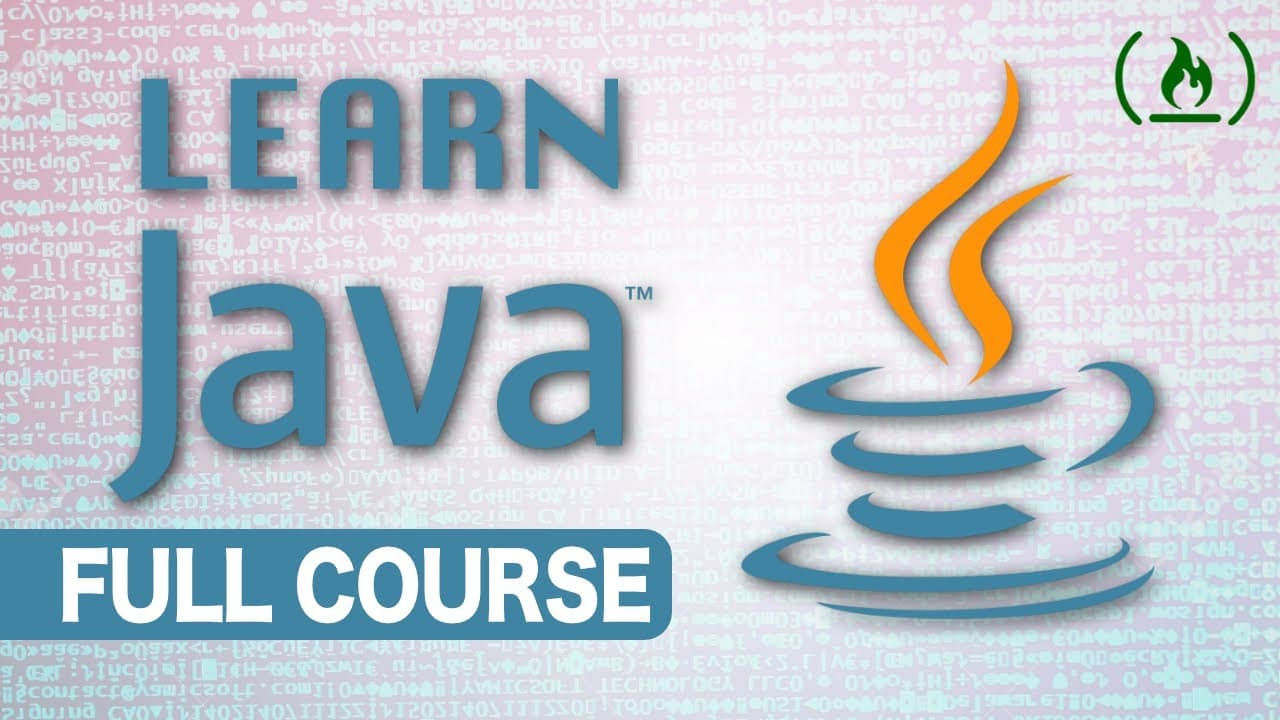
Intro to Java Programming - Course for Absolute Beginners
TL;DR
Getting started with Java begins by downloading the Eclipse IDE (64-bit is recommended for beginners), then creating a new project via File > New > Java Project and adding a class with a public static void main method. All of your code goes inside main's curly brackets, and you print to the screen with System.out.println(), ending each line with a semicolon. From there the series builds up to variables, data types, comparison operators, the scanner for user input, and if-else logic.
Transcript
Hey guys, and welcome to a brand new tutorial series. So in this series, I'm going to be teaching you Java from the beginning. So starting at the absolute basics, setting up an environment, how to create variables, methods, like all that stuff, and then move the old way up into the advanced stuff. This is a beginner tutorial series. So I'... Read More
Key Insights
- 👉 First, we download an IDE called Eclipse to write Java code. Eclipse is recommended for beginners.
- 🖥️ To start a new project in Eclipse, we need to go to File, New, and select Java project.
- 🔧 Within the project, we can create a new class by right-clicking, selecting New, and then Class.
- 💻 Inside the class, our code will be written within the main method.
- 💡 To print something to the screen in Java, we use the System.out.println() method.
- ✍️ Variables in Java must be declared with a data type and can be assigned values using the = operator.
- 🔢 Java supports different data types such as int, double, boolean, char, and string.
- ️ Operators in Java allow us to perform mathematical operations and compare values using different conditions.
Install to Summarize YouTube Videos and Get Transcripts
Explore YouTube Video Summarizer or Get YouTube Transcript Extractor
Questions & Answers
Q: How do you set up your environment to start writing Java as a beginner?
First download an IDE called Eclipse, which is recommended for beginners; the 64-bit version is suggested since most machines are 64-bit. When installing, select "Eclipse IDE for Java Developers" rather than the other options. Once installed and a project directory is chosen, you are ready to create your first project.
Q: How do you create a new Java project and class in Eclipse?
To start a new project, click File, New, and then Java project, give it a name, and click Finish. Inside the project's source folder you right-click to add a package, then add a new class. When creating the class, check the "public static void main" option so the main method is generated for you.
Q: Where in a Java program do you write your code?
Java is an object-oriented language where everything is written inside a class. Within the class there is a special method, public static void main, and all of your code goes inside its curly brackets. Code written outside of this method will not execute properly.
Q: How do you print something to the screen in Java?
You use the System.out.println() method, where println stands for print line. Inside the brackets you place what you want to print, and a string is anything wrapped in two quotation marks, such as "Hello World!". At the end of the line you must add a semicolon, which is required on every line except those starting or ending with curly braces.
Q: What data types does Java support for variables?
Java supports several data types including int, double, boolean, char, and string. Every variable must be declared with a data type, and values are assigned using the = operator. Operators in Java also let you perform mathematical operations and compare values.
Q: What is the purpose of the scanner object in Java?
The scanner object is used for reading input from the user during runtime. It allows the program to prompt the user for information and store that input for further processing or calculations. It can also read different data types using methods like nextInt() or nextDouble() to parse integers or floating-point numbers.
Q: Why should you use the equals method instead of == when comparing strings in Java?
The double equal signs (==) check reference equality, meaning whether two objects point to the same memory location. When comparing the actual contents of two strings, == will not work as expected, so you must use the equals method to check whether the strings hold the same value.
Q: What is the purpose of if-else statements in Java?
If-else statements let a program make decisions based on conditions. The if statement checks a condition and runs its block of code when the condition is true. If the condition is false, the code inside the else block runs instead, which is often combined with scanner input to respond to what the user enters.
Summary & Key Takeaways
-
The tutorial series teaches Java from the beginning, starting with the absolute basics and gradually progressing to more advanced topics.
-
The content covers setting up the programming environment, creating variables of different data types (int, double, Boolean, char, and string), and using comparison operators for conditional statements.
-
The tutorial also introduces the scanner object for getting user input and demonstrates how to use if-else statements to perform different actions based on user input.
Read in Other Languages (beta)
Share This Summary 📚
Summarize YouTube Videos and Get Video Transcripts with 1-Click
Try YouTube Summary with ChatGPT & Claude or YouTube Transcript Generator
Explore More Summaries from freeCodeCamp.org 📚
![The Most Important Skills Going Forward with CTO + Homebrew Maintainer Mike McQuaid [Podcast #204] thumbnail](/_next/image?url=https%3A%2F%2Fi.ytimg.com%2Fvi%2F58Tn2xB8kIE%2Fhqdefault.jpg&w=750&q=75)


Summarize YouTube Videos and Get Video Transcripts with 1-Click
Try YouTube Summary with ChatGPT & Claude or YouTube Transcript Generator