How to Create Warp Text Effects in Canva for Free
TL;DR
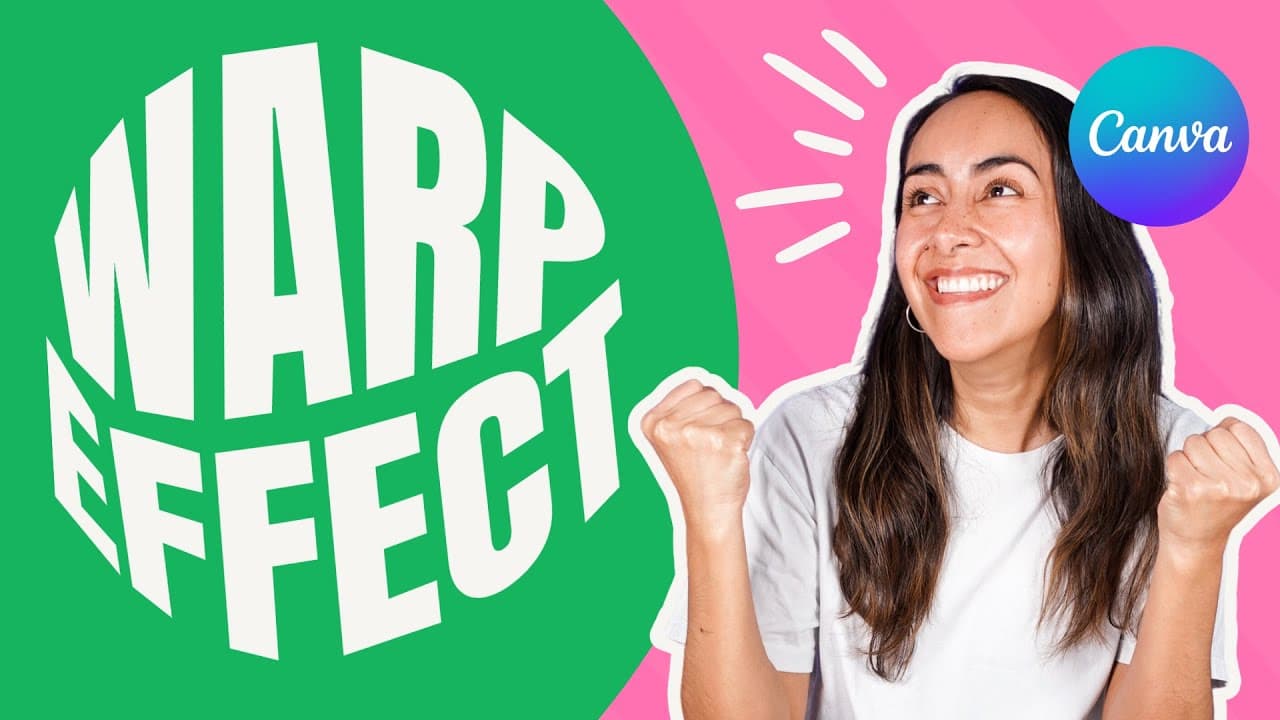
You can easily create warp text effects in Canva using a free app called Typecraft. The tutorial covers three styles: cloud warp, donut warp, and wave warp. Simply insert your text, adjust the shape using anchor points, and enhance your design with additional graphics and textures.
Transcript
hi my name is Di and Welcome to our channel in this tutorial I'm going to show you how you can easily create these three warp text effects with a free app available in canva that you probably don't know yet feel free to check the chapters in the description in case that you want to jump to an specific part of this video first let me quickly show yo... Read More
Key Insights
- 😀 Canva offers a free app that enables users to create warp text effects easily.
- 😀 The app allows users to choose fonts, add styles, and modify the shape of the text.
- 😀 Different warp text effects such as clouds, donuts, and waves can be created using the app.
- 😥 The shaping of the text can be adjusted by dragging and manipulating anchor points.
- 🎨 Canva provides additional design elements like textures to further enhance the warp text effects.
- 🅰️ The tutorial provides step-by-step instructions for creating each type of warp text effect.
- 👶 Users can access new Canva templates weekly by following the creator's Canva profile.
Install to Summarize YouTube Videos and Get Transcripts
Explore YouTube Video Summarizer or Get YouTube Transcript Extractor
Questions & Answers
Q: Where can I find the Canva app for creating warp text effects?
The Canva app can be found on the Canva homepage under the "Apps" section or by searching for "craft" in the app search bar.
Q: Is the Canva app free to use?
Yes, the Canva app used in this tutorial is free to use.
Q: How do I create the cloud warp text effect?
To create the cloud warp text effect, you need to select a shape (such as a speech bubble), enter your text, choose a font, and modify the shape of the text using the provided tools.
Q: Can I add textures or additional elements to my warp text design?
Yes, you can enhance your warp text design by adding textures or other elements available in Canva.
Summary & Key Takeaways
-
The tutorial demonstrates how to find and use the Canva app for creating warp text effects.
-
The app allows users to insert text, choose fonts, add styles, and modify the shape of the text.
-
Three specific warp text effects are covered: cloud warp, donut warp, and wave warp.
Read in Other Languages (beta)
Share This Summary 📚
Summarize YouTube Videos and Get Video Transcripts with 1-Click
Try YouTube Summary with ChatGPT & Claude or YouTube Transcript Generator
Explore More Summaries from Design with Canva 📚






Summarize YouTube Videos and Get Video Transcripts with 1-Click
Try YouTube Summary with ChatGPT & Claude or YouTube Transcript Generator