How to Build and Deploy a MERN Stack Application
TL;DR
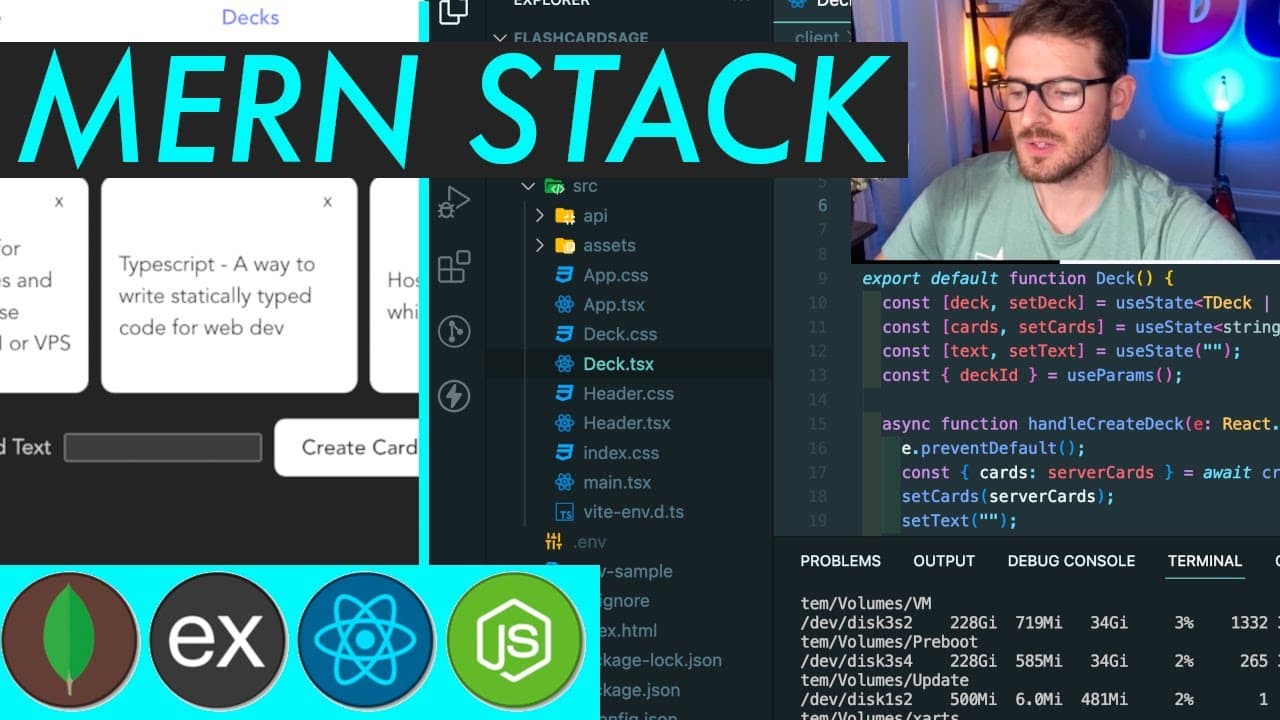
To build and deploy a MERN stack application, set up a server using Express and MongoDB, and create a React frontend for user interaction. Ensure secure deployment through HTTPS using Caddy on a VPS or premium shared hosting. Utilize TypeScript for better code reliability and manage routing with React Router for a smooth user experience.
Transcript
how's it going everyone welcome back so I'm going to be showing you how to build out a full M Stack application um this is fully deployed to a secur domain at flashcard stage.com so I'm going to show you how to set up a domain how to get that hosted and then also this is connecting to a live API that's also secured with a subdomain api. flashcard s... Read More
Key Insights
- 🤶 The M Stack provides a robust architecture for developing full-stack applications by using a combination of MongoDB, Express, React, and Node.js.
- 🔒 Deploying applications requires attention to security practices, such as configuring HTTPS and managing environment variables.
- 👨💻 Using TypeScript enhances code reliability through static typing, preventing many runtime errors during development.
- 👨💻 Organizing code into controllers promotes cleaner structure and easier maintenance as the application scales.
- 👻 API interaction via fetch allows for a responsive user experience by asynchronously communicating with the backend without reloading the page.
- 📟 Understanding routing with React Router is crucial for creating single-page applications that maintain state and context across navigations.
- 🏃 Extensions like PM2 automate process management in production, ensuring applications remain running and responsive.
Install to Summarize YouTube Videos and Get Transcripts
Explore YouTube Video Summarizer or Get YouTube Transcript Extractor
Questions & Answers
Q: What is the M Stack application?
The M Stack application refers to a tech stack that includes MongoDB for database management, Express.js as the backend framework, React for the frontend, and Node.js as the server-side runtime. This combination allows for building scalable and dynamic web applications.
Q: How do you deploy the M Stack application to a VPS?
To deploy the M Stack application to a VPS, one should first SSH into the server, install necessary packages like Node.js and npm, clone the application repository, install dependencies, and finally run the application using a process manager like PM2 to ensure it stays running.
Q: Why is it important to set up HTTPS for the application?
Setting up HTTPS is vital for ensuring secure data transmission between the client and server. It encrypts sensitive information, protects against man-in-the-middle attacks, and builds user trust as modern browsers flag non-HTTPS sites as insecure.
Q: What does the tutorial recommend for handling environment variables?
The tutorial suggests using a .env file to store sensitive information and configuration settings, such as the database connection string. This allows developers to avoid hardcoding sensitive data directly into the codebase, providing better security and flexibility.
Q: How does the application handle user authentication?
While the tutorial does not delve into user authentication, it mentions the importance of implementing such features for production applications. Typically, developers use libraries like Passport.js or JSON Web Tokens (JWT) to manage user sessions and secure routes.
Q: What are the advantages of using TypeScript in this project?
Using TypeScript provides strong typing and helps catch errors at compile time, improving code quality and maintainability. TypeScript's features like interfaces and enums allow for clearer code documentation and easier refactoring down the line.
Q: How is card creation and deletion handled in the application?
Card creation and deletion are managed through specific API endpoints built into the Express server. When a user submits a new card, the application sends a request to the backend, which responds with the updated list of cards. Each card can be deleted via an API call, which updates the list without requiring a full page refresh.
Q: What improvements could be made to enhance the application?
Potential improvements could include implementing user authentication, enhancing UI/UX design, adding error handling for API requests, implementing pagination or search features for decks and cards, and testing the application more thoroughly with unit and integration tests.
Summary & Key Takeaways
-
The tutorial guides users through the process of building a full M Stack application, showcasing technologies like MongoDB, Express, React, and Node.js.
-
It covers key tasks such as setting up the application structure, implementing API requests, and managing routing with React Router for a seamless user experience.
-
The content includes deployment steps on both premium shared hosting and a VPS, ensuring secure access via HTTPS using Caddy.
Read in Other Languages (beta)
Share This Summary 📚
Summarize YouTube Videos and Get Video Transcripts with 1-Click
Try YouTube Summary with ChatGPT & Claude or YouTube Transcript Generator
Explore More Summaries from Web Dev Cody 📚





Summarize YouTube Videos and Get Video Transcripts with 1-Click
Try YouTube Summary with ChatGPT & Claude or YouTube Transcript Generator