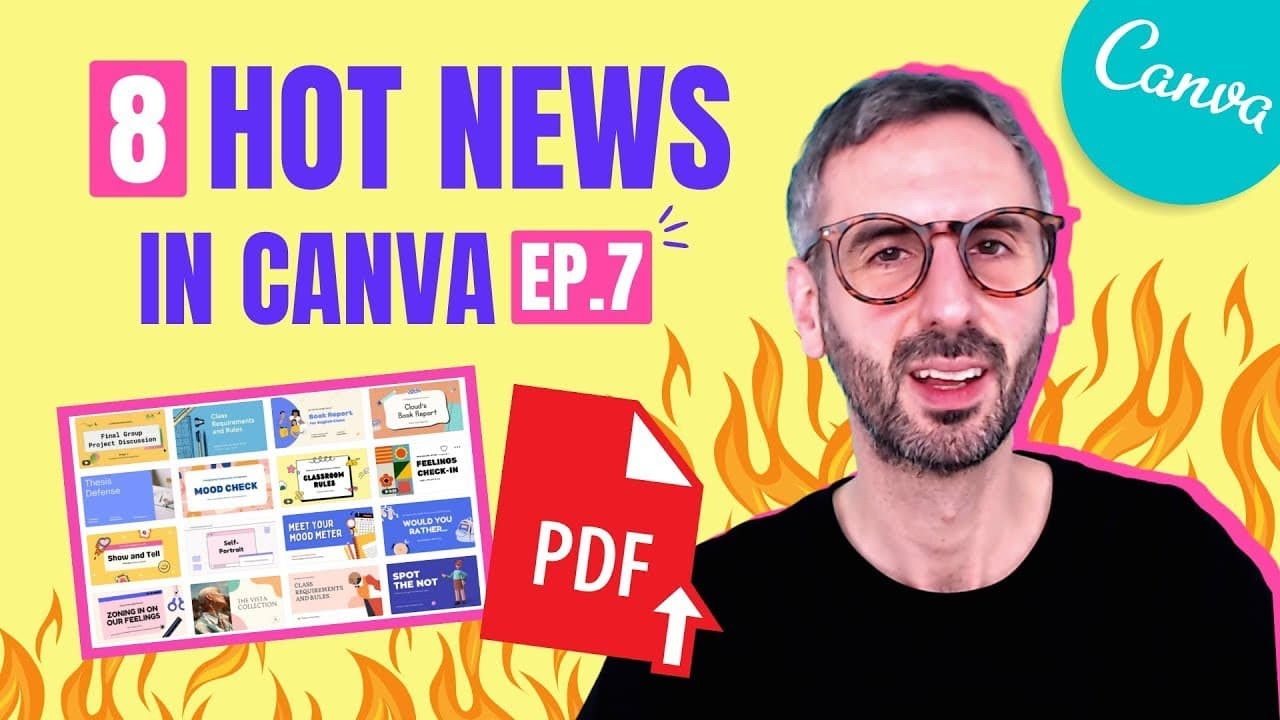
NEW: Edit PDF files, Restore Button, Social Media Video templates | What's HOT in Canva 🔥 [Ep. 07]
TL;DR
Canva introduces four new features, three template categories, and highlights a photographer in their latest episode.
Transcript
wanna know what's hot in canva i have a brand new episode for you with four new features three new template categories and one photographer highlight let's go what's going on everyone my name is ronnie welcome back to our channel this is the right place for you if you want to learn how to become a better designer and to use canva to get there so to... Read More
Key Insights
- 🆕 Canva has added four new features: copy-paste pages, new presentation toolbar, restore to original button, and import PDF.
- 📄 The copy-paste pages feature allows for easy duplication of slides between documents.
- 👶 The new presentation toolbar enhances navigation during presentations.
- 🔄 The restore to original button simplifies the process of reverting image effects.
- 🎨 The import PDF feature enables the transformation of PDFs into editable designs.
- 👶 Canva has introduced three new template categories: education presentations, social video posts, and phone wallpapers/backgrounds.
- 🧑🏫 The education presentations category offers dynamic templates for teachers.
- 🏣 The social video posts category provides animated templates for various social media platforms.
- 📣 The phone wallpapers/backgrounds category offers creative designs for personalizing phone screens.
Install to Summarize YouTube Videos and Get Transcripts
Explore YouTube Video Summarizer or Get YouTube Transcript Extractor
Questions & Answers
Q: How can I easily copy and paste pages in Canva?
You can use the copy-paste pages feature to select and copy multiple slides from one document and paste them into another using the grid or thumbnail view.
Q: What is the new presentation toolbar feature in Canva?
The new presentation toolbar provides a more convenient navigation experience during presentations, with slide previews, next/previous slide arrows, Canva Live for audience questions, and a magic shortcut button for keyboard shortcuts.
Q: How does the restore to original button work for images in Canva?
The restore to original button allows you to revert back to the original form of an image, undoing any effects or changes applied to it.
Q: How does the import PDF feature in Canva work?
The import PDF feature allows you to import any PDF document into Canva and convert it into an editable design, making it useful for creating ebooks, filling out forms, editing scanned notes, and more.
Summary & Key Takeaways
-
Canva has added four new features, including the ability to copy-paste pages, a new presentation toolbar, a restore to original button for images, and an import PDF feature.
-
Three new template categories have been added, including education presentations, social video posts, and phone wallpapers/backgrounds.
-
A photographer highlight is featured, showcasing the work of Sandra Dance from Capture Now.
Read in Other Languages (beta)
Share This Summary 📚
Summarize YouTube Videos and Get Video Transcripts with 1-Click
Try YouTube Summary with ChatGPT & Claude or YouTube Transcript Generator
Explore More Summaries from Design with Canva 📚


Summarize YouTube Videos and Get Video Transcripts with 1-Click
Try YouTube Summary with ChatGPT & Claude or YouTube Transcript Generator