How to Build an Online Marketplace with T3 Stack
TL;DR
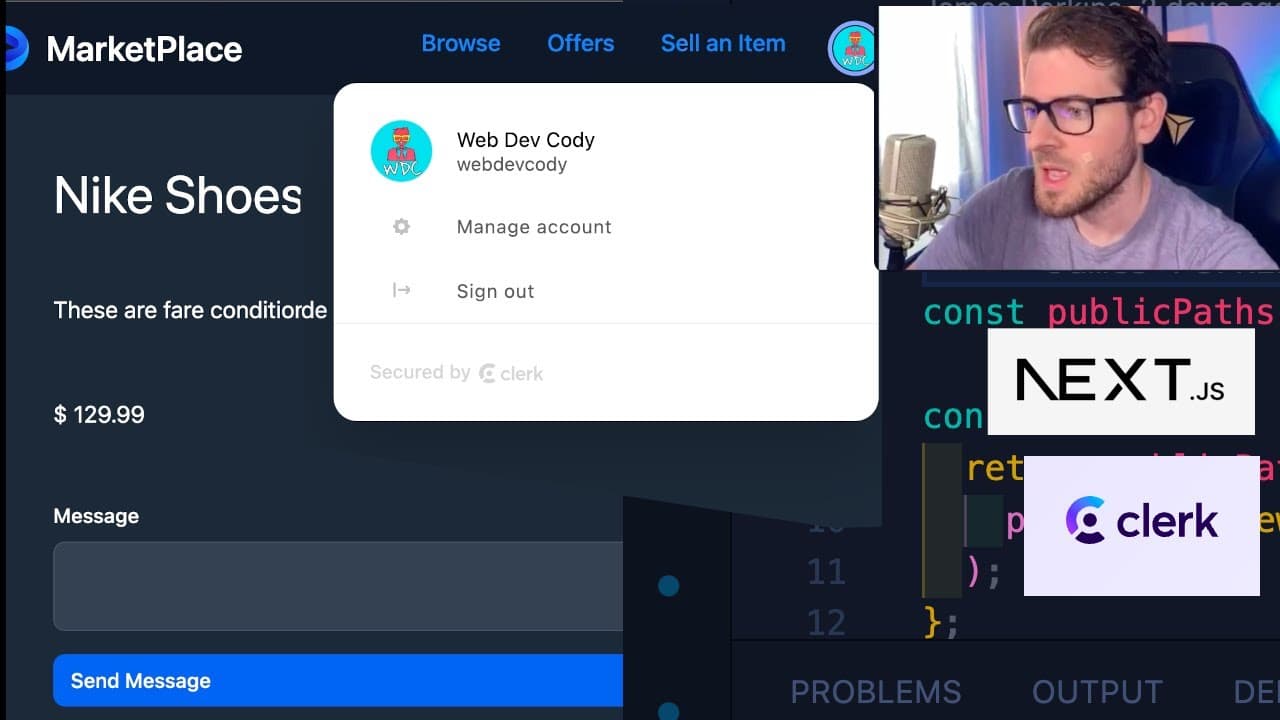
To build an online marketplace using the T3 stack, set up a Next.js application with TypeScript, Prisma for database management, and Clerk for user authentication. Create a listings schema, handle form submissions for user input, and enhance your marketplace with features like messaging. Tailwind CSS can be used for styling the frontend efficiently.
Transcript
all right everyone how's it going so this one is going to be a tutorial video where I'm going to be showing you how to build an online Marketplace kind of like Facebook marketplace where you can go and list items and other people can come potentially buy those items from you and we're going to be building all this with the T3 stack and more specifi... Read More
Key Insights
- 👋 The T3 stack combines the best tools for modern web development, facilitating both frontend and backend processes efficiently.
- 👤 Clerk provides an intuitive and quick solution for implementing user authentication without the headaches of complex setups.
- 👤 The use of Prisma allows for dynamic interaction with a database, making it easier to manipulate and query data for listings and users.
- 💁 Implementing forms correctly with validation is crucial for ensuring user interactions are successful and data integrity is maintained.
- 👤 Real-time messaging between users fosters community engagement and interaction, essential features for any marketplace.
- 👨💻 Regular commits during development help maintain code organization and make tracking changes easier, which is vital for collaborative projects.
- 👤 Middleware functions are essential for maintaining security around sensitive operations, ensuring only authenticated users can perform certain actions.
Install to Summarize YouTube Videos and Get Transcripts
Explore YouTube Video Summarizer or Get YouTube Transcript Extractor
Questions & Answers
Q: What is the T3 stack and why is it used in this project?
The T3 stack consists of Next.js, TypeScript, Prisma, Tailwind CSS, and tRPC. This combination provides a robust framework for building full-stack applications with efficient data handling, styling capabilities, and TypeScript's type safety, making development easier and more organized.
Q: How does Clerk simplify user authentication in this project?
Clerk offers a straightforward authentication solution that integrates with Next.js effortlessly. It provides pre-built UI components for user registration and login, supports multiple social media login options, and handles OAuth keys automatically, saving developers significant setup time compared to traditional methods.
Q: What database technologies are being utilized in this marketplace?
The project uses Prisma as the Object-Relational Mapping (ORM) tool to interact with the SQLite database, which allows for efficient querying of data related to listings and users. SQLite is used for local development, while the plan is to transition to more robust solutions like PostgreSQL or MySQL when deploying.
Q: How can users submit messages regarding listings, and what data is stored in the database?
Users can submit messages through a dedicated form associated with each listing. Each message contains the sender's information, the listing ID, and the actual message content. This allows buyers to express interest or ask questions about specific items listed for sale.
Q: What is the role of Prisma DB Push, and when is it used during development?
Prisma DB Push is a command that applies any changes made to the Prisma schema directly to the database without creating migrations. It is typically used during development when frequent updates to the database schema are needed, ensuring that the frontend and database structure remain in sync.
Q: Can you explain how to protect API routes using Clerk in this application?
API routes can be protected by implementing middleware that checks for user authentication status before accessing certain functionalities. With Clerk, developers can use getAuth() to verify if a user is logged in and redirect them if they attempt to access restricted endpoints without proper authentication.
Q: What features were left to be added to the marketplace in future developments?
Future improvements could focus on enhancing user experience with features such as chat functionality between buyers and sellers, advanced search filters for listings, a review system for transactions, and polished styling/UI components to further refine the marketplace interface.
Summary & Key Takeaways
-
This video tutorial guides users through creating an online marketplace using the T3 stack, highlighting steps to set up authentication with Clerk.
-
The presenter demonstrates setting up a database with Prisma, creating a listings schema, and incorporating form handling for user inputs.
-
The tutorial covers enhancing the marketplace with messaging capabilities between users, emphasizing user authentication and frontend design with Tailwind CSS.
Read in Other Languages (beta)
Share This Summary 📚
Summarize YouTube Videos and Get Video Transcripts with 1-Click
Try YouTube Summary with ChatGPT & Claude or YouTube Transcript Generator
Explore More Summaries from Web Dev Cody 📚





Summarize YouTube Videos and Get Video Transcripts with 1-Click
Try YouTube Summary with ChatGPT & Claude or YouTube Transcript Generator