How to Use thinkorswim Charts for Effective Trading
TL;DR
To effectively use thinkorswim charts, start by pulling up symbols and navigating the layout. You can customize time frames, add drawings and studies, zoom in and out, and share charts. Additionally, utilize the Patterns tool for pattern analysis and save study sets for quick access to your preferred indicators.
Transcript
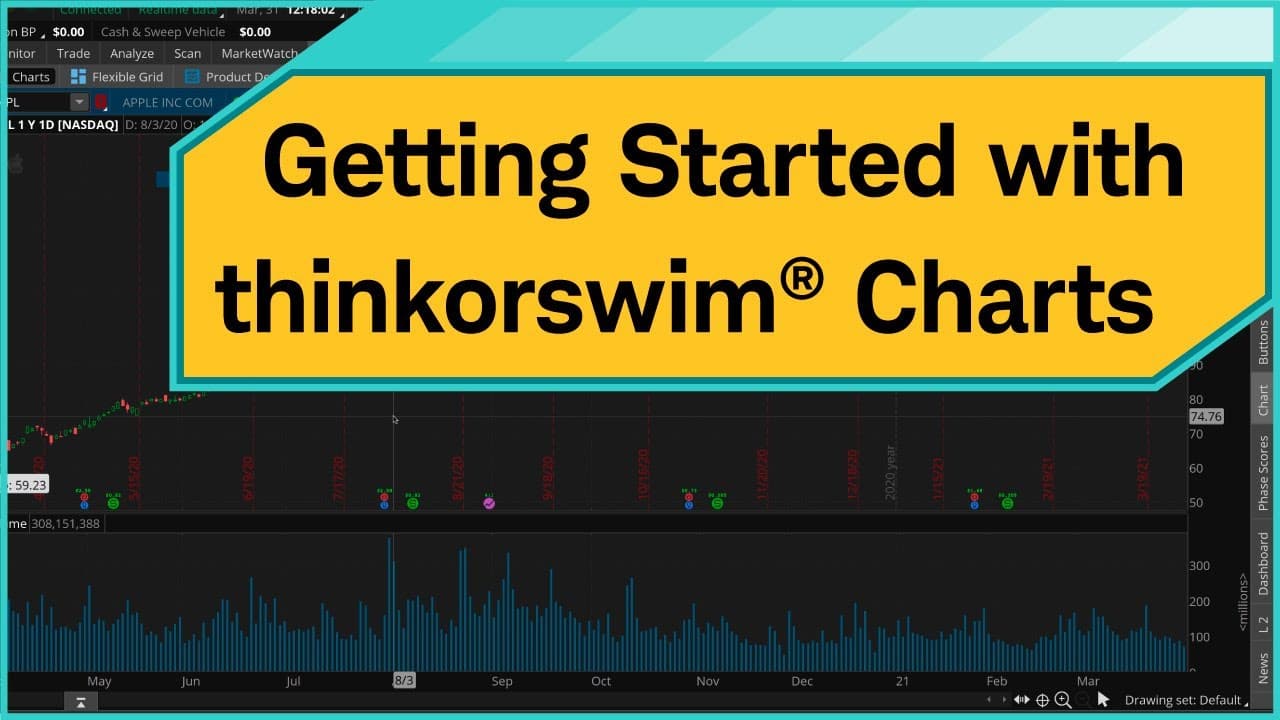
One of the things that thinkorswim® is known for is its powerful charting tools. It's got hundreds of studies, tons of drawing tools, and endless ways to customize. In this video, I'm going to show you how to get the most out of thinkorswim charts. When an investor first logs in to thinkorswim, they find themselves here on what's called the Monitor... Read More
Key Insights
- 💹 thinkorswim offers powerful charting tools with extensive customization options.
- ⌛ Time frames on thinkorswim charts can be customized using default settings or custom time frames.
- 💹 Drawings and studies can be added, customized, and removed on the charts.
- 😫 Users can save study sets for quick access to their preferred indicators.
- 👨🦱 Charts can be shared with others using generated URLs.
- 💹 The Patterns tool can scan for specific patterns on the charts.
- 🧡 The Studies and Strategies tabs offer a wide range of technical indicators and predefined strategies.
Install to Summarize YouTube Videos and Get Transcripts
Explore YouTube Video Summarizer or Get YouTube Transcript Extractor
Questions & Answers
Q: How can I pull up a symbol in thinkorswim charts?
To pull up a symbol, you can either type the symbol directly or begin typing the name of the company and let the system look for the symbol. Once you find the symbol, click on it to retrieve the default chart.
Q: How can I customize the time frame on a thinkorswim chart?
To customize the time frame, click on the tabs at the upper right corner of the chart and select "Time Frame." From there, you can choose from the default time frame settings or set up a custom time frame by selecting the desired length and aggregation period.
Q: How can I add drawings and studies to a thinkorswim chart?
Click on the cursor tool in the drawing tools menu and select the desired drawing or study. You can then click and drag on the chart to create the drawing or study. To customize or remove a drawing or study, right click on it and select the desired action from the menu.
Q: How can I save and share a thinkorswim chart?
To save a study set, click on the "Save as set" button in the Studies menu and give the set a name. To share a chart, click on the Share button and generate a URL that can be sent to others. They can then open the shared item in their own thinkorswim platform using the URL.
Summary & Key Takeaways
-
thinkorswim is known for its powerful charting tools, including hundreds of studies, drawing tools, and customization options.
-
The video tutorial covers the basics of thinkorswim charts, including how to pull up a symbol, navigate the chart layout, and interpret various metrics.
-
It demonstrates how to customize the time frame, zoom in and out, change chart styles, add drawings and studies, save study sets, and share charts.
-
The tutorial also introduces the feature of analyzing patterns on the chart and exploring predefined strategies for technical analysis.
Read in Other Languages (beta)
Share This Summary 📚
Summarize YouTube Videos and Get Video Transcripts with 1-Click
Try YouTube Summary with ChatGPT & Claude or YouTube Transcript Generator
Explore More Summaries from Charles Schwab 📚






Summarize YouTube Videos and Get Video Transcripts with 1-Click
Try YouTube Summary with ChatGPT & Claude or YouTube Transcript Generator