How to Create Animated Videos with Sound Effects in Canva?
TL;DR
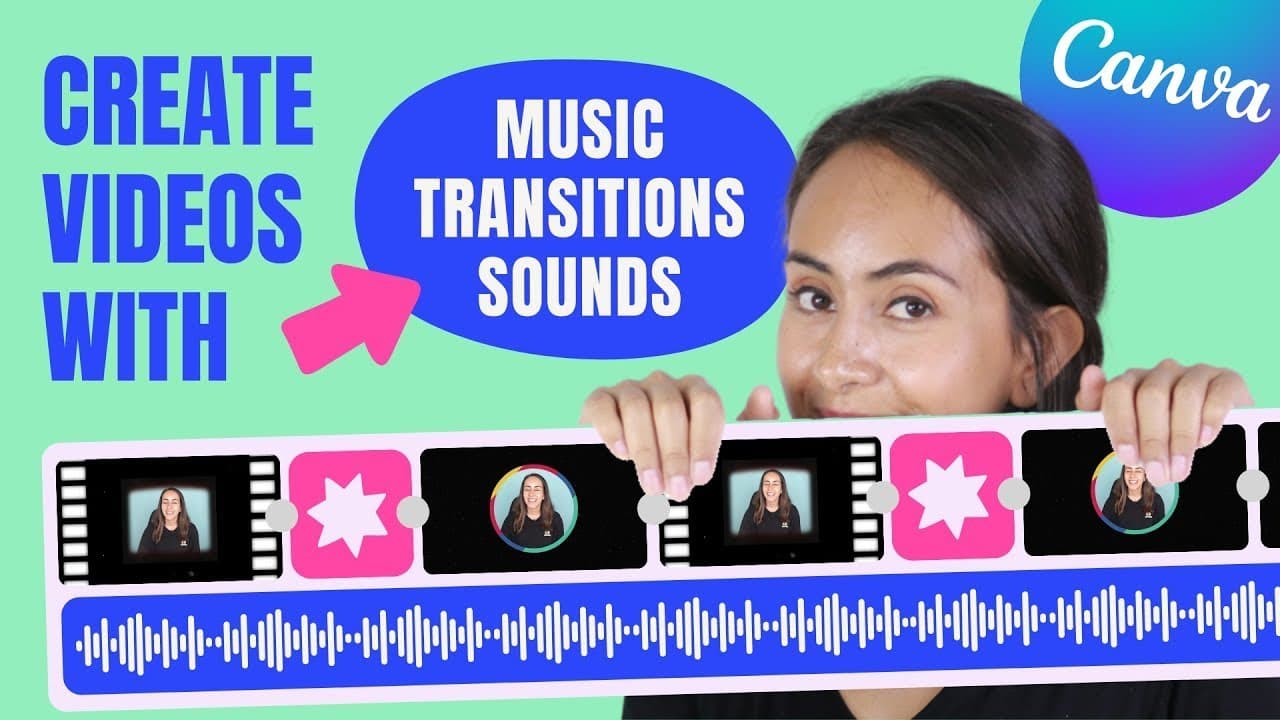
To create animated videos in Canva, start by selecting the video section and upload your own clips or use Canva's pro content. You can split video sections, add frames and animations, include sound effects, and sync background music. Finally, connect your YouTube channel to avoid copyright issues when downloading your video.
Transcript
hey guys in this tutorial i'm going to teach you how to create this animated video with music transitions and sound effects like this one this is going to be very exciting so i suggest that you guys stay until then and if you guys are ready for this tutorial let's go to my computer we're going to create this video with canvas so go to canva.com and... Read More
Key Insights
- 🎮 Canva's video section and canvas feature allow users to create animated videos with ease.
- 🎮 Users can upload their own videos, images, and audio or utilize Canva's library of pro videos, images, elements, sound effects, and music.
- 🎮 The tutorial covers various aspects of video creation, including video splitting, adding frames and animations, adjusting duration, and applying transitions.
- 👂 Sound effects and background music can enhance the overall video experience and can be easily added using Canva's audio section.
- 🥠 Canva provides features like volume adjustment and fade in/out effects to fine-tune the audio in videos.
- 👻 Connecting a YouTube channel to Canva allows users to avoid copyright claims on music used in their videos.
Install to Summarize YouTube Videos and Get Transcripts
Explore YouTube Video Summarizer or Get YouTube Transcript Extractor
Questions & Answers
Q: How can I create an animated video using Canva?
To create an animated video, you can use Canva's video section and canvas feature. Follow the tutorial to learn the step-by-step process.
Q: Can I upload my own videos and audio in Canva?
Yes, you can upload your own videos, images, and audio in Canva. The tutorial explains how to upload them and use them in your video.
Q: How do I add transitions to my video?
Canva offers different transitions like dissolve, slide, circle wipe, line wipe, and match and move. Select the transition you want and customize it according to your preference.
Q: Are there sound effects and music available in Canva?
Canva provides a collection of sound effects and music in its audio section. You can search for specific sound effects or music genres and add them to your video.
Summary & Key Takeaways
-
The tutorial demonstrates how to create an animated video using Canva's video section and canvas feature.
-
The video shows how to upload videos and audio, separate video sections, add frames and animations, and adjust video duration.
-
It also covers adding transitions, sound effects, and background music, as well as downloading the final video and connecting it to a YouTube channel.
Read in Other Languages (beta)
Share This Summary 📚
Summarize YouTube Videos and Get Video Transcripts with 1-Click
Try YouTube Summary with ChatGPT & Claude or YouTube Transcript Generator
Explore More Summaries from Design with Canva 📚






Summarize YouTube Videos and Get Video Transcripts with 1-Click
Try YouTube Summary with ChatGPT & Claude or YouTube Transcript Generator