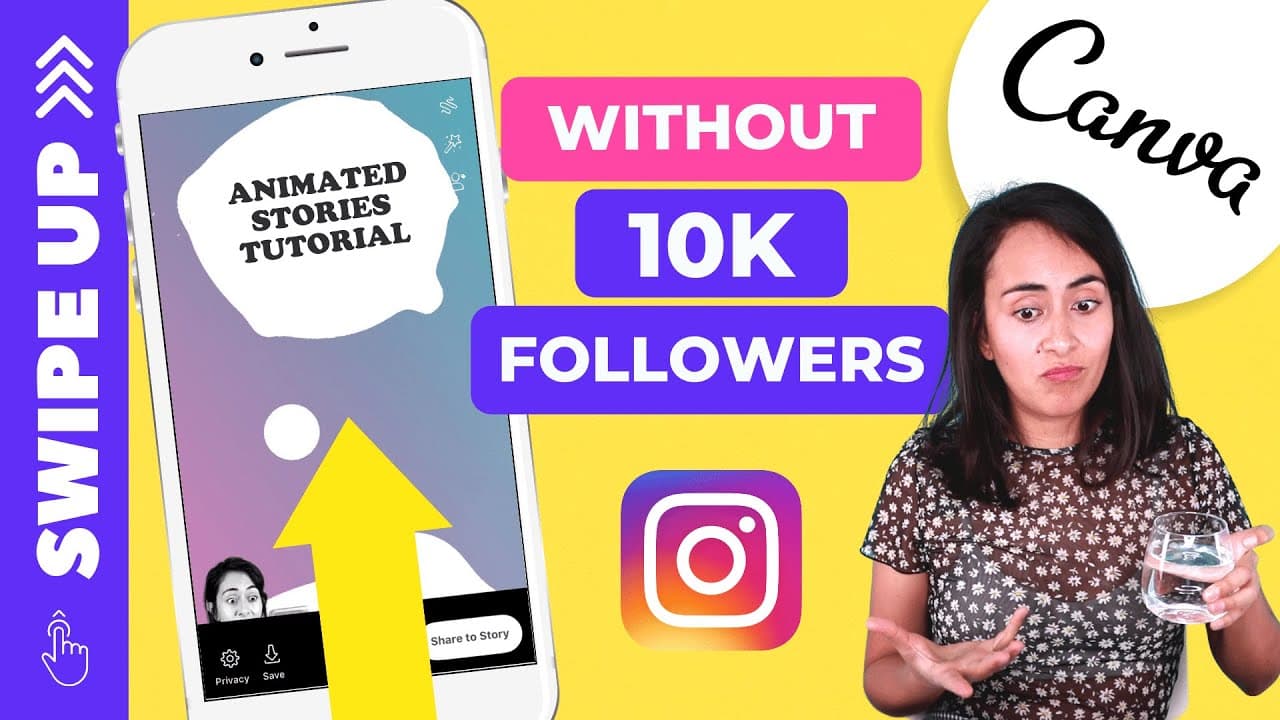
How to Create Animated Instagram Stories in Canva
TL;DR
To create animated Instagram stories using Canva, start by selecting a template and customizing it with your brand colors and animated elements. You can enable the swipe-up feature on Instagram by linking to an IGTV video, which works even if you have fewer than 10,000 followers. This allows for visually engaging stories that drive viewer interaction.
Transcript
hello guys my name is Deanna muñoz and I can certify creative and in this tutorial I will teach you how to create this beautiful animated story for our Instagram so if you didn't know you can actually have access to this swipe up feature on the Instagram even if you don't have 10,000 followers and I will also explain how to do this at the end of th... Read More
Key Insights
- 🎨 Canva offers various templates and design elements for creating animated stories on Instagram.
- 😃 The tutorial highlights the importance of using eye-catching elements, such as animated stickers and attention-grabbing text, to engage viewers.
- 🍻 Accessing the swipe up feature on Instagram is no longer limited to accounts with 10,000 followers, as it can now be enabled by linking an IGTV video.
- 👻 Customization options, such as adjusting colors and adding transparent overlays, allow for personalized and branded designs.
- 😒 Canva's mobile application facilitates quick and easy downloading of designs for immediate use on Instagram.
- 😷 The video tutorial encourages viewer interaction by asking for feedback and suggestions on the design, promoting engagement and learning from the audience.
- 👶 The tutorial emphasizes the value of subscriptions to the Canva YouTube channel for accessing more tutorials and staying updated with new features.
Install to Summarize YouTube Videos and Get Transcripts
Explore YouTube Video Summarizer or Get YouTube Transcript Extractor
Questions & Answers
Q: How can I access the swipe up feature on Instagram without 10,000 followers?
To access the swipe up feature, you need to upload an IGTV video and link it to your story. This feature is not restricted to accounts with 10,000 followers anymore.
Q: Can I customize the design and colors of the animated story?
Yes, you can customize the design by selecting different templates, adjusting colors, adding text, stickers, and images. Experiment with different elements to create a unique and visually appealing story.
Q: How do I upload the animated story to Instagram?
After designing the animated story in Canva, you can export it as a video and save it to your camera roll. Then, open Instagram, go to your stories, select the video, and use the link icon to add the swipe up feature by linking it to an IGTV video.
Q: Can I make changes and edits to the design after publishing the story on Instagram?
No, once the story is published, you cannot make any changes or edits to it. Therefore, it is important to review and finalize the design in Canva before uploading it to Instagram.
Summary & Key Takeaways
-
The tutorial demonstrates how to create an animated story for Instagram using Canva.
-
It explains how to access the swipe up feature on Instagram, even without 10,000 followers.
-
The tutorial covers the process of selecting templates, adding elements, adjusting colors, and uploading the story to Instagram.
Read in Other Languages (beta)
Share This Summary 📚
Summarize YouTube Videos and Get Video Transcripts with 1-Click
Try YouTube Summary with ChatGPT & Claude or YouTube Transcript Generator
Explore More Summaries from Design with Canva 📚






Summarize YouTube Videos and Get Video Transcripts with 1-Click
Try YouTube Summary with ChatGPT & Claude or YouTube Transcript Generator