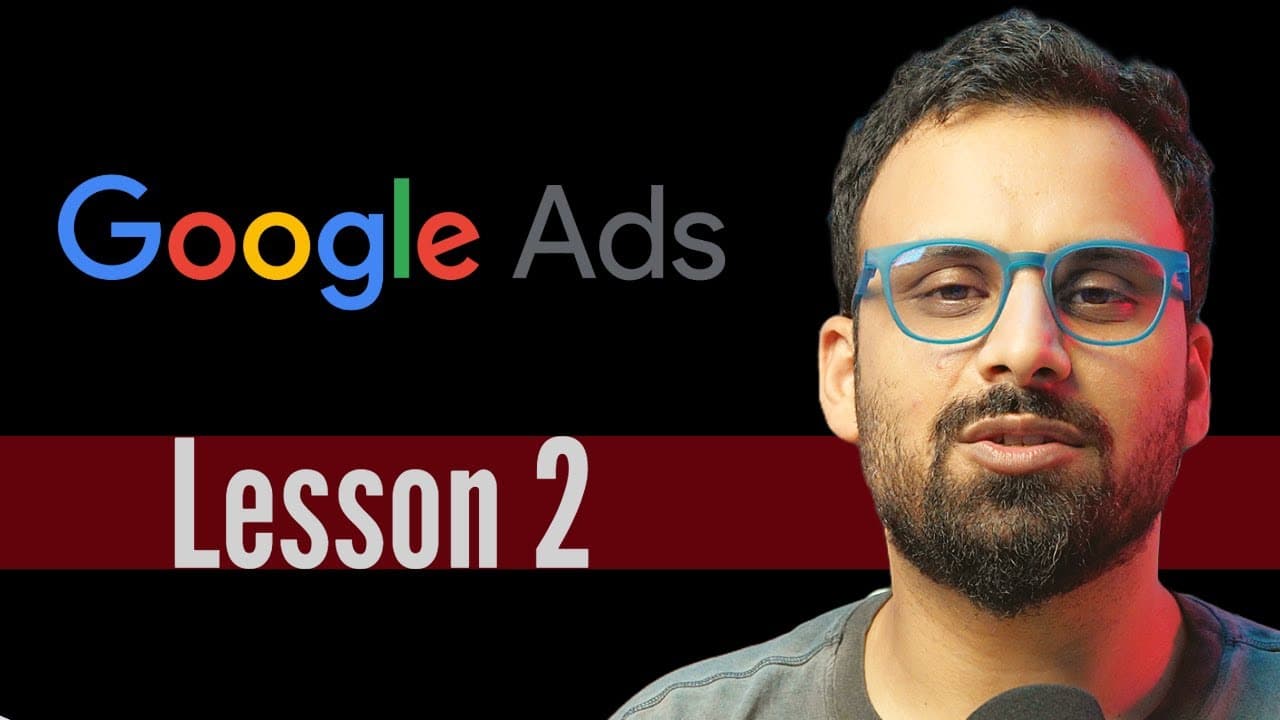
How to Create a Google Ads Account in Expert Mode
TL;DR
Create a Google Ads account at ads.google.com, switch to expert mode, and select “Create an account without a campaign” to avoid the guided Smart Campaign setup. Choose the country, time zone, and currency carefully because these settings cannot be changed later, then submit the form and open the new account.
Transcript
hello and welcome to the second video of Google ads Mastery course and in this video we are going to talk about Google ad account creation which is like the first step if you want to run Google ads and uh but before we jump into creating the account I just wanted to answer a few questions which are very frequently get and a lot of people generally ... Read More
Key Insights
- A Google Ads account requires a Gmail address or another email address registered as a Google account. A work email can be used by selecting the option to use an existing email during Google account registration and then completing email verification.
- A Google Ads account can include multiple users who have their own Google accounts. Adding teammates, co-founders, or clients does not give them access to the creator’s Gmail inbox, so account access can be shared without sharing personal email credentials.
- One Google account can create multiple Google Ads accounts. Freelancers commonly separate clients because each client may have different payment cards, data, and confidentiality requirements, while companies may separate accounts by country, billing arrangement, or campaign category.
- Google Ads promotional credit can require specific signup and spending conditions. The Dubai example offers 1,600 dirhams after the account spends that amount within 60 days, with the credit arriving after 35 days, and billing information must be entered during signup.
- The guided setup is designed to create an automated Smart Campaign with limited customization. Selecting expert mode avoids this route and gives a professional marketer the option to create an account without immediately choosing an objective or launching a campaign.
- The expert-mode option can appear under different labels depending on the country or signup screen. Relevant choices may include “Skip guided tour,” “Switch to expert mode,” “Create a manual campaign,” or “Create an account without a campaign.”
- Country, time zone, and currency are permanent account settings once the account is created. Selecting the wrong currency may require creating another account, particularly when the advertiser wants spending reports and payments to use a different local currency.
- Payment methods can vary according to the selected country. India may provide net banking or UPI, the United States may provide credit card and PayPal, and the United Arab Emirates example provides a credit card option.
Install to Summarize YouTube Videos and Get Transcripts
Explore YouTube Video Summarizer or Get YouTube Transcript Extractor
Questions & Answers
Q: What is required to create a Google Ads account?
A Google Ads account can be created when you have a Gmail address or another email address connected to a Google account. No additional requirement is identified in the lesson. If you want to use a company email, register it through Google’s account creation process, choose the option to use your own email address, and complete the verification sent to that address.
Q: How can I create a Google Ads account with a work email?
Start the Google account creation process and select the option to use your own email address instead of creating a new Gmail address. Enter the work email, receive its verification message, and complete verification. The resulting Google account uses the work email as its address and can then be used to sign in and create a Google Ads account.
Q: Can multiple people access the same Google Ads account?
A Google Ads account can have multiple users, provided those users have Google accounts. You can add team members, co-founders, clients, or other collaborators to the advertising account. Their access is limited to the Google Ads account permissions they receive, and adding them does not allow them to access the creator’s Gmail inbox.
Q: Can one email address create multiple Google Ads accounts?
One Google account can create multiple Google Ads accounts. A freelancer may create a separate account for every client because clients can have different cards, confidential data, and business requirements. Companies may also separate accounts by country, billing arrangement, branding campaigns, app campaigns, or search campaigns, depending on how they want advertising and payments organized.
Q: How do I create a Google Ads account without a campaign?
Go to ads.google.com and begin the account setup. Avoid completing the guided Smart Campaign flow, select “Switch to expert mode,” and proceed until Google asks you to choose a campaign objective. At that stage, select “Create an account without a campaign.” You can then confirm the account settings and finish registration without immediately building or launching an advertisement.
Q: What should I do if Switch to expert mode is missing?
Look for another option that bypasses the guided or Smart Campaign setup. Depending on the screen or country, Google may display wording such as “Skip guided tour,” “Smart campaign,” “Create a manual campaign,” or “Create an account without a campaign.” If an earlier incomplete setup keeps reopening and causes confusion, the lesson suggests starting again with a new Gmail address.
Q: Which Google Ads account settings cannot be changed later?
The account’s country, time zone, and currency must be chosen carefully because the lesson states that these settings cannot be changed after account creation. If the wrong currency is selected, such as USD when spending and payment reporting should use Indian rupees, the solution described is to create a new Google Ads account with the correct settings.
Q: Do I need to enter payment information when creating an account?
Payment information may not be required when expert mode is used and campaign creation is skipped, but Google can still request it in some cases. If prompted, you can add a card or an available local method such as UPI or net banking. A temporary authorization may occur, but advertising spend does not happen unless campaigns are configured to run.
Summary & Key Takeaways
-
A Google Ads account can be created with a Gmail address or a Google account registered to a work email. An account can include multiple users without exposing the creator’s Gmail, and the same email address can create multiple ad accounts for separate clients, billing arrangements, countries, or campaign categories.
-
The recommended setup begins at ads.google.com. Instead of entering a business name in the guided Smart Campaign flow, select an option such as “Switch to expert mode,” “Skip guided tour,” or “Create a manual campaign.” Then choose “Create an account without a campaign” so strategy can be planned before advertising begins.
-
Country, time zone, and currency require careful selection because they cannot be changed after account creation. The chosen country can also affect available payment methods. Billing information may be skipped in some setups, although Google may request a card, UPI, or net banking details before completing the account registration process.
Read in Other Languages (beta)
Share This Summary 📚
Summarize YouTube Videos and Get Video Transcripts with 1-Click
Try YouTube Summary with ChatGPT & Claude or YouTube Transcript Generator
Explore More Summaries from Senator We Run Ads 📚


Summarize YouTube Videos and Get Video Transcripts with 1-Click
Try YouTube Summary with ChatGPT & Claude or YouTube Transcript Generator