Canva Website: Create yours RIGHT NOW👇
TL;DR
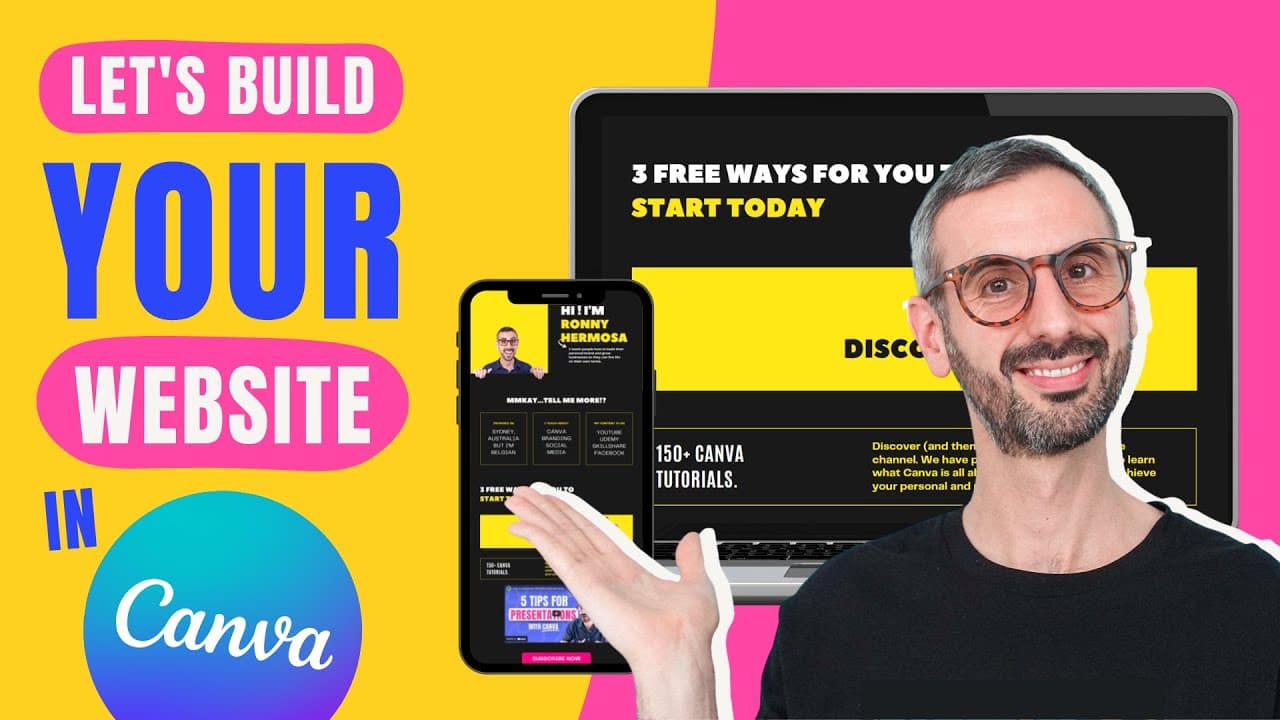
Learn how to create your own website using Canva's new website feature, with step-by-step instructions and tips for customization.
Transcript
a lot of you want to know how to create your website with canva canva recently launched the brand new canvas site in 2022 and i have experimented with the features and created a website this website i've showed you the website on the channel and a lot of you guys have asked for the tutorial so this is the video where i show you how to create your w... Read More
Key Insights
- 👻 Canva's website feature allows users to easily create their own websites without any coding or design experience.
- 🥅 Before starting, it's important to have a clear vision, goal, and materials ready for the website.
- 🧡 Canva provides templates, customization options, and a wide range of embeddable elements for a personalized website.
- 🥶 Publishing options include using a free Canva domain, purchasing a domain through Canva, or hosting the website on a domain you already own.
- 🧘 Regular updates and modifications can be made to the website by editing the design and republishing it.
Install to Summarize YouTube Videos and Get Transcripts
Explore YouTube Video Summarizer or Get YouTube Transcript Extractor
Questions & Answers
Q: Can anyone create a website using Canva?
Yes, anyone can create a website using Canva, whether you are a free user or a Canva Pro user. The process may vary slightly depending on your account type, but all users have access to the website creation feature.
Q: How do I customize the design of my website?
Canva provides a wide range of templates and customizable options for your website design. You can choose a template that suits your needs, customize colors, fonts, and visuals to match your brand, and add your own copy and images to personalize the website.
Q: Can I embed videos and other interactive elements on my Canva website?
Yes, you can embed videos from platforms like YouTube and add interactive elements such as buttons and links to your Canva website. This allows you to engage your visitors and direct them to specific actions or content.
Q: Can I use my own domain for my Canva website?
Yes, you have the option to use a free Canva domain (with a canva.site extension), purchase a domain through Canva, or host your website on a domain you already own. The video tutorial covers the steps for each option.
Summary & Key Takeaways
-
Canva has recently launched a website feature in 2022, allowing users to create their own websites with ease.
-
This tutorial video guides viewers through the process of creating a personal branding website using Canva, with clear steps and tips for making it unique.
-
Before starting, it's important to have a clear vision and goal for your website, as well as gather necessary materials such as copy, visuals, and calls to action.
-
The video explains the process of selecting templates, customizing the design with your brand colors and fonts, and adding content such as videos, testimonials, and buttons for calls to action.
-
The video also covers publishing options, including using a free Canva domain, purchasing a domain through Canva, or hosting the website on a domain you already own.
Read in Other Languages (beta)
Share This Summary 📚
Summarize YouTube Videos and Get Video Transcripts with 1-Click
Try YouTube Summary with ChatGPT & Claude or YouTube Transcript Generator
Explore More Summaries from Design with Canva 📚






Summarize YouTube Videos and Get Video Transcripts with 1-Click
Try YouTube Summary with ChatGPT & Claude or YouTube Transcript Generator