How to Set Up the Quad SATA Hat for Raspberry Pi NAS
TL;DR
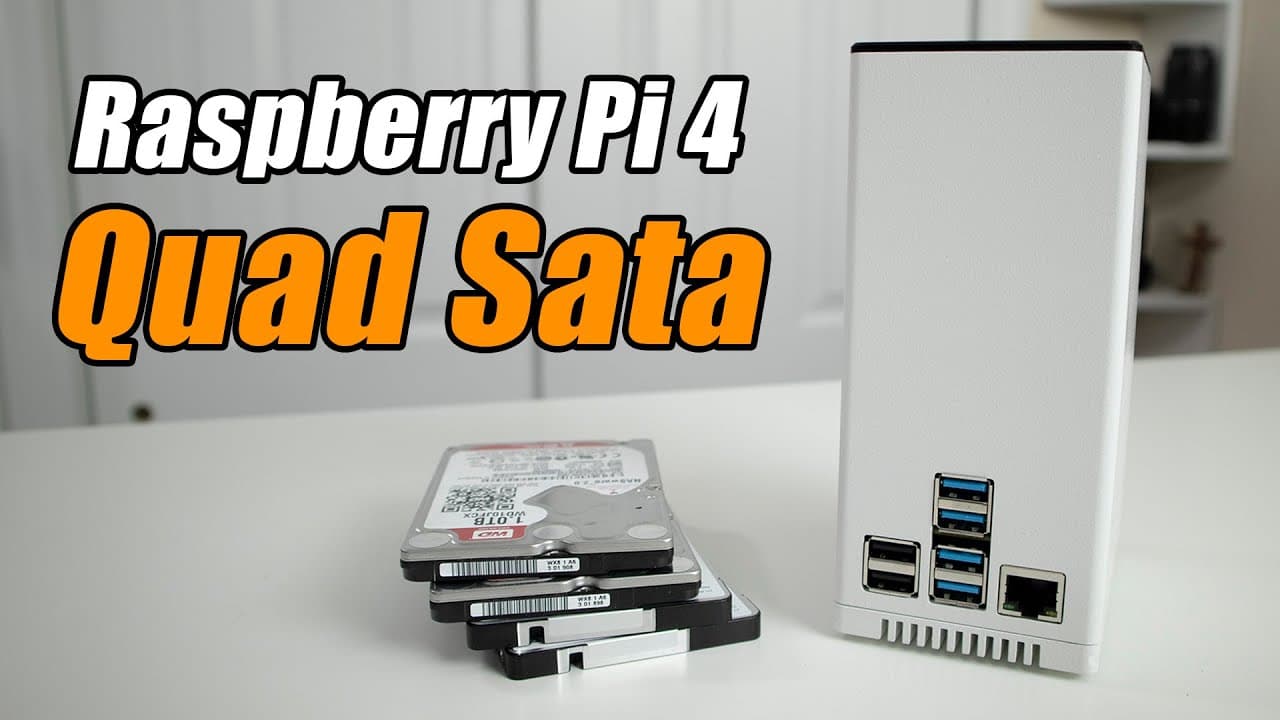
To set up the Quad SATA Hat for Raspberry Pi as a NAS, assemble the hardware, install Raspbian, and use OpenMediaVault for simplified RAID and share configuration. This unit is efficient for expanding storage but may require better heat management, as CPU temperatures can increase by 5-10 degrees Celsius when using OpenMediaVault compared to manual setups.
Transcript
hey guys what's going on it's down here from Nova spirit second welcome back to my channel and today I'm super excited to show you guys this new product that I'm reviewing which is the quad SATA hat for Raspberry Pi or rock PI's so let's get started now I want to thank all net China for sending this unit over to me for review and I'll leave all the... Read More
Key Insights
- 👀 The Quad SATA Hat is an efficient solution for expanding storage on Raspberry Pi, ideal for advanced users looking to create NAS systems.
- 🍳 The assembly process involves careful handling of components, particularly to avoid breaking the brass screws, which require cautious torque application.
- 👤 Using OpenMediaVault simplifies the RAID and share setup process significantly, especially for users less experienced in configuring Linux systems or Linux-based NAS.
- 🥵 Performance metrics indicate that while using OpenMediaVault, CPU usage increases by 5-10 degrees Celsius in idle states compared to manually configured setups, suggesting a need for better heat management.
- 💁 A notable design feature is a programmable switch on the LCD display that provides information and fan control, enhancing the user experience.
- 🪛 Implementing a shutdown timer for hard drives can substantially reduce heat and prolong drive lifespan, making it a valuable practice for users.
- 👱 Despite some challenges with noise and air circulation, the Quad SATA Hat maintains a reasonable operating temperature under load, demonstrating effective design and engineering.
Install to Summarize YouTube Videos and Get Transcripts
Explore YouTube Video Summarizer or Get YouTube Transcript Extractor
Questions & Answers
Q: What is the primary function of the Quad SATA Hat?
The Quad SATA Hat is designed to expand the storage capability of Raspberry Pi units by allowing users to connect up to four 2.5-inch SATA drives, enabling more significant data management and hosting applications, particularly useful for NAS setups.
Q: What components are included with the Quad SATA Hat kit?
The kit includes the Quad SATA Hat, power supply, a low-profile heatsink, an LCD display, connectors for both USB and SATA, drive holders, and an acrylic cover. Users will need to assemble the unit, ensuring proper connection between components for optimal functionality.
Q: What setup steps are necessary to configure the device with Raspbian?
After assembling the hardware, users need to boot Raspbian, enable SSH, and potentially set up Wi-Fi if not using Ethernet. Users can either manually configure their RAID setup or use a one-liner command to install OpenMediaVault, which simplifies the setup process for new users.
Q: How does the performance of the Quad SATA Hat compare to standard setups?
The Quad SATA Hat setup appears to have slightly higher CPU usage when using OpenMediaVault compared to a manual RAID setup, impacting heat generation. However, it provides convenient functionality, including an LCD screen on the unit for real-time monitoring, acknowledging a trade-off between ease of setup and resource optimization.
Summary & Key Takeaways
-
The video presents a hands-on review and installation guide for the Quad SATA Hat designed for Raspberry Pi, providing insights into its features and components.
-
The reviewer discusses the assembly of the unit, including the integration of drives, power supply, and the setup process with Raspbian and OpenMediaVault.
-
The performance evaluation highlights the unit’s capabilities, discussing CPU usage, heat management, and transfer speeds, while also offering tips for optimization.
Read in Other Languages (beta)
Share This Summary 📚
Summarize YouTube Videos and Get Video Transcripts with 1-Click
Try YouTube Summary with ChatGPT & Claude or YouTube Transcript Generator
Explore More Summaries from Novaspirit Tech 📚






Summarize YouTube Videos and Get Video Transcripts with 1-Click
Try YouTube Summary with ChatGPT & Claude or YouTube Transcript Generator