How to Use NotebookLM for YouTube Summaries
TL;DR
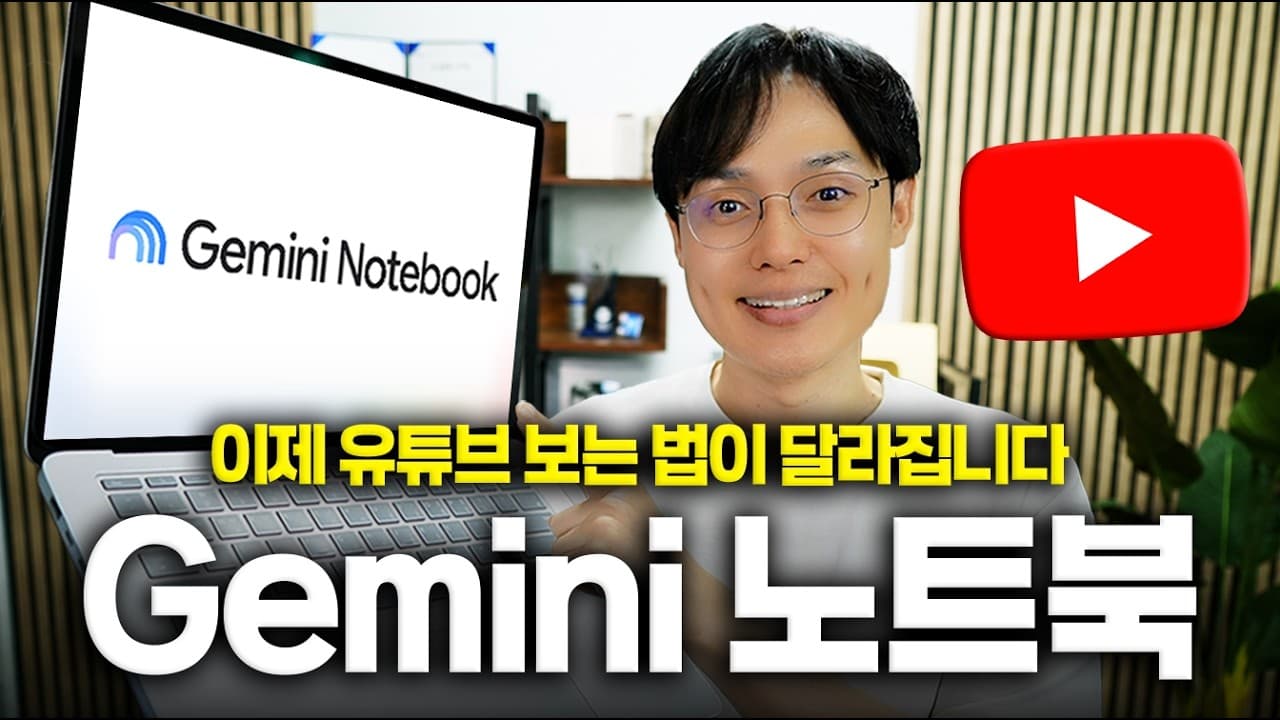
NotebookLM allows users to compile and summarize YouTube videos into slides or podcasts, making it easier to consume content efficiently. By using Google Chrome and a specific code, users can filter and copy video links, then use NotebookLM to generate transcriptions and summaries. This method is useful for creating educational content or personal media collections.
Transcript
So, how much YouTube do you watch in a day? Nowadays, many people watch fun videos on YouTube, but there are also many who use it to study topics like news, economics, and Excel. The problem is that with so much content on YouTube , finding exactly what I need among the countless videos is quite difficult. So today, I’ve prepared a way to us... Read More
Key Insights
- NotebookLM is a free AI tool by Google that helps compile YouTube videos into summaries.
- Users can filter YouTube search results by popularity and upload date to find relevant content.
- Chrome's Bookmark Manager is used to store a code that facilitates copying YouTube links.
- NotebookLM can transcribe and summarize videos automatically, aiding content consumption.
- Users can create slides or podcasts from video summaries for easy sharing and personal use.
- The tool supports up to 50 video sources for free users, with labeling features for organization.
- NotebookLM's mobile app allows users to receive notifications and access content on the go.
- The platform is versatile, useful for study, travel prep, or creating insightful audio content.
Install to Summarize YouTube Videos and Get Transcripts
Explore YouTube Video Summarizer or Get YouTube Transcript Extractor
Questions & Answers
Q: How to compile YouTube videos into summaries using NotebookLM?
To compile YouTube videos into summaries using NotebookLM, first use Chrome's Bookmark Manager to store a special code that copies video links. Filter YouTube search results for relevant content, copy the links, and paste them into NotebookLM. The tool will automatically transcribe and summarize the videos, allowing you to create slides or podcasts for easy consumption.
Q: What is the benefit of using NotebookLM for YouTube content?
NotebookLM provides a streamlined way to consume YouTube content by compiling videos into summarized slides or podcasts. This tool saves time by transcribing and summarizing videos automatically, making it easier to access and share educational or insightful content. It's especially useful for those who prefer audio or visual summaries over watching entire videos.
Q: How can I filter YouTube videos for better content selection?
To filter YouTube videos for better content selection, use the filter options to sort by popularity and upload date. This ensures you find the most relevant and recent videos. Additionally, select 'Video' under type to focus on long-form content that provides high-quality information. This approach helps in gathering content suitable for creating summaries or educational material.
Q: What limitations does NotebookLM have for free users?
For free users, NotebookLM allows a maximum of 50 video sources at a time. Additionally, there is a daily limit of creating three slides and three podcasts. Despite these limitations, users can work around them by creating multiple Google accounts to access more features. The tool provides automatic transcription and labeling, enhancing content organization and accessibility.
Q: How can NotebookLM's mobile app enhance the user experience?
NotebookLM's mobile app enhances the user experience by providing notifications when content is ready, allowing users to access summaries and podcasts on the go. The app enables seamless playback of audio content, even allowing users to resume from where they left off on a PC. This convenience makes it easier to consume content during commutes or in environments where reading is difficult.
Q: What are some practical uses of NotebookLM?
NotebookLM is versatile and can be used for various practical purposes, such as creating educational content, preparing for travel, or studying for exams. By compiling YouTube videos into summaries, users can create insightful audio or visual content tailored to their needs. The platform is also useful for job hunting or any topic with ample YouTube resources, providing efficient content consumption.
Q: How does NotebookLM handle transcription and summarization?
NotebookLM automatically transcribes and summarizes YouTube videos by generating text from video content and condensing it into key points. This feature allows users to quickly grasp the essence of videos without watching them in full. The tool's summarization capability is particularly beneficial for creating slides or podcasts, making content more accessible and easier to share.
Q: Can I use NotebookLM for different types of content creation?
Yes, NotebookLM can be used for various types of content creation, including educational slides, podcasts, and personalized media collections. By leveraging its transcription and summarization features, users can create content from YouTube videos that align with their interests or educational goals. The platform's versatility makes it suitable for a wide range of topics and applications.
Summary & Key Takeaways
-
NotebookLM allows users to efficiently compile and summarize YouTube videos into slides or podcasts. Using Chrome and a special code, users can filter and copy video links, then utilize NotebookLM to generate transcriptions and summaries. This method is beneficial for educational content creation or personal media collections.
-
Users can employ NotebookLM to filter YouTube videos by popularity and upload date, ensuring they access the most relevant content. The tool supports up to 50 video sources for free users, providing features like automatic transcription, summarization, and labeling for better organization.
-
NotebookLM's mobile app offers convenience, allowing users to receive notifications and access content immediately. The platform's versatility makes it useful for various purposes, including study, travel preparation, and creating insightful audio content from books or other media.
Read in Other Languages (beta)
Share This Summary 📚
Summarize YouTube Videos and Get Video Transcripts with 1-Click
Try YouTube Summary with ChatGPT & Claude or YouTube Transcript Generator
Explore More Summaries from 오빠두엑셀 l 엑셀 강의 대표채널 📚



Summarize YouTube Videos and Get Video Transcripts with 1-Click
Try YouTube Summary with ChatGPT & Claude or YouTube Transcript Generator