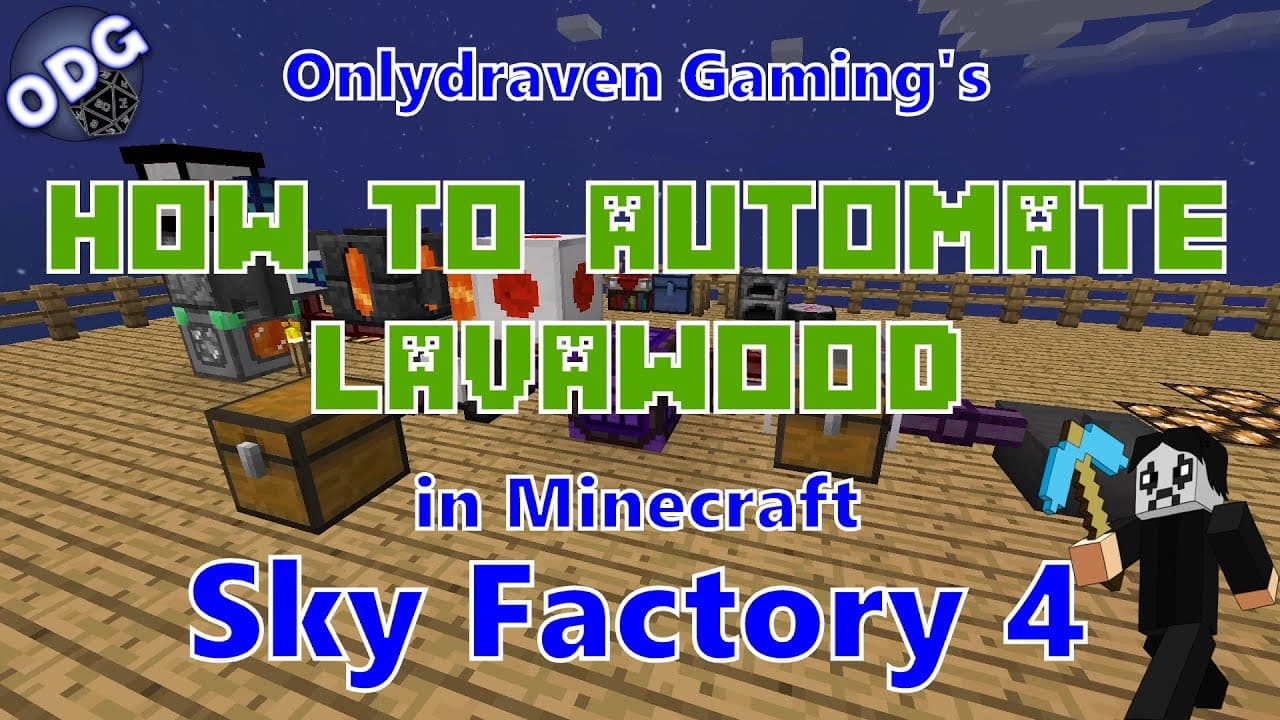
How to Automate Lava Wood Production in Minecraft Sky Factory 4
TL;DR
To automate lava wood production in Minecraft Sky Factory 4, create an infinite lava loop using an automated user, a geothermal generator, and a redstone clock. This setup allows for continuous crafting of lava wood without the need for external power sources, efficiently streamlining your resource management.
Transcript
hello everyone only draven here again and today we're doing another tutorial in minecraft sky factory 4. today i'm going to be showing you how to automate the process of making lava wood lava wood itself isn't too hard to make but considering it either needs usually a melter or smeltery to get it automating this process is pretty easy and can be pr... Read More
Key Insights
- 💨 Automating lava wood production is an efficient way to streamline resources in Minecraft Sky Factory 4.
- 😫 A combination of various Minecraft components, including cobblestone generators and redstone devices, plays a pivotal role in setting up this automation.
- ☠️ Players need to focus on upgrading their generators to higher tiers for increased efficiency and output rates.
- 😫 Setting up an infinite lava source simplifies resource management, allowing players to focus on other aspects of gameplay.
- ❓ Understanding the interaction between various components is essential for troubleshooting the automated system effectively.
- ❓ The tutorial encourages community engagement by welcoming feedback and requests for future content.
- ❓ Proper management of item extraction and blacklisting ensures unnecessary materials do not clog the production process.
Install to Summarize YouTube Videos and Get Transcripts
Explore YouTube Video Summarizer or Get YouTube Transcript Extractor
Questions & Answers
Q: What are the primary components required to automate lava wood creation?
To automate lava wood creation, you will need an automated user, which consists of two gold ingots, a dispenser, a magma block, and three obsidian blocks. Additionally, having an upgradeable geothermal generator, a tier 5 cobblestone generator, a redstone clock, and an auto crafter is critical. These components work collectively to initiate and maintain the automation process effectively.
Q: How does the infinite lava loop function in the setup?
The infinite lava loop is created by placing a tiered cobblestone generator connected to an automated user that supplies cobblestone into a cauldron, transforming it into lava. This lava is then extracted using fluid cables, continuously producing lava as long as cobblestone is fed into the generator. This allows the entire system to run without needing external resources, ensuring a steady supply of lava for crafting lava wood.
Q: What role does the redstone clock play in the automation process?
The redstone clock is crucial in controlling the timing of the automated pouring of lava produced in the system. By setting the clock to a constant pulse, it allows the faucet connected to the seared tank to operate continuously, enabling the lava to pour efficiently into the casting basin to create lava wood. Adjusting the clock speed ensures optimal performance without overwhelming the system.
Q: How can players enhance the speed of wood production in this setup?
Players can enhance wood production speed by adding speed modifiers inside the upgradeable geothermal generator and optimizing their cobblestone generator tier. The use of efficient mulch in the bonsai pots can also expedite sapling growth. Additionally, incorporating multiple bonsai pots or chests can increase the throughput of wood, ensuring the auto crafter receives ample material quickly.
Summary & Key Takeaways
-
This tutorial details the construction of an automated system for producing lava wood in Minecraft Sky Factory 4, emphasizing ease of setup and efficiency.
-
Key components needed include an automated user, an upgradeable geothermal generator, and a redstone clock, among others, which are detailed in the step-by-step guide.
-
The system works by creating an infinite lava loop, allowing for continuous wood and power production without external resources, effectively streamlining gameplay.
Read in Other Languages (beta)
Share This Summary 📚
Summarize YouTube Videos and Get Video Transcripts with 1-Click
Try YouTube Summary with ChatGPT & Claude or YouTube Transcript Generator
Explore More Summaries from Onlydraven Gaming 📚




Summarize YouTube Videos and Get Video Transcripts with 1-Click
Try YouTube Summary with ChatGPT & Claude or YouTube Transcript Generator