How to Create an Acid Rain CSS Effect
TL;DR
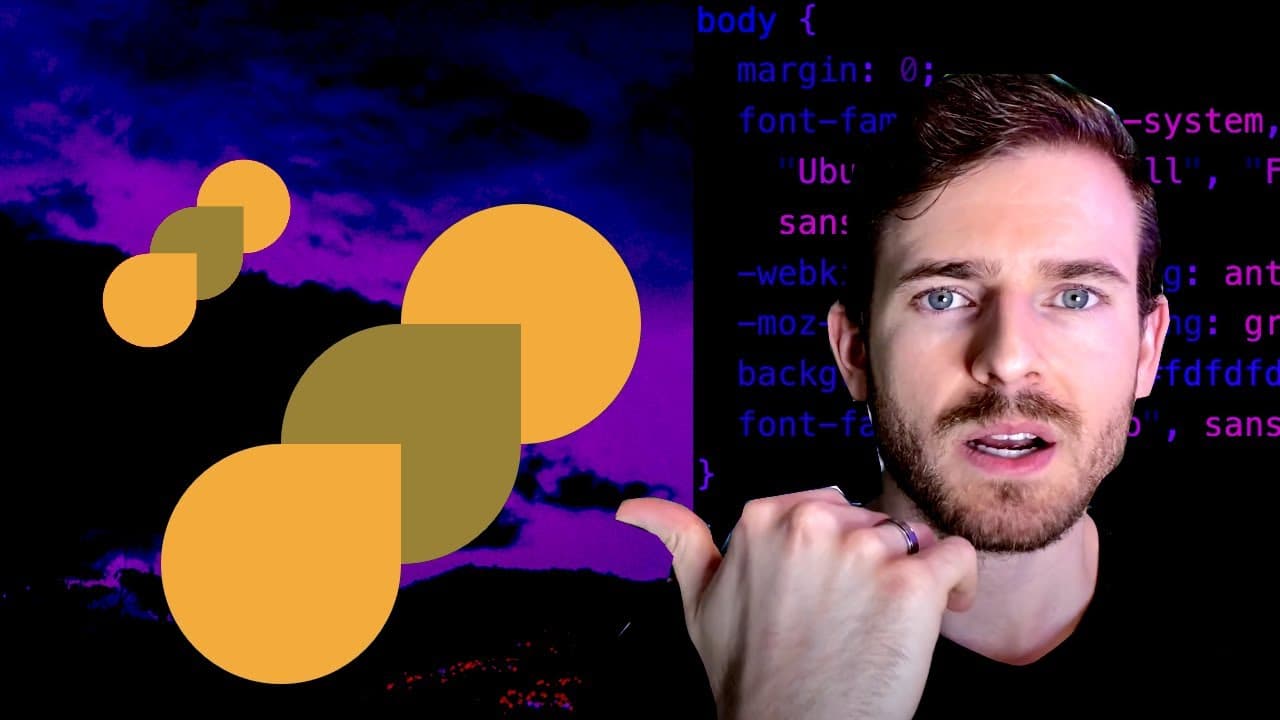
To create an Acid Rain CSS effect, start by setting the body background color and creating a circle using the border-radius property. Utilize absolute positioning for precise layout control, and experiment with positioning values to achieve the desired look. Common issues like default margins on paragraph tags should be addressed for better results.
Transcript
how's it going everyone i hope you guys are having a great day welcome back to another web dev junkie video in this one i am going to be doing another css battle more specifically i'm going to be doing number five which is called acid rain so this is what it looks like it looks pretty cool we got some raindrops and a circle in the back so this shou... Read More
Key Insights
- 💨 CSS battles are a fun way to learn CSS and improve coding skills through practical challenges.
- 💠 Using
border-radiusis essential for creating circular shapes, highlighting CSS's versatility. - 🕸️ Absolute positioning is a powerful technique for controlling the layout of elements precisely on the web page.
- ⚡ Attention to default styles, like margins on paragraph tags, is crucial to prevent layout issues when styling elements.
- ❓ Experimentation and adjusting values is a common part of CSS development, encouraging a trial-and-error approach for learning.
- 🗯️ The presenter emphasizes the sense of accomplishment that comes from solving layout challenges and getting the design right.
- 🫵 The video encourages viewers to actively engage with the content and explore additional CSS tutorials offered through the channel.
Install to Summarize YouTube Videos and Get Transcripts
Explore YouTube Video Summarizer or Get YouTube Transcript Extractor
Questions & Answers
Q: What is the main focus of the video?
The video centers around creating a CSS effect called "Acid Rain." The presenter walks viewers through the process step-by-step, explaining how to manipulate CSS properties effectively to construct the desired visual elements.
Q: How does the presenter establish the circle in the background?
The presenter establishes the circle by first setting the body background color, then creating a div with a border-radius of 50%. This method is efficient as it transforms a square into a circle, meeting the design requirements for the CSS battle challenge.
Q: What challenges does the presenter encounter while working on the CSS layout?
The presenter faces challenges like guessing the right pixel values for positioning elements correctly. Moreover, they encounter an issue when a paragraph tag unintentionally adds margin, affecting the layout—illustrating the importance of understanding default CSS behaviors.
Q: How does absolute positioning simplify the CSS rendering process?
Absolute positioning allows elements to be placed anywhere on the page without affecting other elements. The presenter uses this method to facilitate the layout of the raindrops, aligning them accurately while keeping the overall design tidy and coherent.
Summary & Key Takeaways
-
The presenter introduces a CSS battle challenge focused on creating a visual "Acid Rain" effect, showcasing the enjoyable aspect of web development.
-
Key techniques discussed include changing background colors, using border-radius for circle creation, and absolute positioning to achieve desired layout.
-
Common issues related to CSS, such as margin discrepancies in paragraph tags, are addressed, enhancing understanding for viewers new to CSS.
Read in Other Languages (beta)
Share This Summary 📚
Summarize YouTube Videos and Get Video Transcripts with 1-Click
Try YouTube Summary with ChatGPT & Claude or YouTube Transcript Generator
Explore More Summaries from Web Dev Cody 📚





Summarize YouTube Videos and Get Video Transcripts with 1-Click
Try YouTube Summary with ChatGPT & Claude or YouTube Transcript Generator