How to Use the Raleigh Seaboard Rise with Cubase
TL;DR
You can use the Raleigh Seaboard Rise to create a polyphonic ensemble in Cubase by assigning each instrument to a different MIDI channel. However, note assignments can be unpredictable, so it's best to set up a standard keyboard for easier arrangement. The Seaboard allows for expressive playing with dynamic control and natural vibrato, enhancing the overall sound.
Transcript
hi so we're back in Cubase and this is the witty one and instruments virtual player the professional edition with all the libraries so we were lucky to have all of them are our disposal I've been asked to show how we maybe use the Raleigh seaboard rise with a polyphonic with the ensemble it is very possible there are a few limitations which I'll me... Read More
Key Insights
- 😮 The Raleigh Seaboard Rise can be used to create a polyphonic ensemble in Cubase by assigning individual channels to different instruments.
- 🖐️ There are limitations in predicting which note is played by which instrument when using multiple MIDI channels.
- 👻 The dynamic control of the Raleigh Seaboard Rise allows for expressive playing and the addition of natural vibrato.
- 😒 It is recommended to set up a standard keyboard and use the range function to arrange instruments effectively.
- 😚 The use of multiple windows in Cubase can sometimes lead to confusion and losing track of instruments.
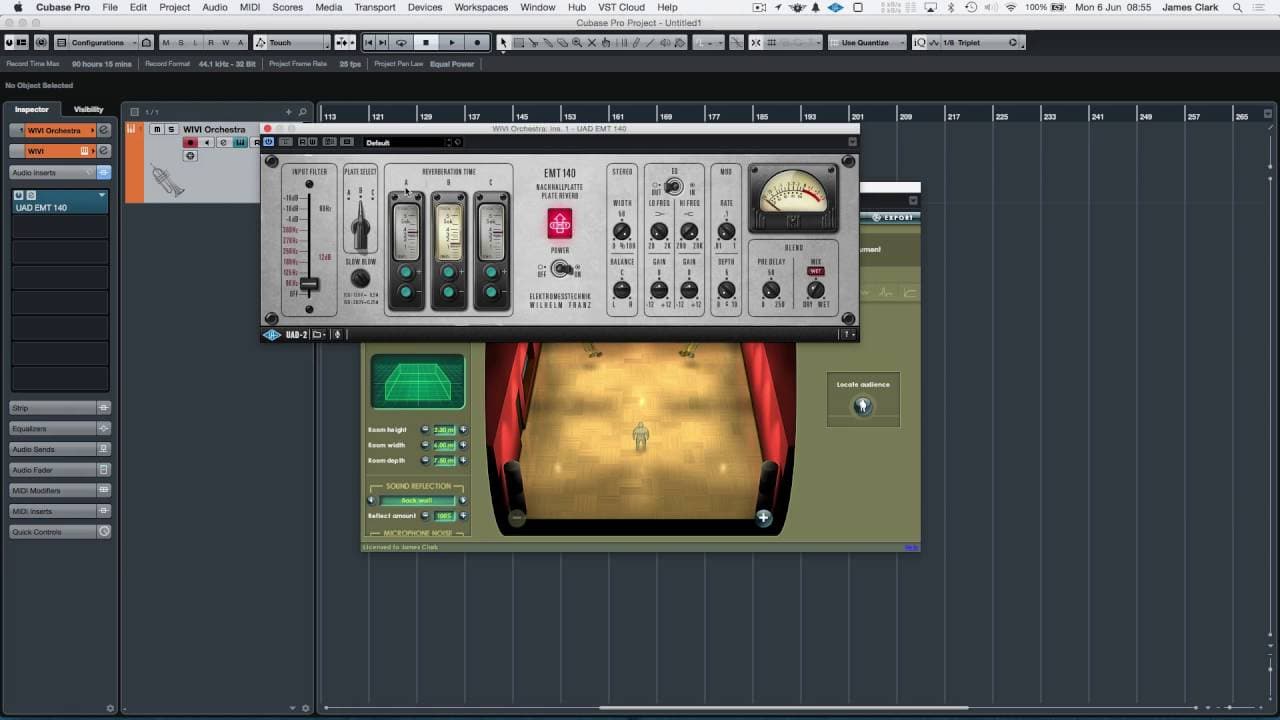
- 👂 Adding a touch of plate reverb can enhance the sound of brass instruments in the recording studio.
- 🪡 The pitch bend settings need to be adjusted for compatibility with Cubase and the Raleigh Seaboard Rise.
Install to Summarize YouTube Videos and Get Transcripts
Explore YouTube Video Summarizer or Get YouTube Transcript Extractor
Questions & Answers
Q: Can the Raleigh Seaboard Rise be used to create a polyphonic ensemble in Cubase?
Yes, it is possible to create a polyphonic ensemble using the Raleigh Seaboard Rise in Cubase. However, there are limitations with assigning individual channels and unpredictable note assignments.
Q: What are the limitations of assigning individual channels to different instruments?
The limitation is that the Raleigh Seaboard Rise may not always send the note to the specified MIDI channel. It can sometimes send the note to a different MIDI channel, especially if multiple instruments are played simultaneously.
Q: Is it necessary to have each instrument on a different MIDI channel for effective use of the Raleigh Seaboard Rise?
It is recommended to have each instrument on a different MIDI channel to make the most of the Raleigh Seaboard Rise's capabilities. However, if you are not concerned about the specific instruments playing each note, you can set all instruments to the same MIDI channel.
Q: Can the dynamic control of the Raleigh Seaboard Rise be adjusted for polyphonic lines?
Yes, the dynamic control of the Raleigh Seaboard Rise can be adjusted for polyphonic lines. It allows for expressive playing and the addition of natural vibrato by wiggling the finger.
Summary & Key Takeaways
-
The video demonstrates how to use the Raleigh Seaboard Rise with a polyphonic ensemble in Cubase.
-
It explains the limitations of assigning individual channels to different instruments and the unpredictable note assignments.
-
The video showcases the setup of trumpets and saxophones in a virtual ensemble, highlighting the dynamic control and possibilities of arranging instruments.
Read in Other Languages (beta)
Share This Summary 📚
Summarize YouTube Videos and Get Video Transcripts with 1-Click
Try YouTube Summary with ChatGPT & Claude or YouTube Transcript Generator
Explore More Summaries from Dory Video 📚






Summarize YouTube Videos and Get Video Transcripts with 1-Click
Try YouTube Summary with ChatGPT & Claude or YouTube Transcript Generator