How to Set Up and Use Hermes Agent Desktop
TL;DR
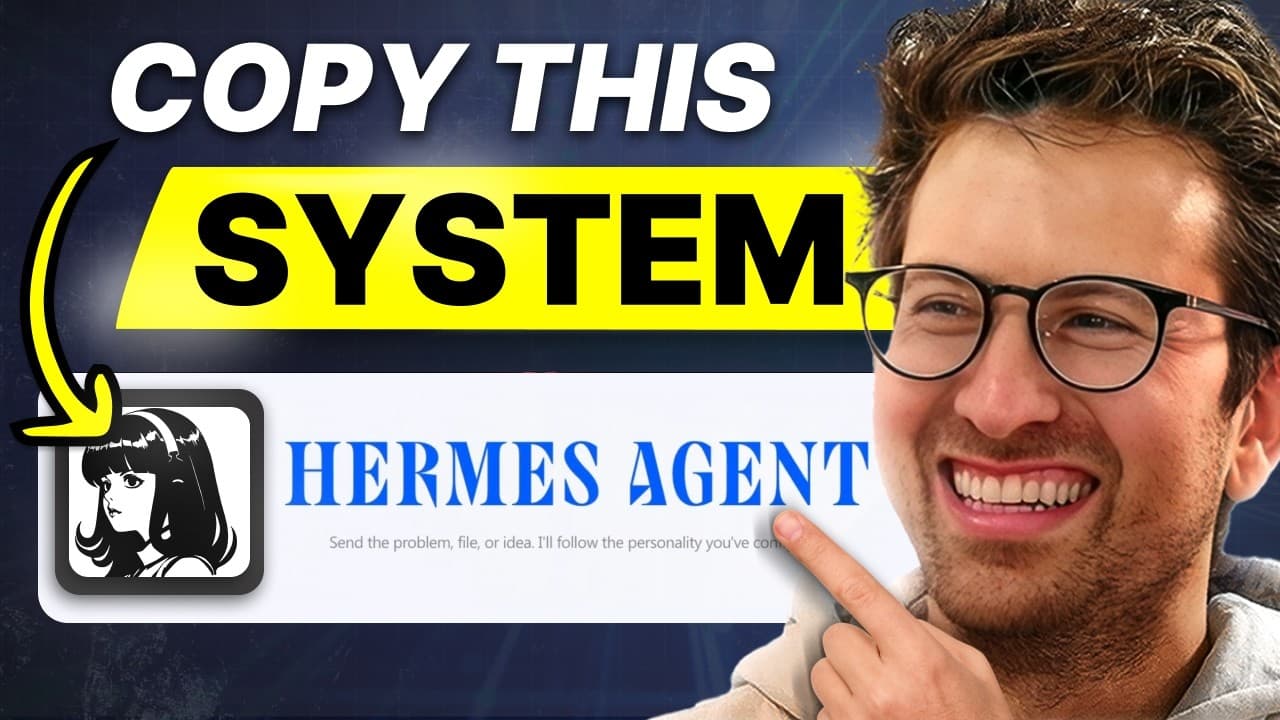
Hermes Desktop is a comprehensive AI agent platform that organizes sessions, profiles, and artifacts into a streamlined interface. By managing context and using model-specific profiles, users can optimize tasks and reduce costs. The platform's reverse prompting enhances productivity, while sub-agents and profiles allow for efficient multitasking.
Transcript
Hermes desktop app just launched, but how do you actually go and make money, be more productive using Hermes desktop and Hermes agents in general? So, today I have Alex Finn on and he gives you an entire walkthrough of how to use Hermes desktop app, all the nooks and crannies, explains everything so so clearly, and then we go through some use cases... Read More
Key Insights
- Hermes Desktop combines sessions, profiles, artifacts, skills, and cron jobs into a single polished interface.
- Effective session and context management reduces message size and lowers monthly costs.
- Profiles are tailored to specific models, optimizing tasks by leveraging the strengths of each model.
- Reverse prompting, combined with a personal brain dump, enhances prompt quality and output efficiency.
- Sub-agents are ideal for executing a single skill across multiple tasks simultaneously.
- Profiles are suited for tasks requiring distinct skill sets at different stages.
- Artifacts serve as a centralized repository for all links, images, and files, functioning as a second brain.
- The Skills interface allows users to manage and optimize agent skills, reducing unnecessary context and costs.
Install to Summarize YouTube Videos and Get Transcripts
Explore YouTube Video Summarizer or Get YouTube Transcript Extractor
Questions & Answers
Q: How to manage sessions effectively in Hermes Desktop?
Effective session management in Hermes Desktop involves opening a new session for each conversation topic. This keeps contexts clean and separated, preventing the mixing of different tasks. By maintaining slim contexts, each message remains small, which helps in reducing monthly costs associated with AI usage.
Q: What are profiles in Hermes Desktop and how are they used?
Profiles in Hermes Desktop are separate Hermes agents, each with unique skills, personality, and memories. They are organized by model, allowing tasks to run on the best-suited model. For instance, Opus 4.8 is used for strategy, ChatGPT 5.5 for coding, and a local Qwen model for research, optimizing task execution.
Q: How does reverse prompting improve productivity in Hermes Desktop?
Reverse prompting in Hermes Desktop involves providing the agent with a detailed personal brain dump, including interests and goals. The agent then suggests the best prompt to use, ensuring that tasks are executed with high-quality, well-formatted instructions. This method enhances the efficiency and effectiveness of AI outputs.
Q: What is the difference between sub-agents and profiles in Hermes Desktop?
Sub-agents in Hermes Desktop are duplicates of the main agent, sharing the same skills, ideal for executing a single skill across multiple tasks simultaneously. In contrast, profiles have distinct skill sets and memories, making them suitable for tasks requiring different skill sets at various stages, such as research, writing, and design.
Q: How do artifacts function in Hermes Desktop?
Artifacts in Hermes Desktop serve as a centralized repository for all links, images, and files sent to the agent. This feature organizes media into a searchable format, effectively turning the agent into a second brain. Users can easily manage and retrieve their digital assets, enhancing productivity and organization.
Q: What strategies can be used to reduce costs in Hermes Desktop?
To reduce costs in Hermes Desktop, users should manage session contexts effectively, ensuring each message is concise. Additionally, selecting model-specific profiles for tasks leverages the strengths of each model, optimizing performance. Disabling unnecessary skills also trims context, further lowering expenses.
Q: How can Hermes Desktop be used to identify business opportunities?
Hermes Desktop can identify business opportunities by scanning platforms like Reddit and X for challenges people face. By understanding the user's skills and context, the agent suggests potential solutions and even prototypes, positioning users to address real-world problems and create value.
Q: Why did Alex Finn switch from OpenClaw to Hermes Desktop?
Alex Finn switched from OpenClaw to Hermes Desktop due to Hermes' focused, polished updates that enhance user experience, akin to Apple's approach. Hermes' streamlined interface, efficient session management, and model-specific profiles offer a superior AI agent experience, prompting Alex to make the transition for better performance and productivity.
Summary & Key Takeaways
-
Hermes Desktop integrates key functionalities like sessions, profiles, and artifacts into a user-friendly interface. By optimizing session management and utilizing model-specific profiles, users can efficiently handle tasks while minimizing costs. Reverse prompting further enhances productivity by generating high-quality prompts.
-
The platform's sub-agents allow for parallel task execution, while distinct profiles cater to tasks requiring varied skill sets. Artifacts consolidate all media and links, acting as a second brain, and the Skills interface helps manage and streamline agent capabilities.
-
Hermes Desktop's design emphasizes a polished, Apple-like experience, contrasting with the broader approach of competitors like OpenClaw. This focus on user experience and efficiency positions Hermes as a leading AI agent platform.
Read in Other Languages (beta)
Share This Summary 📚
Summarize YouTube Videos and Get Video Transcripts with 1-Click
Try YouTube Summary with ChatGPT & Claude or YouTube Transcript Generator
Explore More Summaries from Greg Isenberg 📚




Summarize YouTube Videos and Get Video Transcripts with 1-Click
Try YouTube Summary with ChatGPT & Claude or YouTube Transcript Generator