How to Solve Google Search Ranking Issues
TL;DR
To address Google search ranking issues, ensure your website's quality and technical setup are optimal. Use tools like Google Search Console to diagnose problems, and seek feedback from peers for objective insights. Regularly update content and improve user experience to align with Google's evolving algorithms.
Transcript
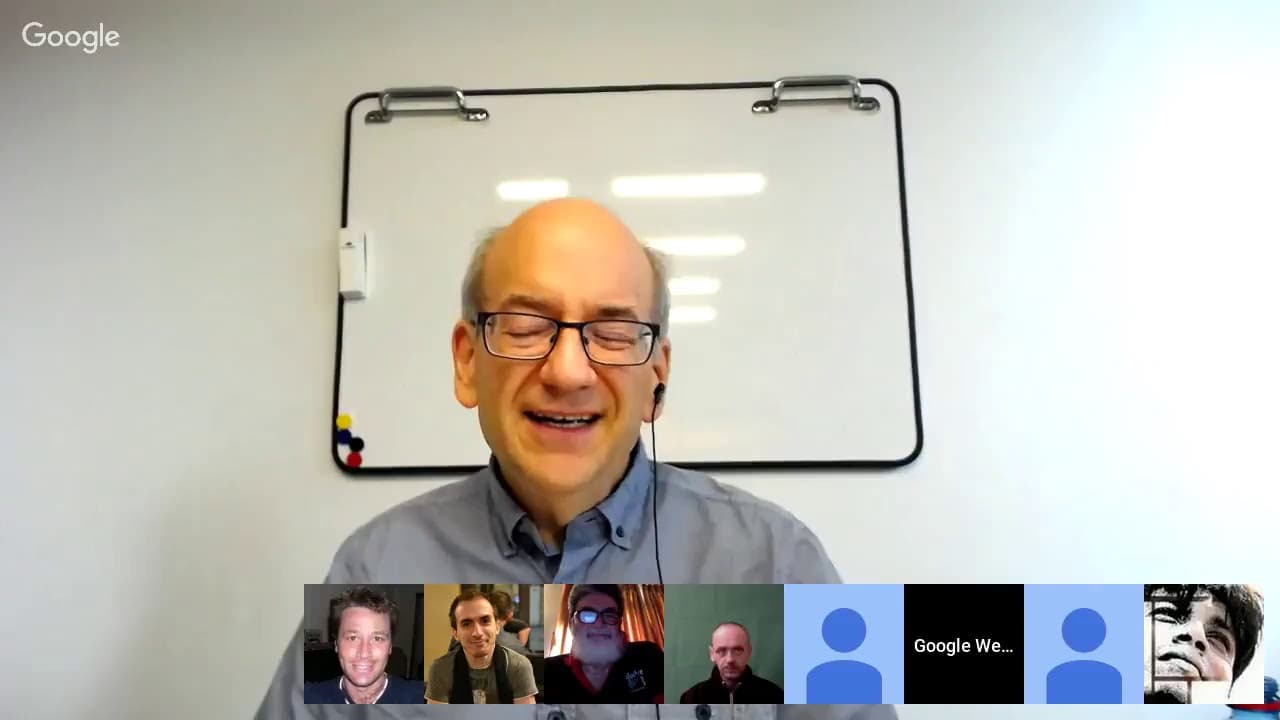
JOHN MUELLER: OK. Welcome, everyone, to today's Webmaster Central Office Hours Hangouts. My name is John Mueller. I'm a webmaster trends analyst here at Google in Switzerland. And part of what we do are these Office Hour Hangouts, with webmasters and publishers, SEOs, who are here to ask questions and confirm things with Google directly. All right.... Read More
Key Insights
- Google's algorithms evolve, affecting search rankings over time.
- Quality signals are crucial for maintaining search visibility.
- Technical errors like 404s or server issues can impact indexing.
- User feedback can provide valuable insights for site improvement.
- Search Console is a vital tool for diagnosing search issues.
- Pre-rendering can help with JavaScript-heavy sites.
- Crawling and indexing are separate from ranking in search results.
- IP redirects can prevent Googlebot from indexing certain content.
Install to Summarize YouTube Videos and Get Transcripts
Explore YouTube Video Summarizer or Get YouTube Transcript Extractor
Questions & Answers
Q: How to diagnose a sudden drop in Google search rankings?
To diagnose a sudden drop in Google search rankings, check for technical issues using Google Search Console, such as 404 errors or server problems. Review any recent changes to your site, including content updates or structural modifications. Additionally, seek feedback from peers to gain objective insights into potential quality issues affecting your site.
Q: What role does quality play in search rankings?
Quality plays a crucial role in search rankings, as Google's algorithms assess content relevance, user experience, and technical soundness. High-quality content that meets user needs and adheres to best practices is more likely to rank well. Regularly updating and improving your site can help maintain its visibility in search results.
Q: How can technical errors affect website indexing?
Technical errors, such as 404 errors or server misconfigurations, can prevent Google's crawlers from accessing and indexing your site properly. These issues can lead to a loss of visibility in search results. Regularly monitoring your site with tools like Google Search Console can help identify and resolve these errors promptly.
Q: What is the importance of user feedback for website improvement?
User feedback is important for website improvement as it provides insights into the user experience and content relevance. Objective feedback can highlight areas that need enhancement, helping you align your site with user expectations and Google's quality guidelines. Engaging with users and peers can lead to actionable improvements that boost search visibility.
Q: How does pre-rendering benefit JavaScript-heavy sites?
Pre-rendering benefits JavaScript-heavy sites by providing a static version of the page that loads faster and is easier for search engines to index. This approach can improve the site's performance and visibility in search results, especially if the JavaScript version is complex or resource-intensive. Pre-rendering ensures that essential content is accessible to both users and search engines.
Q: What is the difference between crawling and indexing?
Crawling is the process by which search engines discover new and updated pages on the web, while indexing involves adding these pages to the search engine's database. A page must be crawled before it can be indexed. However, being crawled doesn't guarantee indexing, as the content must meet certain quality and relevance criteria.
Q: How can IP redirects impact content indexing?
IP redirects can impact content indexing by preventing Googlebot from accessing certain versions of a site. If users from specific regions are redirected to different content, Googlebot might not index the intended version, affecting its visibility in search results. It's important to ensure that all relevant content is accessible to Google's crawlers.
Q: What tools can help diagnose search visibility issues?
Google Search Console is a key tool for diagnosing search visibility issues. It provides insights into crawling, indexing, and technical errors that might affect your site's performance in search results. Additionally, seeking feedback from peers and using analytics tools can help identify areas for improvement and track the impact of changes.
Summary & Key Takeaways
-
Google's search algorithms are dynamic, and maintaining search visibility requires continuous attention to quality and technical details. Regularly updating content and enhancing user experience are key to aligning with algorithm changes.
-
Technical issues, such as 404 errors or server misconfigurations, can hinder your site's indexing and visibility. Tools like Google Search Console are essential for diagnosing and addressing these problems effectively.
-
Engaging with user feedback and peer reviews can provide critical insights into improving your site's quality. Objective input can help identify areas for enhancement that might not be immediately obvious.
Read in Other Languages (beta)
Share This Summary 📚
Summarize YouTube Videos and Get Video Transcripts with 1-Click
Try YouTube Summary with ChatGPT & Claude or YouTube Transcript Generator
Explore More Summaries from Google Search Central 📚






Summarize YouTube Videos and Get Video Transcripts with 1-Click
Try YouTube Summary with ChatGPT & Claude or YouTube Transcript Generator