How to Add a White Border to Your Image in Canva
TL;DR
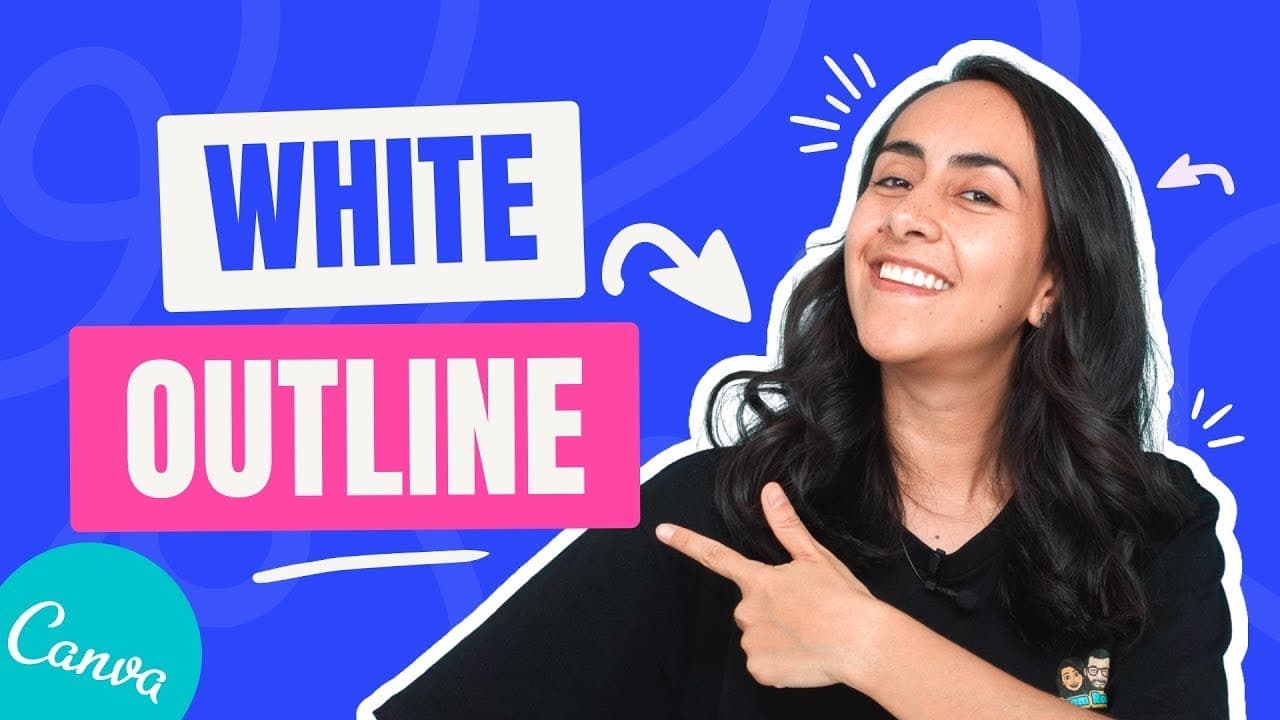
To add a white border to your image in Canva, use the background remover to eliminate the photo's background, then apply the shadows feature and set it to 'glow.' Adjust the transparency to 100% and set the outline color to white, while modifying the size until you achieve your desired look.
Transcript
today i'm going to teach you how to add a white outline to your photos like the one that you see right here and we're going to do everything with canva so if you guys are interested in this tutorial let's go to my computer here we are in the canva editor and i already uploaded the photo that i'm going to be working with so i will go to uploads here... Read More
Key Insights
- 💄 Canva's background remover feature makes it easy to remove the background of a photo.
- 🖌️ The erase brush tool in Canva helps to clean up any imperfections in the image before adding the outline.
- 🤍 Changing the background color can enhance the visibility of the white outline.
- 👻 Canva's shadow and glow settings allow for customization of the outline, including color, size, transparency, and blur.
- ❓ The tutorial offers additional resources and tutorials for further learning.
- 🥶 Canva offers a free trial for the background remover feature.
- 🤍 Adding a white outline can give your photos a clean look and make them stand out.
Install to Summarize YouTube Videos and Get Transcripts
Explore YouTube Video Summarizer or Get YouTube Transcript Extractor
Questions & Answers
Q: How do I remove the background of a photo using Canva?
In Canva, upload your photo and use the background remover feature. It will automatically remove the background, leaving you with a transparent image.
Q: Can I add a white outline to any color photo?
Yes, you can add a white outline to any photo. In Canva, adjust the settings of the glow feature to change the color of the outline to white.
Q: Can I adjust the size of the white outline?
Yes, in Canva, you can adjust the size of the white outline by moving the sliders in the glow feature. Experiment with different sizes until you find one that suits your design.
Q: Does Canva offer a free trial for the background remover feature?
Yes, Canva offers a free trial of 45 days for the background remover feature. You can find an affiliate link in the video description to access the trial.
Summary & Key Takeaways
-
In Canva, upload your photo and use the background remover feature to remove the background.
-
Use the erase brush to clean up any unwanted elements, such as stray hairs.
-
Change the background color to make the white outline more visible.
-
Apply the shadow and glow settings in Canva to create a white outline around your photo.
Read in Other Languages (beta)
Share This Summary 📚
Summarize YouTube Videos and Get Video Transcripts with 1-Click
Try YouTube Summary with ChatGPT & Claude or YouTube Transcript Generator
Explore More Summaries from Design with Canva 📚






Summarize YouTube Videos and Get Video Transcripts with 1-Click
Try YouTube Summary with ChatGPT & Claude or YouTube Transcript Generator