Claude vs Codex: How Their Agent Visions Differ
TL;DR
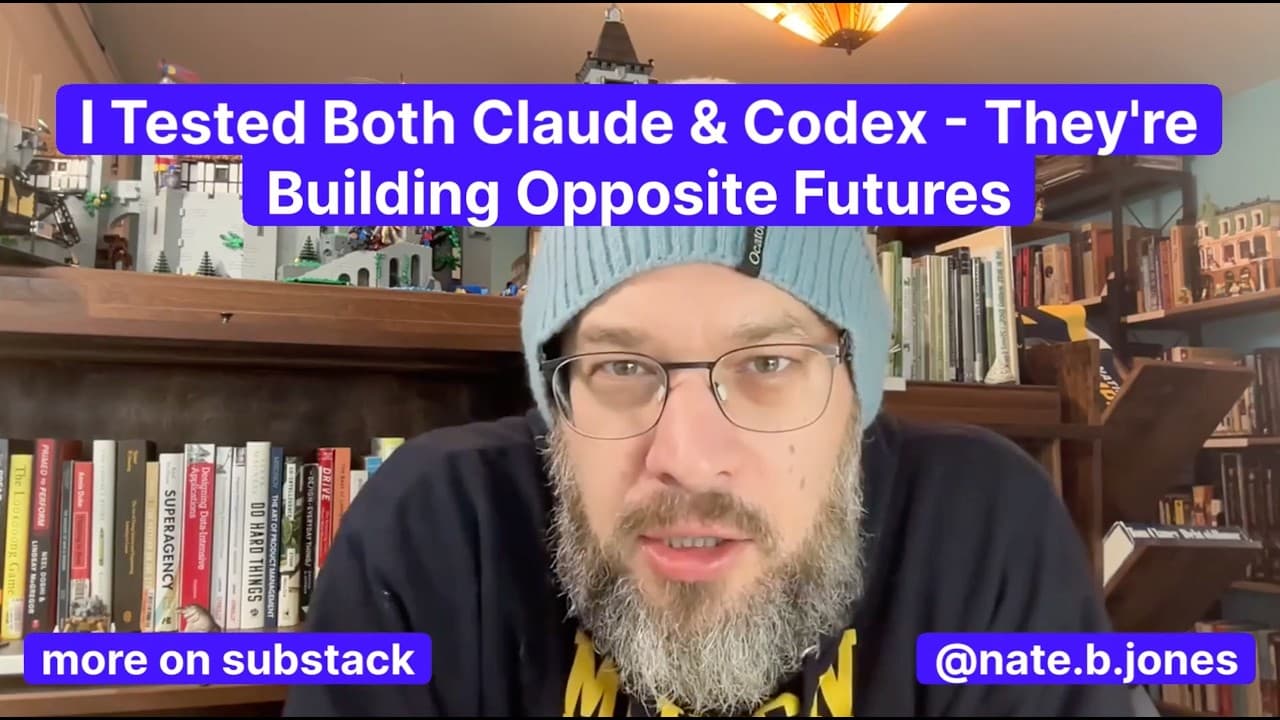
Claude is better suited to open-ended collaboration across writing, Excel, and coding, while Codex is designed for clearly defined tasks that it can execute efficiently and finish. Claude operates as a general-purpose loop that calls tools through MCP; Codex follows a structured, linear flow. One comparison produced about eight pages from Claude and roughly 15 lines from Codex. Read on to choose the approach that fits your work.
Transcript
Claude versus Codex. Who wins? If you're not familiar with it, Claude and Codex are the premier agents from two of the major model makers. They are in the command line, so it's somewhat scary to people, but they illustrate two competing visions of where agents are going. And I've seen them both, and I've played with them both, and I have a sense of... Read More
Key Insights
- Claude and Codex are the premier command-line agents from two major model makers, and they illustrate two competing visions of where AI agents are going, described as opposite futures for automation in 2025 through 2027.
- Claude grew out of Claude Code, which began as an internal general-purpose agent at Anthropic used not only by engineers but by the marketing and legal teams, revealing its design as a general-purpose tool rather than a coding-only product.
- Claude envisions an agent as a smart loop with tools: a general-purpose agent that collects other tools through the Model Context Protocol (MCP), does a task, and checks back in, making the experience feel collaborative and collegial.
- MCP lets Claude call in tools transparently through special servers, such as searching the web, pulling in Figma designs, or grabbing a Python library, so a single general model handles Excel, writing, and coding without switching to a different Claude.
- Codex represents a linear flow vision of tasking, framed as a line with a beginning and end rather than a circle, requiring structured context and a clear prompt, then executing the task and finishing it.
- Codex in the terminal does not run vanilla GPT-5 but a special custom model designed to be token-efficient on specific problems, which is why it returns short, succinct answers instead of long analyses.
- Given identical open-ended prompts, Claude Code returned an eight-page thorough readout by throwing multiple tools at the problem, while Codex returned about 15 lines that were largely correct but extremely concise.
- Codex is also built to work independently for long periods on very hard problems, especially high-impact coding tasks in large code bases at enterprise scale, making it a specialized coding agent rather than a general assistant.
Install to Summarize YouTube Videos and Get Transcripts
Explore YouTube Video Summarizer or Get YouTube Transcript Extractor
Questions & Answers
Q: What is the difference between Claude and Codex as AI agents?
Claude operates as a general-purpose loop that selects tools, completes work, and checks back with the user. Codex follows a linear, structured flow in which it receives clear context, executes a defined task, and finishes. The distinction is ongoing collaboration versus focused task completion.
Q: When should you choose Claude instead of Codex?
Choose Claude for open-ended or general-purpose work that benefits from collaboration and tool use across areas such as writing, Excel, and coding. It can infer what the user wants, call the required tools, perform the work, and return for another check-in.
Q: When is Codex the better choice?
Codex is suited to clearly defined tasks with structured context and a specific endpoint. It is especially positioned for difficult, high-impact coding problems in large enterprise codebases and can work independently on a hard task for a long period.
Q: How does Claude's agent loop work?
The user gives Claude a general-purpose task, and Claude infers the intended outcome. It calls the tools it needs, performs the work, and then checks back with the user. Claude can also create sub-agents with different context under a master agent.
Q: What is MCP, and how does Claude use it?
The Model Context Protocol, or MCP, lets Claude access tools transparently through special servers. Through MCP, Claude can search the web, retrieve Figma designs, or access other capabilities needed for a task. This supports Anthropic's vision of one general-purpose agent handling varied work.
Q: Why is Codex described as a linear-flow agent?
Codex treats an agent task as a line with a beginning and an end. It expects structured context and a clear prompt, executes the requested work, and stops when the task is complete. Success is defined by accomplishing that specific task.
Q: What happened when Claude and Codex received the same open-ended prompt?
Claude used multiple tools and produced a thorough response of about eight pages. Codex returned a largely correct analysis in about 15 lines. The comparison highlighted Claude's expansive approach and Codex's concise, token-efficient execution.
Q: What model does Codex use in the terminal?
According to the page, terminal-based Codex does not use vanilla GPT-5. It uses a custom model designed to be token-efficient on specific problems, which helps explain its short, succinct responses.
Summary & Key Takeaways
-
Claude and Codex are the leading command-line agents from Anthropic and OpenAI, and they represent fundamentally different approaches to the most important AI question of the coming years: what an agent should be and how people will work alongside automation.
-
Claude's vision is a general-purpose agent running as a loop that smartly calls tools via MCP. It grew from Claude Code, used internally across Anthropic teams, and can even spawn sub-agents, making collaboration over time the measure of success.
-
Codex embodies a linear, structured, task-oriented flow requiring crisp context up front, then executing and finishing. It uses a custom token-efficient GPT-5 model, returns short answers, and targets hard coding problems at enterprise scale where a defined endpoint defines success.
Read in Other Languages (beta)
Share This Summary 📚
Summarize YouTube Videos and Get Video Transcripts with 1-Click
Try YouTube Summary with ChatGPT & Claude or YouTube Transcript Generator
Explore More Summaries from AI News & Strategy Daily | Nate B Jones 📚


Summarize YouTube Videos and Get Video Transcripts with 1-Click
Try YouTube Summary with ChatGPT & Claude or YouTube Transcript Generator