How to Create a Classroom Rules Poster with Canva
TL;DR
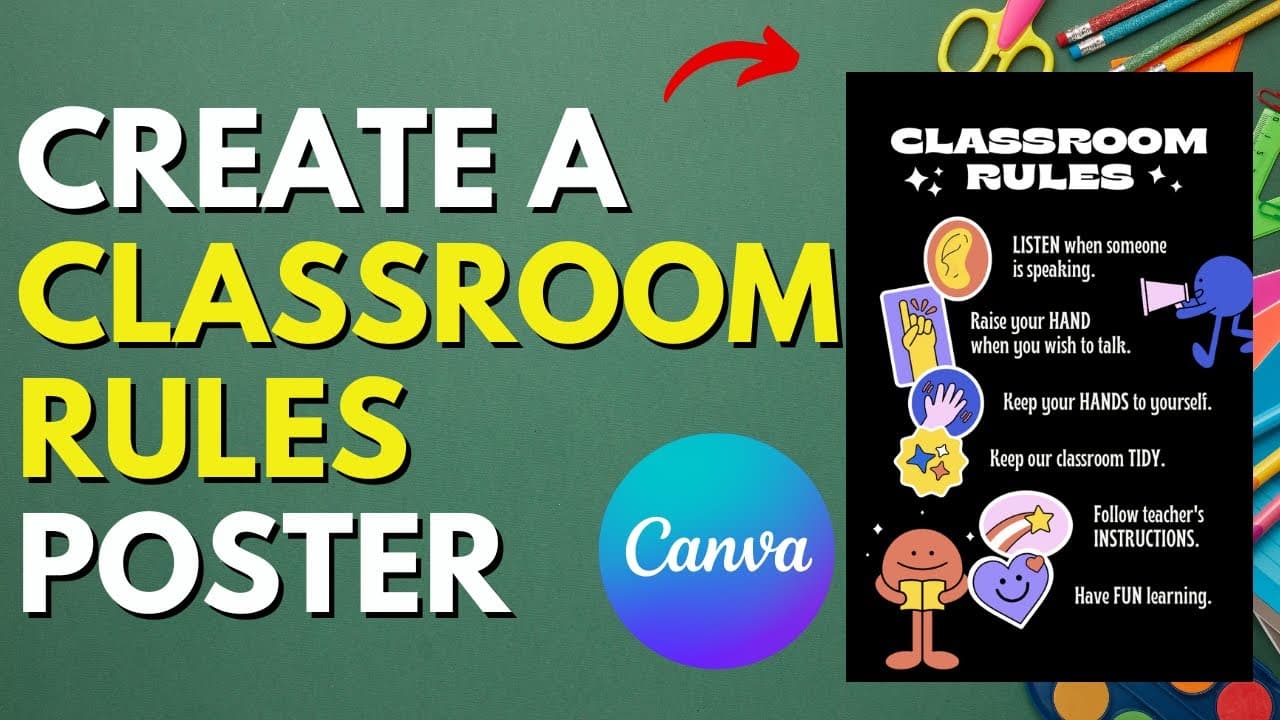
To create a classroom rules poster using Canva, first, sign up for a free Canva for Education account. Choose a template from the hundreds available, customize it with your own text and images, and adjust the size as needed. Finally, save it as a PDF for easy printing.
Transcript
if you're looking to create your own classroom rules poster and you like saving time stay tuned because i'm going to show you how you can do this with canva but before i do consider subscribing to my youtube channel where each week i'll be sharing new tips just like this one so thanks for your consideration and now let's get to the video so school ... Read More
Key Insights
- 💯 Canva offers hundreds of professionally designed templates for classroom rules posters.
- 🧑🏫 Teachers can easily customize the poster with their own text, colors, and images.
- 🥶 Canva for Education provides a free Canva Pro account to teachers, with the option for districts to sign up for a free district account.
- 💁 Posters can be saved in the desired size and format, such as PDF, for easy printing.
- 🪜 Personalized images can be uploaded and added to the poster.
- 👨🏫 Multiple printing options are available, including using a school's color copier or printing through Canva.
- 💟 Canva is a time-saving tool for creating attractive classroom decorations.
Install to Summarize YouTube Videos and Get Transcripts
Explore YouTube Video Summarizer or Get YouTube Transcript Extractor
Questions & Answers
Q: How can teachers create a classroom rules poster using Canva?
Teachers can create a classroom rules poster on Canva by signing up for a free Canva Pro account through Canva.com/education. They can then search for classroom rules poster templates and customize them with their own text, images, and colors.
Q: Can teachers use their own images in the posters?
Yes, teachers can upload their own images to Canva and add them to the classroom rules poster. This allows for more personalized and unique designs.
Q: What options are available for printing the poster?
Teachers have multiple options for printing the poster. They can use their school's color copier, visit a printing press for a color copy, or even print directly through Canva. The format can be saved as a PDF for easy printing.
Q: Is Canva for Education free for districts as well?
Yes, Canva offers a free district account for schools, allowing every teacher in the district to access a free version of Canva. This is highly recommended to take advantage of all the features and benefits.
Summary & Key Takeaways
-
Canva.com offers a free Canva Pro account for teachers, allowing them to easily create classroom rules posters.
-
Users can choose from professionally designed templates and customize them with their own text, images, and colors.
-
Posters can be saved in the desired size and format, such as PDF, for easy printing.
Read in Other Languages (beta)
Share This Summary 📚
Summarize YouTube Videos and Get Video Transcripts with 1-Click
Try YouTube Summary with ChatGPT & Claude or YouTube Transcript Generator
Explore More Summaries from EdTech Hustle 📚
![Keynote: Remove The Background of Any Photo [Using Instant Alpha] thumbnail](/_next/image?url=https%3A%2F%2Fi.ytimg.com%2Fvi%2F0Ji-uTffzJE%2Fhqdefault.jpg&w=750&q=75)





Summarize YouTube Videos and Get Video Transcripts with 1-Click
Try YouTube Summary with ChatGPT & Claude or YouTube Transcript Generator