How to Create a Notification System for Your App
TL;DR
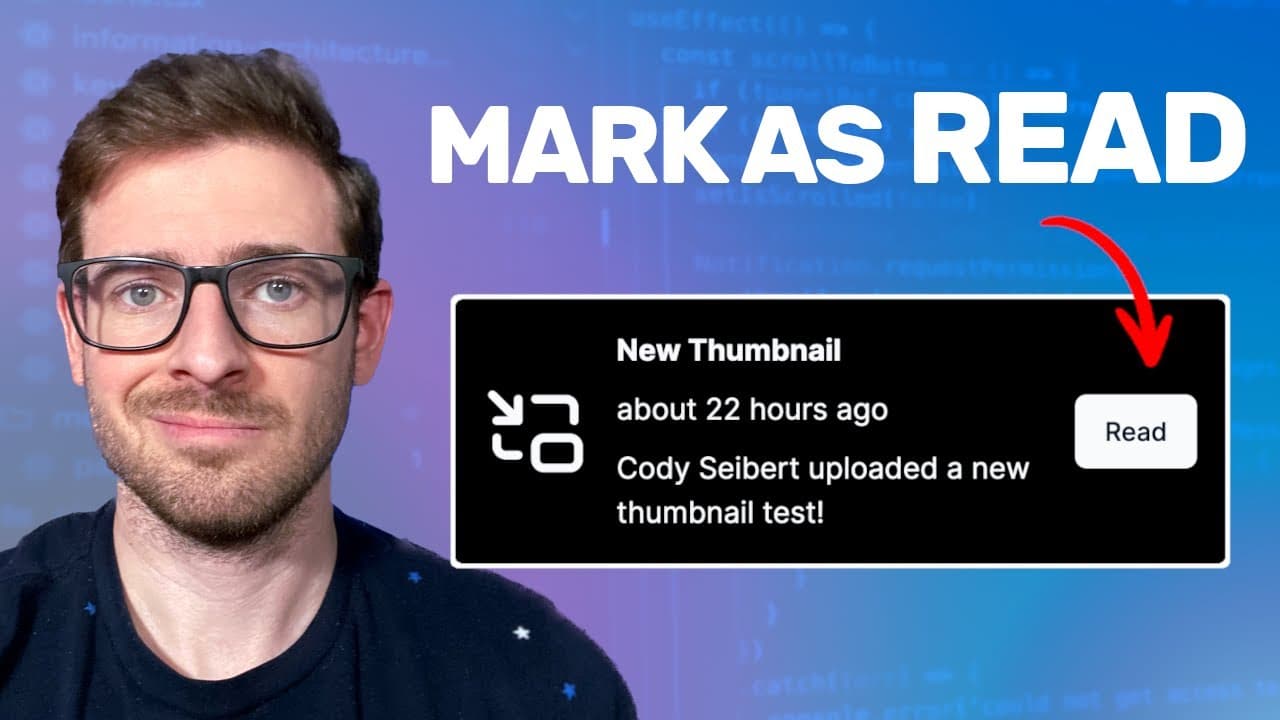
To create a notification system, utilize three main database tables: users, follows, and notifications. When a followed user uploads a new thumbnail or leaves a comment, the system automatically generates notifications for their followers, enhancing user engagement and feedback before content goes live.
Transcript
so on this other side project I'm working on I added the ability to follow other content creators and now I just recently added a feature where when these content creators who you follow were to publish a new thumbnail you'll automatically get a notification up here where you can go and you can view the thumbnail if feedback and vote on your favori... Read More
Key Insights
- 💁 Implementing a notification system enhances user engagement, as followers are promptly informed of updates from content creators they follow.
- 🔔 The three-tier database structure—users, follows, and notifications—is essential for efficient tracking of interactions and notifications.
- 👻 The application allows content creators to receive real-time feedback on their thumbnails, improving their chances of success in a competitive environment.
- 🤪 Notifications serve as a critical tool to maintain user interest, encouraging ongoing interaction before content goes live rather than after.
- 🥺 This setup fosters a community by allowing followers to provide feedback and engage with content creators, leading to stronger relationships.
- 🫠 Leveraging visual indicators such as "read" and "view" states in notifications can significantly enhance user experience and simplify navigation.
- 👤 Utilizing a Discord channel for discussions among developers creates a collaborative environment where users can share experiences and insights.
Install to Summarize YouTube Videos and Get Transcripts
Explore YouTube Video Summarizer or Get YouTube Transcript Extractor
Questions & Answers
Q: How does the notification system work when a content creator uploads a new thumbnail?
When a content creator uploads a new thumbnail, the system queries the follows table to identify all users following them. For each follower, a notification entry is created in the notifications table with details about the new thumbnail, allowing those users to receive relevant alerts.
Q: What is the purpose of the "is red" boolean in the notifications table?
The "is red" boolean keeps track of whether a notification has been opened by the user. This helps change the notification's status in the interface, allowing users to differentiate between read and unread notifications, enhancing user experience through visual cues.
Q: Can users vote on thumbnails? How does this feature work?
Yes, users can vote on thumbnails after receiving notifications. When they click on the notification, it directs them to the specific thumbnail where they can leave a vote and comments, fostering engagement and interaction between content creators and their followers.
Q: How are comments on thumbnails handled in the notification system?
When a user comments on a thumbnail, the system checks if the commenter is not the thumbnail's owner before creating a notification. This ensures that the owner receives an update about new comments, promoting interaction and engagement related to their content.
Summary & Key Takeaways
-
The video demonstrates a new feature allowing users to receive notifications when followed content creators upload new thumbnails, enabling engagement and feedback.
-
It explains the database structure using three main tables: users, follows, and notifications, which facilitates tracking user interactions and notifying followers.
-
The presenter illustrates the process of sending notifications during thumbnail uploads and comments, enhancing user interaction before content goes live.
Read in Other Languages (beta)
Share This Summary 📚
Summarize YouTube Videos and Get Video Transcripts with 1-Click
Try YouTube Summary with ChatGPT & Claude or YouTube Transcript Generator
Explore More Summaries from Web Dev Cody 📚





Summarize YouTube Videos and Get Video Transcripts with 1-Click
Try YouTube Summary with ChatGPT & Claude or YouTube Transcript Generator