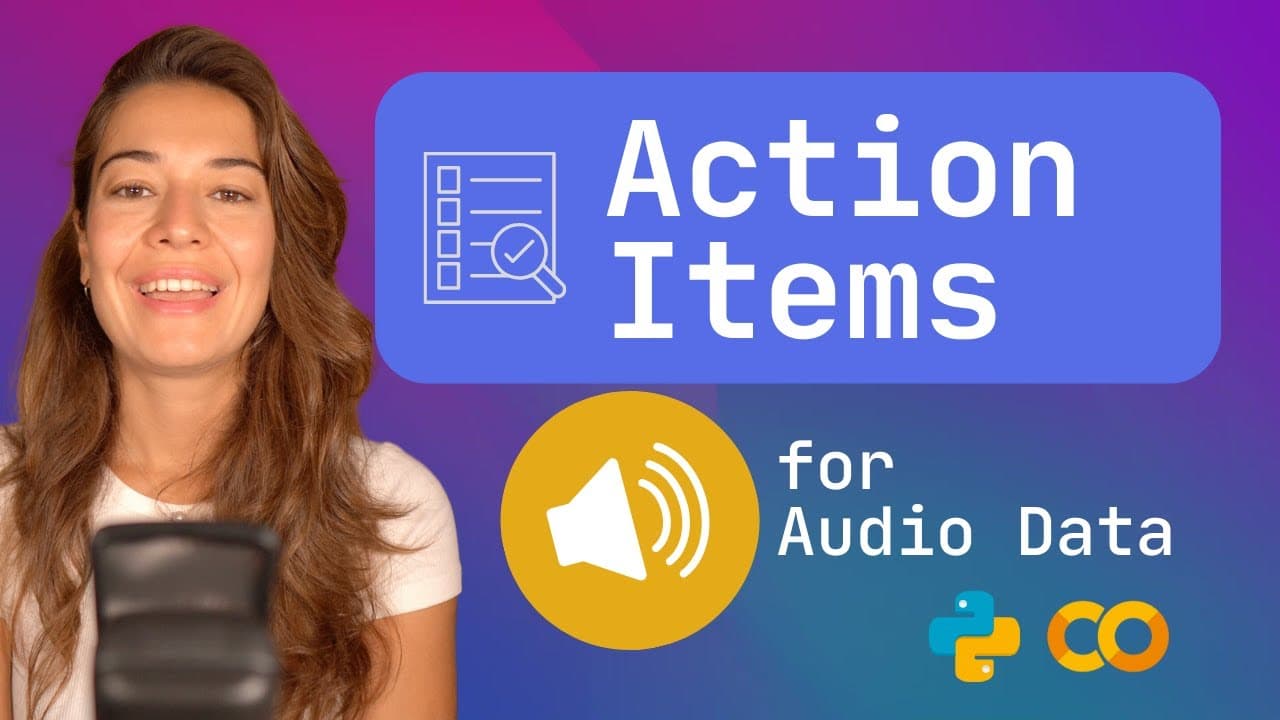
How to Create Action Items from Audio Transcriptions
TL;DR
To create action items from audio transcriptions, use the AssemblyAI SDK to transcribe your audio files, then send the transcripts to LemurAI's action items endpoint. You can include context and choose between basic or default models to generate actionable advice based on the content of the transcriptions, which can be particularly useful for returning to a new environment like New York City.
Transcript
the action items endpoint lets you create a list of action items based on the audio file or files that you submit to lemur the first thing that you need to do is to make sure you have an assembly AI API key if you don't already have it go to assemblyai.com and get a free API key so the first thing that we're going to do is to make sure that we have... Read More
Key Insights
- 🤩 AssemblyAI API key is required to use the action items endpoint.
- 👻 Installing the AssemblyAI SDK allows for easy transcription of audio files.
- ⚾ LemurAI's action items endpoint generates actionable advice based on transcriptions.
- ❓ Additional context can be provided to improve the accuracy of generated action items.
- ❓ LemurAI offers a choice between a basic model and a default model for generating action items.
- ❓ The output size of action items can be customized.
- ↩️ The generated action items can be valuable for someone returning to New York City.
Install to Summarize YouTube Videos and Get Transcripts
Explore YouTube Video Summarizer or Get YouTube Transcript Extractor
Questions & Answers
Q: How do I create a transcribe group using AssemblyAI SDK?
To create a transcribe group, you can use the AssemblyAI SDK and the transcriber function. Pass the audio files to be transcribed, such as example1.mp3 and example2.mp3, and the SDK will handle the transcription process.
Q: Can I add additional context to the action items generated by LemurAI?
Yes, you can provide additional context for the action items. For instance, you can specify that the transcripts are from YouTube videos made by Casey Neistat, a famous YouTuber.
Q: How can I specify the model used for generating action items?
You can specify the model to be either basic or default. The basic model is faster but less accurate, while the default model offers higher accuracy.
Q: Is there a limit to the output size of action items?
By default, the output size is limited to 2000 tokens. However, you can increase it up to 4000 tokens if needed.
Q: How do I set up the AssemblyAI Python SDK for audio action items?
Install the AssemblyAI SDK with pip, import AssemblyAI, and set the API key obtained from assemblyai.com. Then create a transcriber function to transcribe the audio files before calling Lemur’s action items endpoint.
Q: Do I need to pass transcript IDs to the Lemur action items endpoint?
The Python SDK handles the transcript IDs automatically, so you do not need to pass them yourself. If you are not using the Python SDK, you must pass the transcript IDs you receive from AssemblyAI to Lemur.
Q: Can I give Lemur custom instructions for formatting action items?
No, the action items endpoint does not accept extra instructions like the question-answer or custom summary endpoints do. It creates action items directly, without requiring you to specify a summary type or questions to ask.
Summary & Key Takeaways
-
The content explains how to use the AssemblyAI SDK to transcribe audio files and create a transcribe group.
-
Parameters for the action items endpoint are set, including transcript IDs, context, and final model.
-
The results show a list of advice or action items related to the transcribed content.
Read in Other Languages (beta)
Share This Summary 📚
Summarize YouTube Videos and Get Video Transcripts with 1-Click
Try YouTube Summary with ChatGPT & Claude or YouTube Transcript Generator
Explore More Summaries from AssemblyAI 📚


Summarize YouTube Videos and Get Video Transcripts with 1-Click
Try YouTube Summary with ChatGPT & Claude or YouTube Transcript Generator