How to Use 17 Essential n8n Nodes for Automation
TL;DR
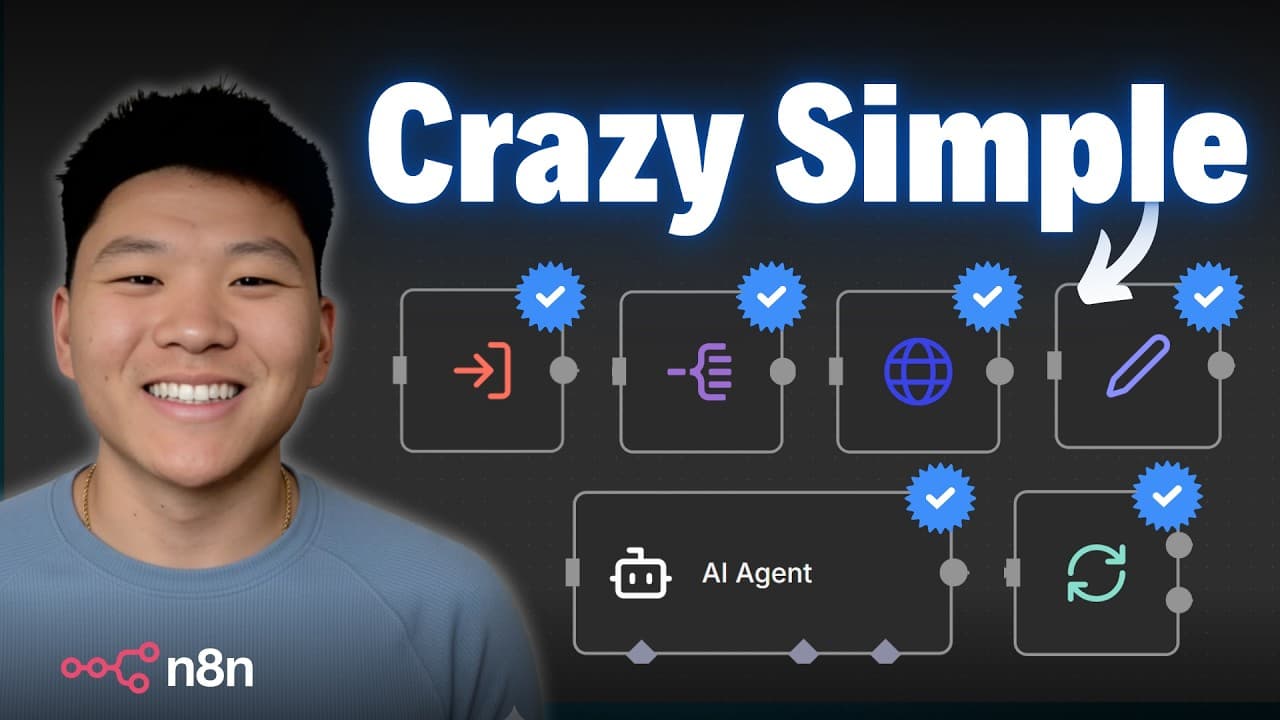
The fastest way to build n8n automations is to master the 17 core nodes that repeatedly appeared across more than 200 AI automations. Start with schedule and event triggers, then learn reusable subworkflows, Split Out, Aggregate, Edit Fields, If, HTTP Request, Google Sheets, and AI agents. Read on for grounded examples of how these nodes trigger, structure, route, and exchange workflow data.
Transcript
In the past year, I've built over 200 AI automations in Naden. These automations have either been for a real client, for YouTube videos, or for me personally in my own business. And when I look at all these different automations that I've built, I notice that I'm using roughly the same 17 nodes throughout all of them. So, if you want to get started... Read More
Key Insights
- The schedule trigger node allows workflows to initiate based on a set schedule, enabling automations to run at specific times without manual intervention.
- Event triggers activate workflows in response to specific events, such as receiving an email or a new message in a Slack channel.
- Subworkflows enable a workflow to call other workflows, promoting modularity and reusability across different automation tasks.
- The split out node divides an array of items into individual items, allowing processes to handle each element separately for more granular automation.
- The edit fields node, also known as the set node, allows users to define and manipulate data types within a workflow, enhancing data control and flexibility.
- The if node checks conditions within a workflow, directing data down different branches based on whether conditions are true or false.
- HTTP requests are crucial for connecting n8n workflows with external services, allowing seamless integration with APIs not natively supported.
- Google Sheets integration provides a versatile way to store and manage data externally, facilitating complex data handling and reporting within workflows.
Install to Summarize YouTube Videos and Get Transcripts
Explore YouTube Video Summarizer or Get YouTube Transcript Extractor
Questions & Answers
Q: Which n8n nodes should beginners learn first?
Beginners should focus on the 17 core nodes that the creator repeatedly used while building more than 200 AI automations. They include schedule and event triggers, subworkflows, Split Out, Aggregate, Edit Fields, If, HTTP Request, Google Sheets, and AI agents.
Q: How do you trigger an n8n workflow on a schedule?
Use the Schedule Trigger node and select an interval such as seconds, minutes, hours, days, weeks, or months, or configure a custom cron schedule. The creator uses it to run a personal AI news summary every day at 5 a.m. and email the finished summary each morning.
Q: What are event triggers in n8n?
Event triggers start workflows when a specified event occurs. Examples include a new Gmail message, a Slack channel message, a CRM record, a website form submission, or a processed payment.
Q: How do subworkflows make n8n automations scalable?
Subworkflows let any workflow trigger or call another workflow and exchange data with it. A reusable tool such as a send-email or blog-post workflow can therefore serve many parent workflows without being rebuilt each time.
Q: What does the Split Out node do in n8n?
Split Out converts an array into separate items that downstream nodes can process individually. In the example, one list containing golf, baseball, and basketball becomes three items, causing the AI agent to run three times and produce three separate descriptions.
Q: How does the Edit Fields node work in n8n?
The Edit Fields node, also called the Set node, defines and manipulates fields within a workflow. It can set values, change data types, and manage variables to provide more control over data processing.
Q: Why is the HTTP Request node useful in n8n?
The HTTP Request node connects n8n workflows with external services and APIs. It expands automation options by enabling data exchange with services that n8n does not support natively.
Q: How can Google Sheets be used in an n8n workflow?
Google Sheets can provide external storage that n8n workflows can read from and write to. This makes it useful for managing workflow data and creating reports.
Summary & Key Takeaways
-
Mastering the 17 essential n8n nodes empowers users to create efficient automations. Key nodes include schedule triggers, event triggers, and subworkflows, which enhance automation flexibility and scalability by allowing workflows to run on a schedule, respond to events, and call other workflows.
-
Data handling nodes like split out, aggregate, and edit fields (set node) offer granular control over data processing. These nodes allow workflows to manage data arrays, consolidate information, and set specific data types, facilitating more precise and effective automation.
-
Integration nodes such as HTTP requests and Google Sheets expand n8n's capabilities by connecting workflows to external services and providing robust data storage solutions. These integrations enable seamless data exchange and management, supporting a wide range of automation scenarios.
Read in Other Languages (beta)
Share This Summary 📚
Summarize YouTube Videos and Get Video Transcripts with 1-Click
Try YouTube Summary with ChatGPT & Claude or YouTube Transcript Generator
Explore More Summaries from Nate Herk | AI Automation 📚






Summarize YouTube Videos and Get Video Transcripts with 1-Click
Try YouTube Summary with ChatGPT & Claude or YouTube Transcript Generator