How to Create WhatsApp Stickers Using Canva
TL;DR
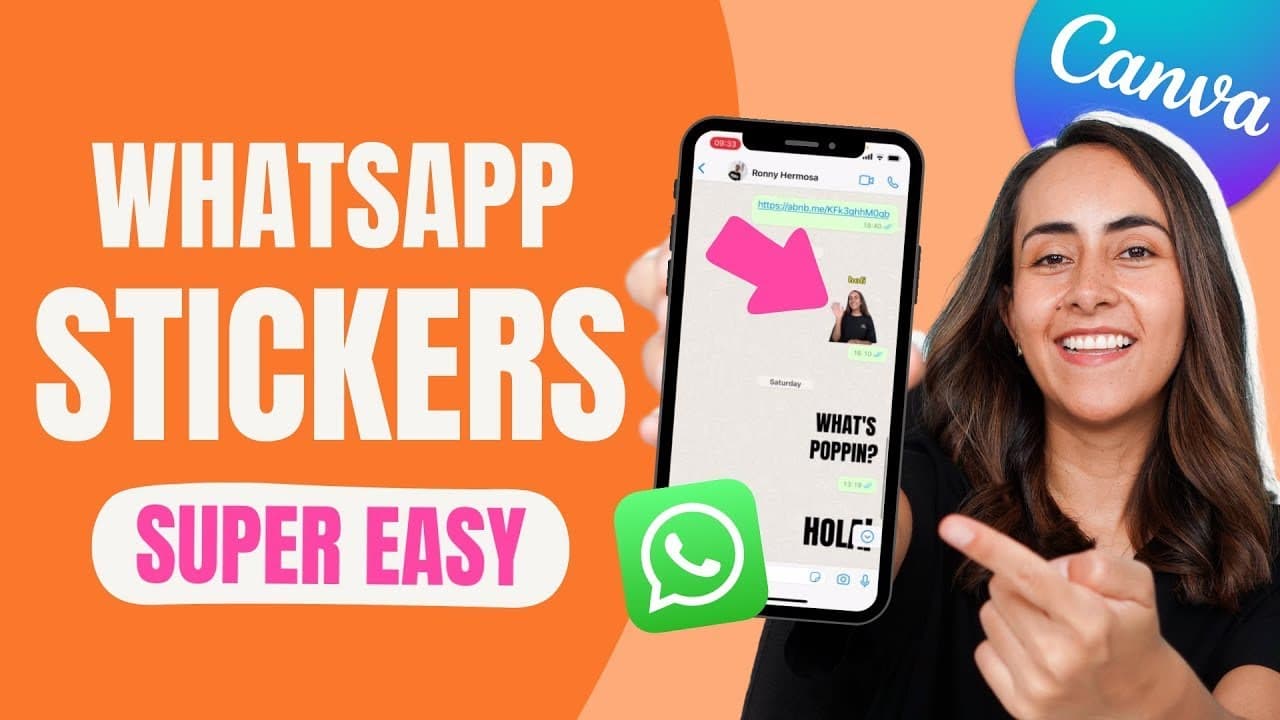
To create WhatsApp stickers from animated GIFs using Canva, first design your GIF in Canva's free version and download it as a GIF. Then, use the Sticker.ly app to upload your GIF, convert it into a sticker, and add it to your WhatsApp favorites. This process allows for personalized and custom animated stickers on WhatsApp.
Transcript
today i'm going to teach you how to create an animated gif like this one or this one and then i'm going to show you the steps on how to convert them into whatsapp stickers so if you guys are interested in this tutorial let's go to my computer first i'm going to show you how to create the animated gif which we're going to end up transforming into a ... Read More
Key Insights
- 🥶 Canva's free version can be used to create animated GIFs, allowing customization of text and animation options.
- ❓ Onscreen.com is a website that can remove the background from GIFs and provide a transparent version of the animation.
- 😀 The Sticker.ly app is a free app that can convert GIFs into WhatsApp stickers and easily add them to the favorites section for quick access.
- ❓ Canva Pro offers additional font options and advanced animation features.
- 👻 It is possible to adjust the timing of the animation in Canva, allowing customization based on the desired length for the WhatsApp sticker.
- 👤 Canva and Sticker.ly provide user-friendly interfaces, making it easy to create and use animated GIFs as WhatsApp stickers.
- 😀 The tutorial suggests creating a new sticker pack in the Sticker.ly app to organize and manage your GIF stickers.
Install to Summarize YouTube Videos and Get Transcripts
Explore YouTube Video Summarizer or Get YouTube Transcript Extractor
Questions & Answers
Q: What tools are used to create animated GIFs and convert them into WhatsApp stickers?
Canva and the Sticker.ly app are used to create animated GIFs and convert them into WhatsApp stickers, respectively.
Q: Can I customize the text in the animated GIF created in Canva?
Yes, you can customize the text, including changing fonts, size, and spacing, in the Canva animated GIF.
Q: How do I adjust the timing of the animation in Canva?
In Canva, you can adjust the timing of the animation by selecting the animation option, then modifying the timing settings.
Q: Is the Sticker.ly app available for both iPhone and Android users?
Yes, the Sticker.ly app is available for both iPhone and Android users and is free to download.
Summary & Key Takeaways
-
The content provides a step-by-step tutorial on creating animated GIFs using Canva and converting them into WhatsApp stickers using the Sticker.ly app.
-
Canva's free version is used to create the animated GIF, starting with a square format Instagram post.
-
The Sticker.ly app is used to convert the GIF into a WhatsApp sticker and add it to the favorites section.
Read in Other Languages (beta)
Share This Summary 📚
Summarize YouTube Videos and Get Video Transcripts with 1-Click
Try YouTube Summary with ChatGPT & Claude or YouTube Transcript Generator
Explore More Summaries from Design with Canva 📚






Summarize YouTube Videos and Get Video Transcripts with 1-Click
Try YouTube Summary with ChatGPT & Claude or YouTube Transcript Generator