How to Quickly Write Scripts for YouTube (Using AI)
TL;DR
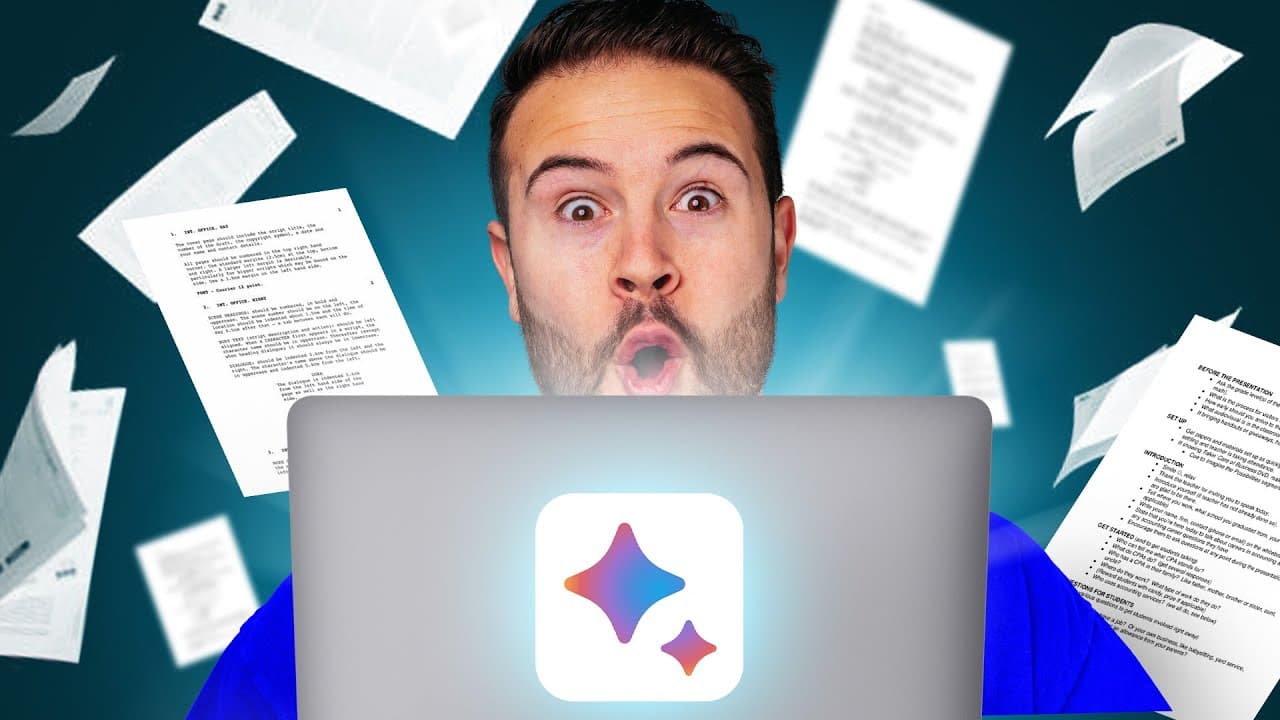
Learn how to effectively use AI to write YouTube video scripts in five key steps.
Transcript
- Here's how to use AI to write scripts for your YouTube videos in five simple steps that's gonna save you a ton of time. You gotta just press record. Step number one is to create an outline. So let's say I wanna write a script about NBA legends and their first games ever played in the NBA. Using AI, you can save a ton of time during this research ... Read More
Key Insights
- ℹ️ Utilizing AI for scriptwriting can save substantial time, especially during the initial research phase, by quickly gathering information from various sources.
- ✍️ A well-structured outline serves as a vital foundation, making the subsequent writing process smoother and more organized.
- 🫵 Combining personal narrative with AI-generated content results in scripts that are both informative and engaging, enhancing viewer retention.
- ↩️ Effective hooks facilitate viewer engagement right from the start, crucial for minimizing early drop-off rates in videos.
- 🫵 Transition methods not only maintain content flow but also encourage viewers to engage with more of your videos, boosting overall channel visibility.
- 🏛️ Personalizing AI-generated content helps maintain authenticity, which is important for building a connection with the audience.
- 🤕 Understanding the balance between AI assistance and human creativity is essential for successful content creation in the digital age.
Install to Summarize YouTube Videos and Get Transcripts
Explore YouTube Video Summarizer or Get YouTube Transcript Extractor
Questions & Answers
Q: How can AI help in the research phase of scriptwriting?
AI tools like ChatGPT and Google Bard can significantly streamline the research phase by sourcing reliable information from various articles and videos on a given topic. For instance, when researching NBA legends' first games, you can input specific prompts, and the AI will gather data from multiple credible sources, allowing you to compile your findings rapidly. This method saves time, ensuring you have a robust outline based on factual information, which you can further validate by reviewing individual sources.
Q: What is the significance of personal input in scriptwriting, even when using AI?
While AI can generate script ideas and outlines, personal input is crucial to ensure authenticity and quality. Relying solely on AI could lead to generic scripts that fail to resonate with viewers. Injecting your unique voice, style, and insights into the script enriches the content, making it more relatable and engaging for your audience, which is essential for building a loyal viewer base.
Q: What should you focus on when creating a hook for your video?
When crafting a hook, it’s vital to grab the audience's attention quickly. You can achieve this through an intriguing question, a bold statement, or a captivating story. It's also beneficial to hint at what viewers can expect from the video. This approach not only piques interest but encourages viewers to stay tuned for the main content, which is essential for reducing drop-off rates in the crucial first 30 seconds.
Q: How can AI assist in improving the wording of a script?
AI tools like ChatGPT and Grammarly can help enhance script wording effectively. After drafting your script, you can use these tools to suggest alternatives and improvements to enhance clarity and engagement. Grammarly's "Improve it" feature, for instance, offers synonyms and rephrasing options, while ChatGPT can rewrite segments based on your specified tone or style, ensuring the final script sounds polished and professional.
Summary & Key Takeaways
-
The content outlines a five-step process for using AI tools like ChatGPT and Google Bard to create YouTube video scripts efficiently, emphasizing the importance of an outline.
-
The speaker advises against fully relying on AI for scripting, suggesting that while tools can assist in research, personal input is necessary for high-quality content.
-
Tips are provided on crafting engaging hooks and effective transitions to keep viewers interested, enhancing the overall video appeal.
Read in Other Languages (beta)
Share This Summary 📚
Summarize YouTube Videos and Get Video Transcripts with 1-Click
Try YouTube Summary with ChatGPT & Claude or YouTube Transcript Generator
Explore More Summaries from Think Media 📚
Summarize YouTube Videos and Get Video Transcripts with 1-Click
Try YouTube Summary with ChatGPT & Claude or YouTube Transcript Generator